
| Product Documentation
ReportEx
Getting Started
Overview
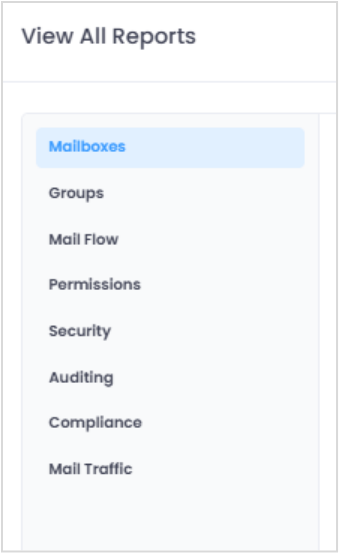
ReportEx is a dedicated reporting and monitoring application that simplifies how organizations track and analyze their Exchange environments, covering both Exchange Server (On-Premises) and Exchange Online (Microsoft 365). Instead of discovering problems after they've already affected your users, you get real-time visibility into mailboxes, mail flow, permissions, and security activity from a single centralized interface.
This section introduces the fundamentals of ReportEx what it does, the problems it solves, and how it fits into your environment, so you understand the product before you move on to planning your deployment.
The Getting Started section consists of the following:
- What is ReportEx? - Understand what ReportEx is, who it's built for, and the kinds of reporting and monitoring tasks it's designed to handle across your Exchange environments.
- Challenges Without a Dedicated Reporting Solution - See the common problems administrators face when relying on native tools and manual scripting, and understand the gaps ReportEx is designed to close.
- How ReportEx work? - Learn how ReportEx connects to your Exchange Server and Exchange Online instances, collects data, and turns it into the reports you use every day.
- Key Features - Explore the capabilities available to you, including report categories, filtering, scheduling, exporting, and multi-environment support.