| Product Documentation
ReportEx
License Activation
Once you're ready to move beyond Demo Mode, activating your ReportEx license is quick and straightforward. This will guide you through the activation process, unlocking full, uninterrupted access to all reports and features without the limitations imposed once the demo period expires. Activating your license ensures ReportEx continues to run seamlessly, giving your organization uninterrupted access.
To activate the license, follow the steps below:
License Activation Process
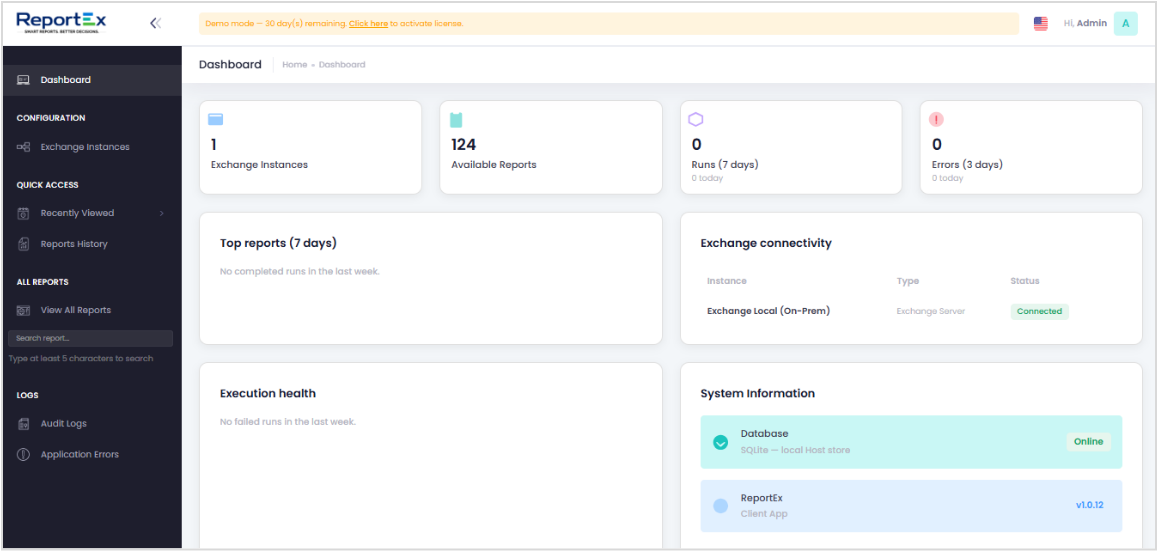
- From the dashboard, click the "Click here to activate license" link found within the demo mode notification banner at the top of the screen.
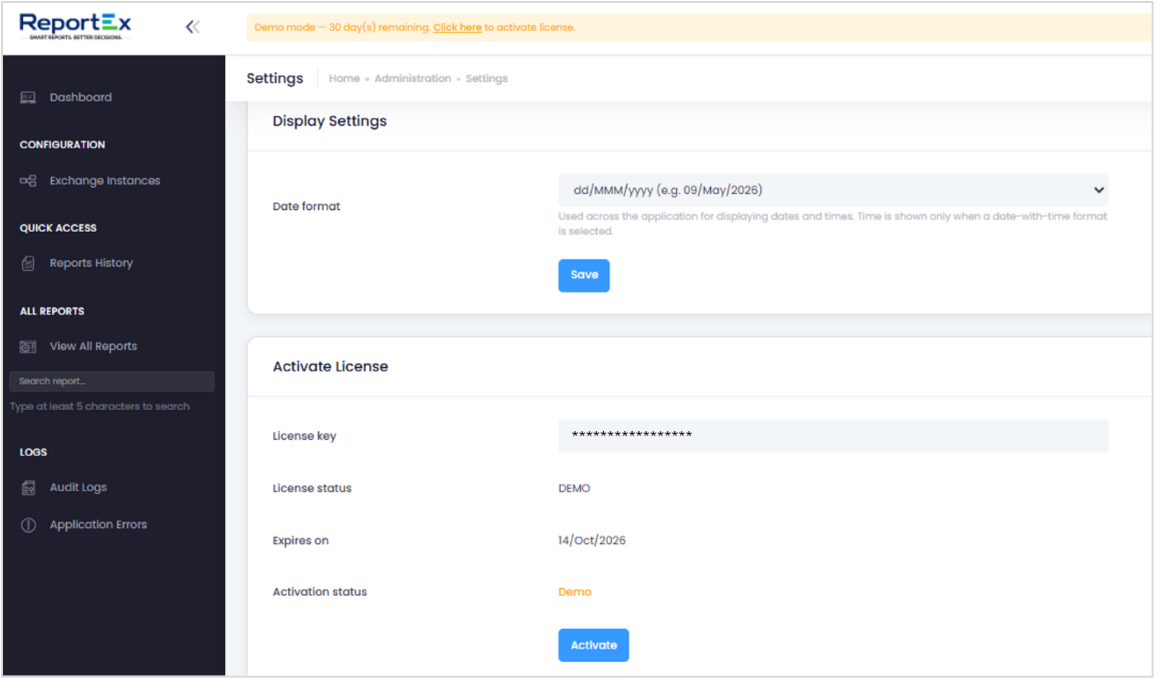
- Select the date format as required.
- Enter the license key and click Activate.
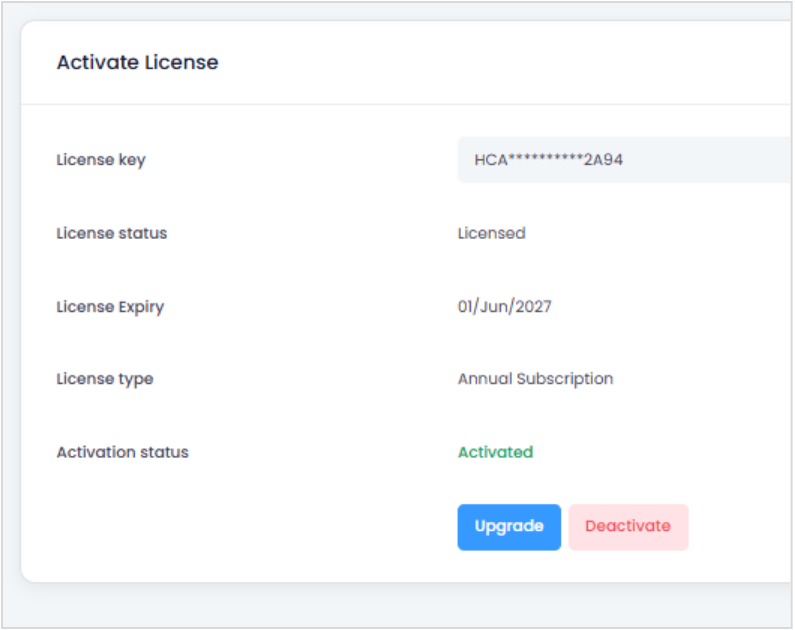
- After successful activation, you can see the Activation Status as “Activated”.