Home > Reseller Manual > Hosting Services > Manage Exchange > Mailboxes
Mailboxes

|
Mailboxes is a sub module of Manage Exchange.
|
To launch mailboxes:
- Log on to hc9 panel.
- From the left menu click Hosting Services, and then Manage Exchange.
A drop-down displays.
- Click Exchange Organizations.
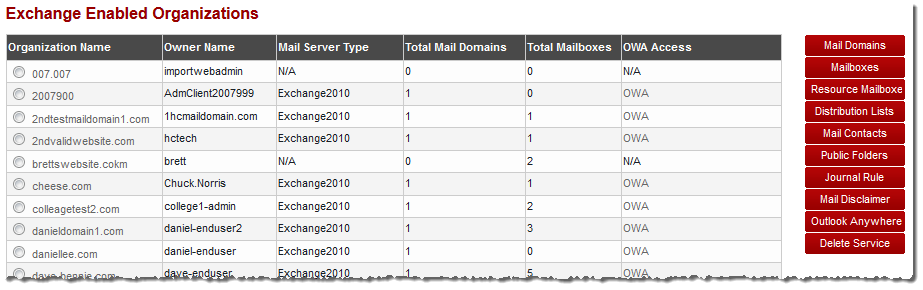
The Exchange Enabled Organizations page displays with Mailboxes option on the right.

|
The Mailboxes option allows you to perform various operations. |
