| Product Documentation
AD Connect Sync
AD Connect Sync Monitoring Tool
It is important that you maintain a healthy synchronization between your local and Cloud Active Directories. Quickly spotting and diagnosing anomalies is the key to success. AD Connect Sync is accompanied by a robust monitoring tool, which not only identifies any bottle necks in the whole process but also makes available visual representations in the form of daily and weekly stats and reports.
Features
Some of the key features of the Sync Monitoring Tool are as follows:
- Monitor multiple sync machines across different Domain Controllers, through a single interface.
- Generate necessary alerts, if communication breaks either from the local AD or from the Cloud side.
- Display system activation status.
- Weekly and daily graphical representation of synchronized data.
- Display number of sync objects in an organization.
- Live view from different AD machines.
- Advanced search filter to view successful/failed events.
Installation Possibilities
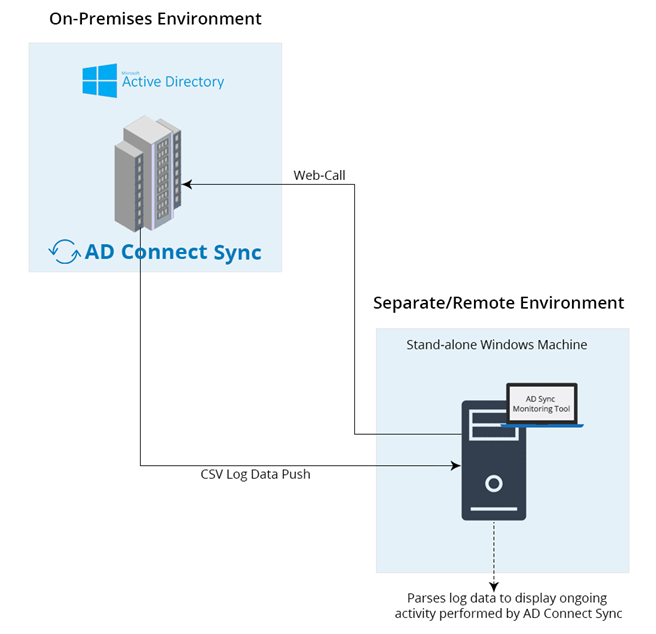
The Sync Monitoring Tool can be installed on any stand-alone Windows machine in a separate/remote environment or on a member domain controller in local or cloud AD.
Therefore it’s not necessary that it is installed on a domain controller machine. The only requirement is that the Monitoring Tool should establish a connection with the machine where the AD Connect Sync utility is installed.
If there are more than one domain controllers in the local AD, all primary domain controllers where AD Connect Sync utility is installed, can be added to the Monitoring Tool. The tool will monitor complete synchronization between cloud and client DCs.
Installation
The monitoring tool can be downloaded from here and installed on any Windows server with the following pre-requisites:
- Any edition of Windows Server 2008 R2, 2012, 2016 x64 platform or 2019.
- It uses SQL Server to host its database. You may use any edition of SQL Server 2008 or above. SQL Server Collation must be SQL_Latin1_General_CP1_CI_AS.
- IIS7 or above
- Microsoft .NET Framework 4.7 or above
To install Active Directory Monitoring Tool perform the following:
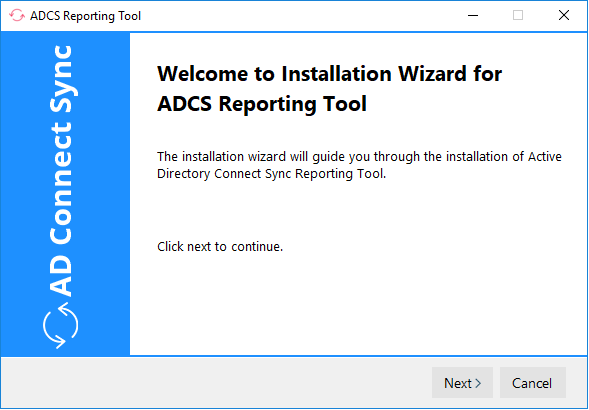
- Run the installer. It shows the welcome screen.
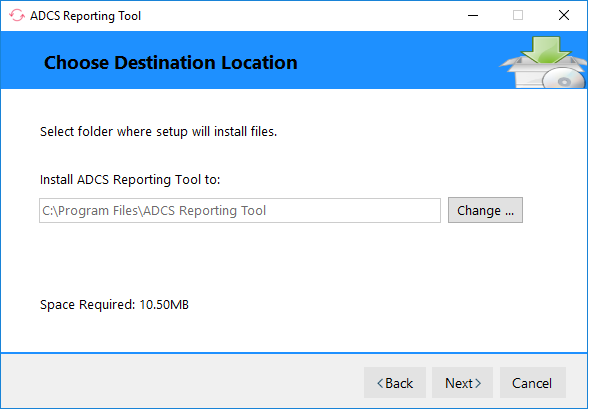
- Select installation path as:
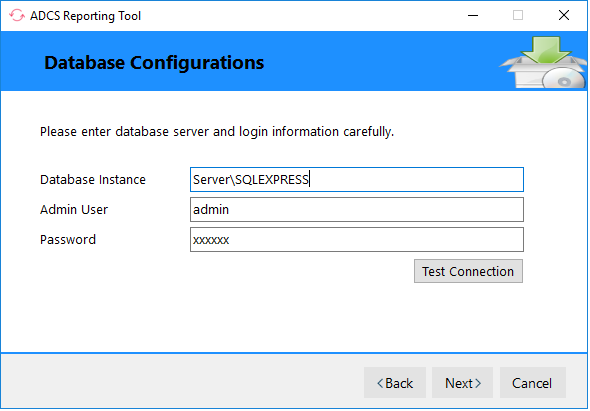
- Now specify database server details as:
Login
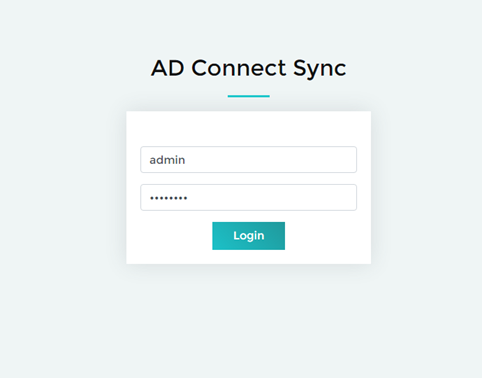
Only the windows administrator of the machine can log into the tool. In case the Monitoring Tool has been installed on a member domain controller, the domain\admin should login.
Dashboard
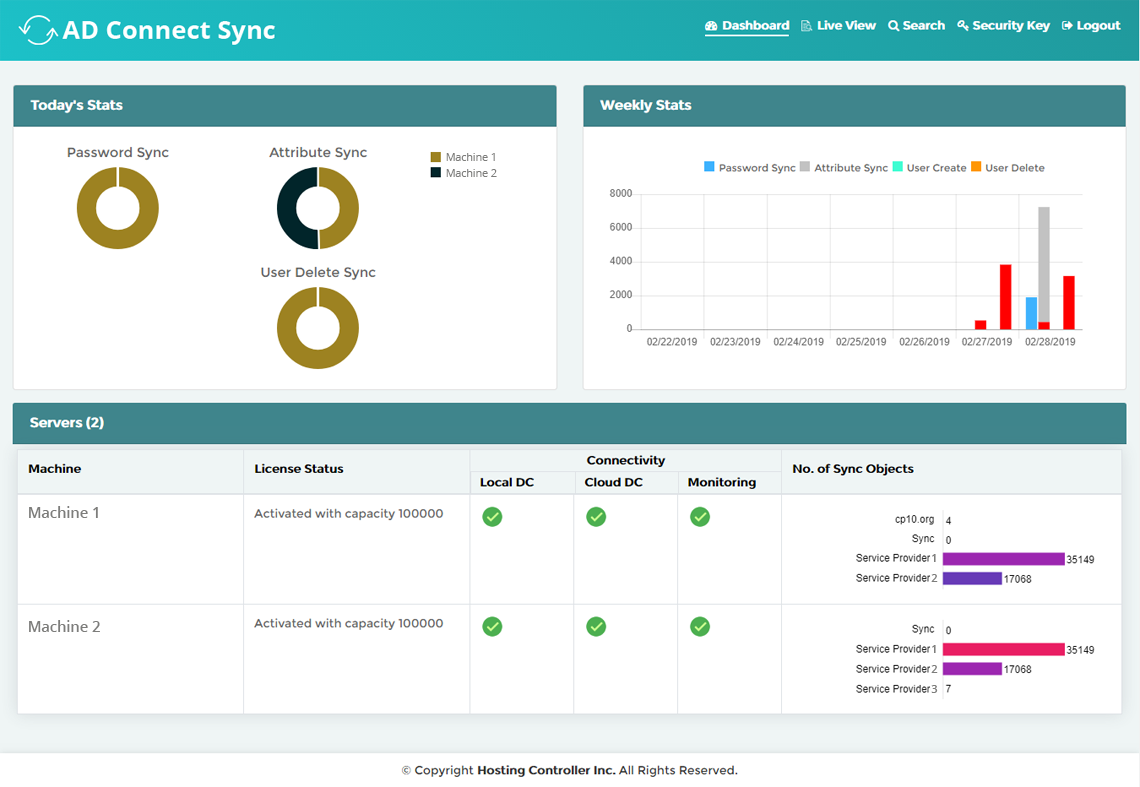
The dashboard presents clear statistics of the synchronized data for the current day and over the current week. It also displays the license activation status of the sync machines in the local DC and the cloud DC. Further it presents a concise view of all the objects synchronized across all organizations.
Live View
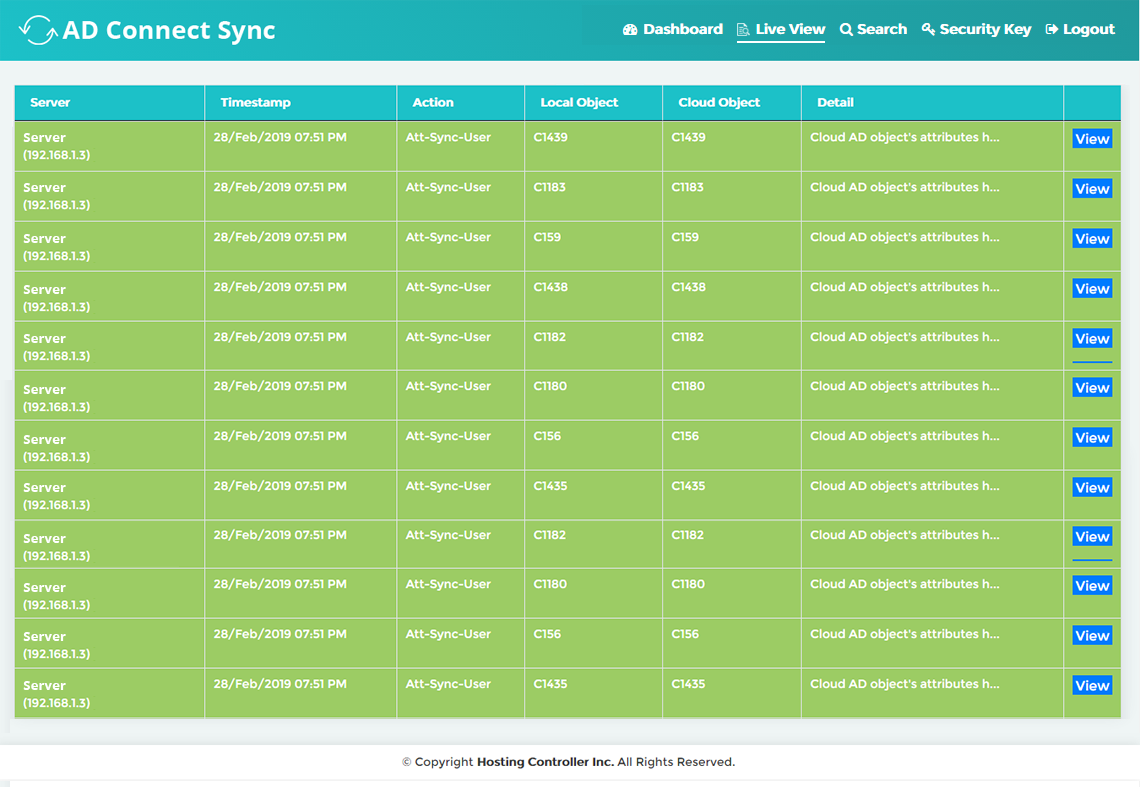
Live View is a real time view of the synchronization process, from different AD machines.
Search
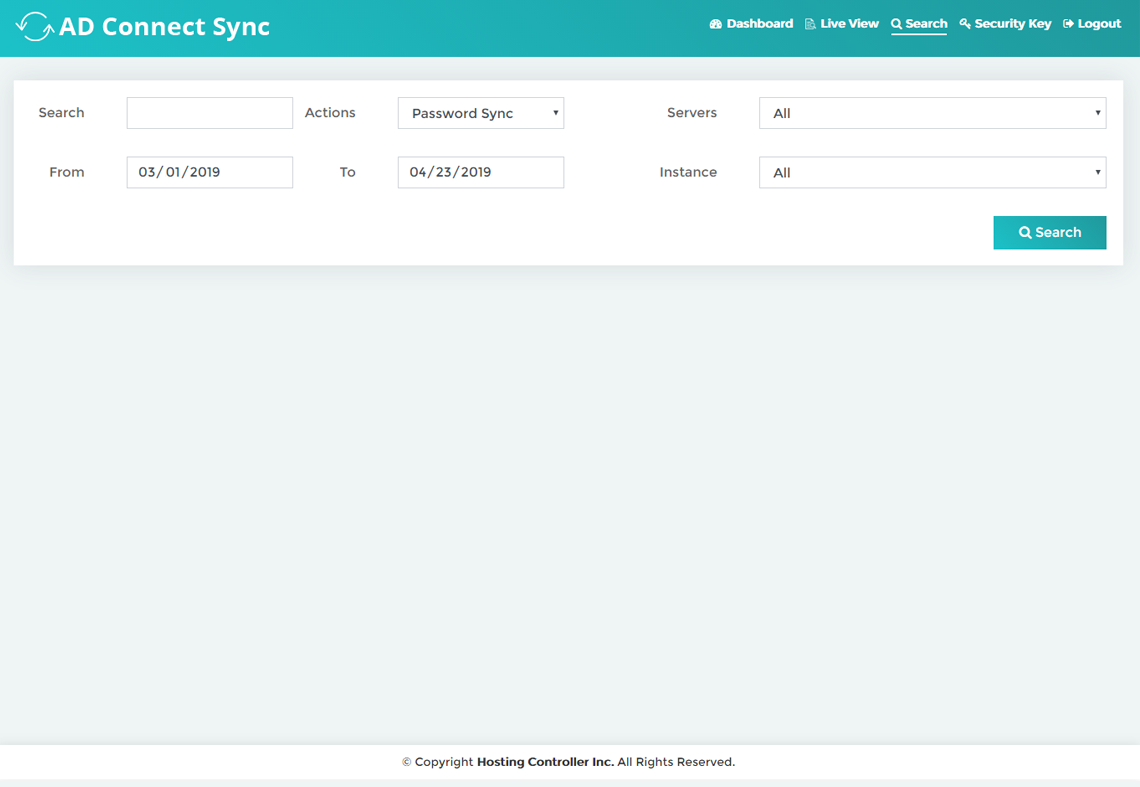
The monitoring tool allows an active search within a specified date range, of the successful/failed events performed from any AD Sync machine. The search can be filtered according to the actions performed, date range, servers and instances.
Security Key
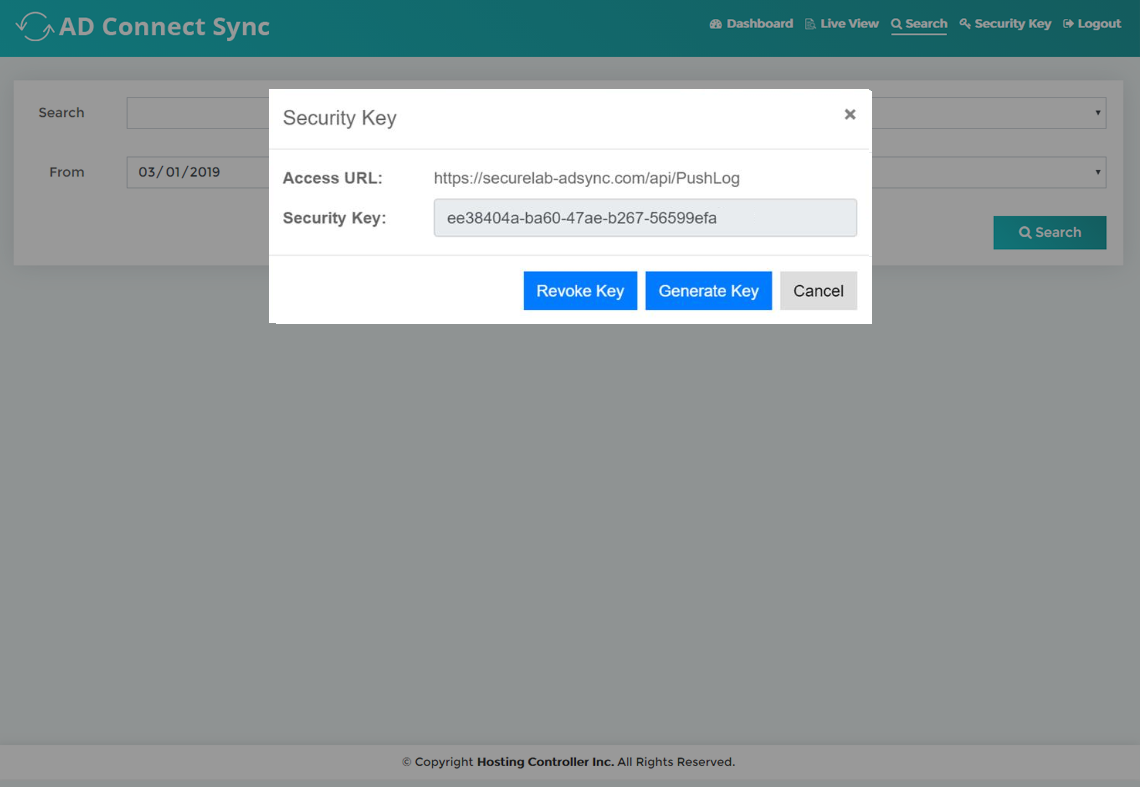
Security key is basically a verification code for allowing secure access to synchronization logs on a specific sync machine. Without providing the key the synchronization logs cannot be fetched/read. The key is inserted in the AD Connect Sync interface on the local DC, where the AD Connect Sync utility is installed.
It is recommended that the Access URL for the utility should be secured with an SSL certificate. Only after securing the URL with SSL, should the security key be provided in the field.