| Product Documentation
AD Connect Sync
Installing HC Directory Synchronization
Installation can be cancelled at any time. To abort installation, click Cancel. At any step, to navigate to previous screens, click Back.
Installation of HCdirSync will be performed only on Client DC, there is nothing to be installed on your hosted Cloud Domain Controller.
- For Windows GUI:
Run HCdirSync.exe on your domain controller.
Installation Wizard will start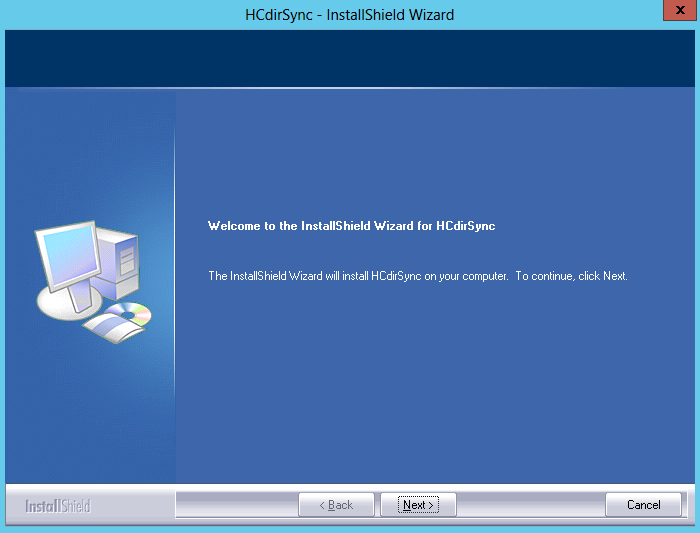
For Windows Core Edition:
Open the Windows PowerShell and execute the AD Sync installer.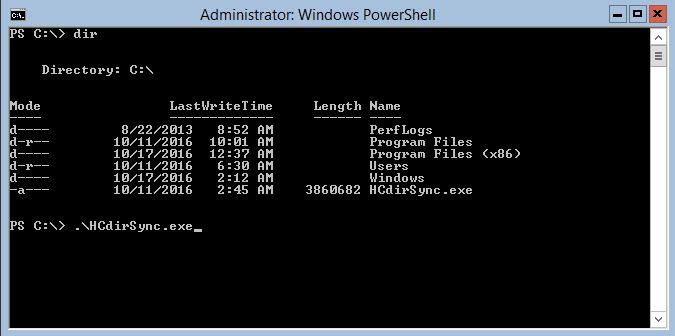
- Click Next.
A License Agreement is displayed.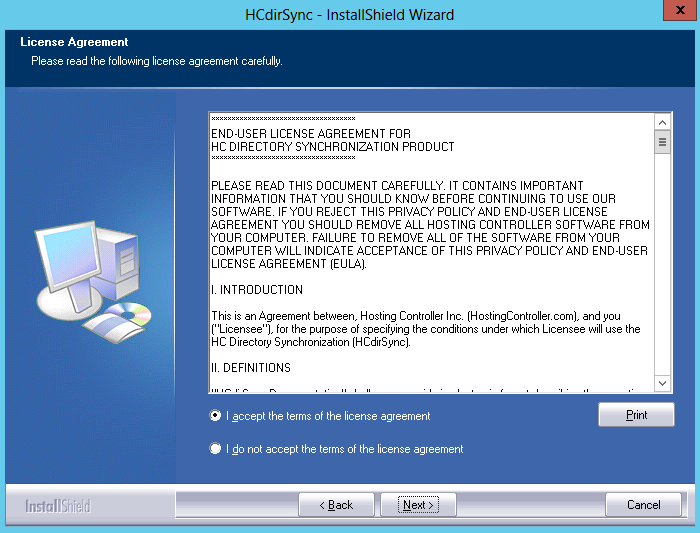
** Read the license agreement carefully. If you do not agree with any of the conditions stated in the license agreement, click I do not accept the terms of the license agreement. It cancels the setup.
** You can also print this agreement, if required. To print the license agreement click Print. - Click Next.
The Destination Location screen is displayed.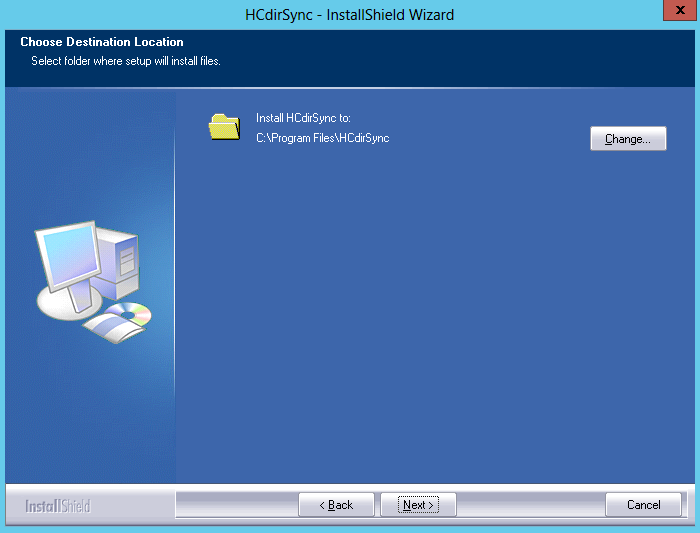
Click Change, to enter an alternate location for the install. - Click Next.
The Domain Controller type screen is displayed.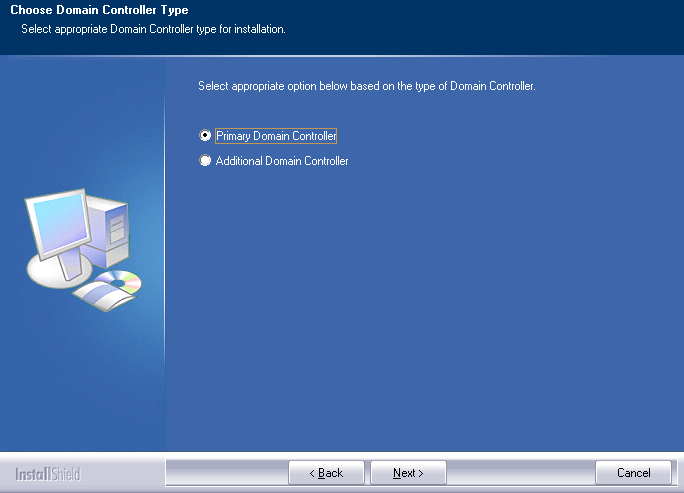
AD Connect Sync utility comes with two installation modes, i.e. primary and secondary. If there are multiple DCs available then ADSync’s primary installation is required on the primary DC, while all the additional DCs will have the secondary installation of ADSync tool. The secondary installation is required to hook the password changes on the additional DCs. - Click Next.
The Ready to Install screen is displayed.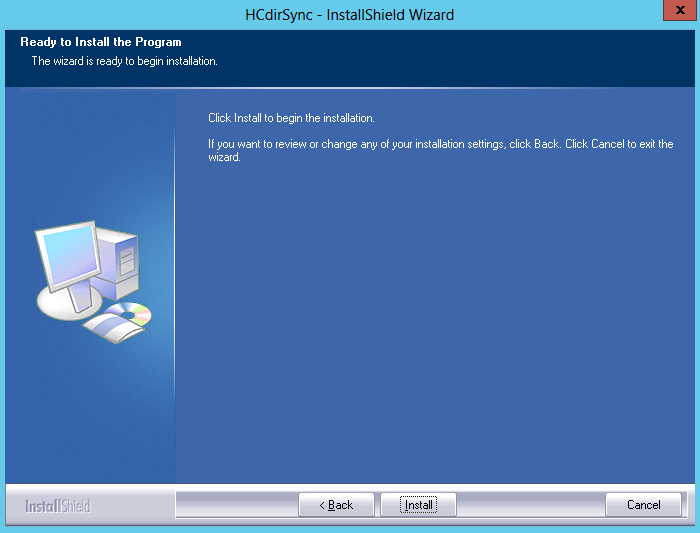
- Click Install. The installation commences.
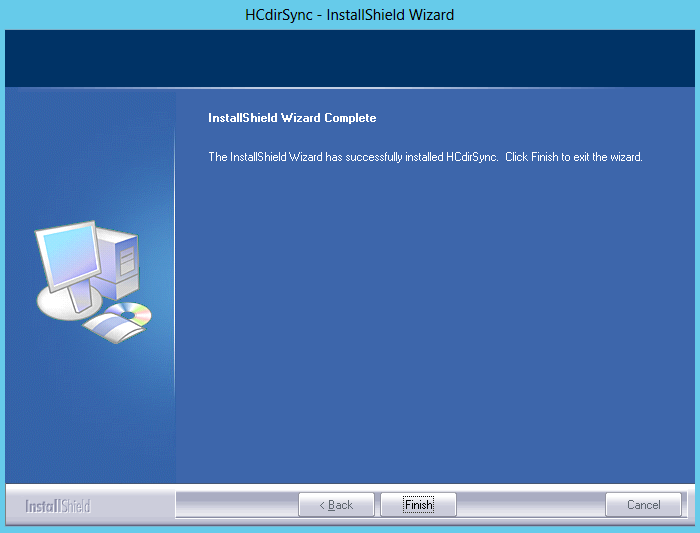
Once HCdirSync is installed properly, hit the Finish button. That's it!