| Product Documentation
Mail Data Migrator
Adding Bulk Mailboxes
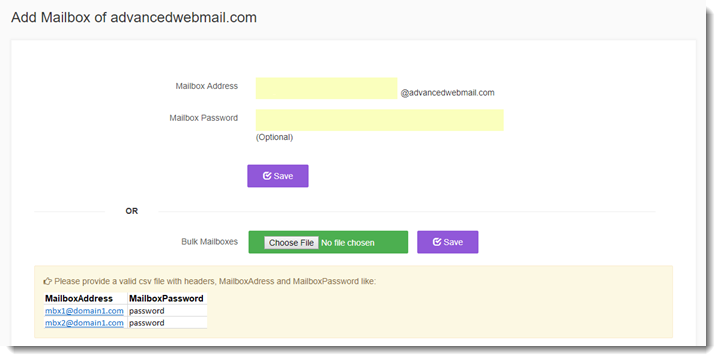
Mail Data Migrator lets you add mailboxes in bulk. A CSV file with headers can be provided for upload in bulk.
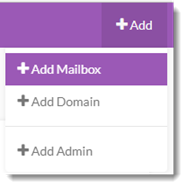
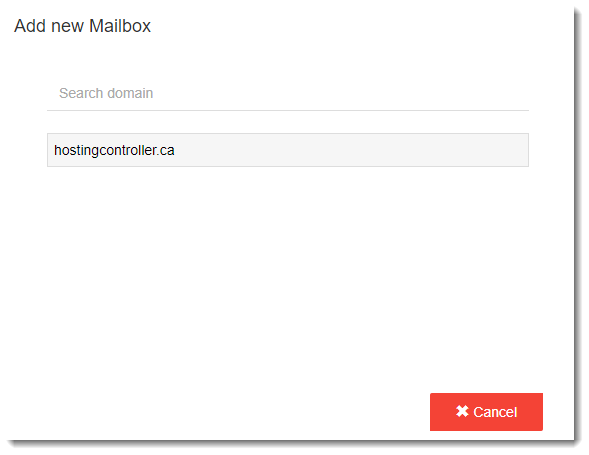
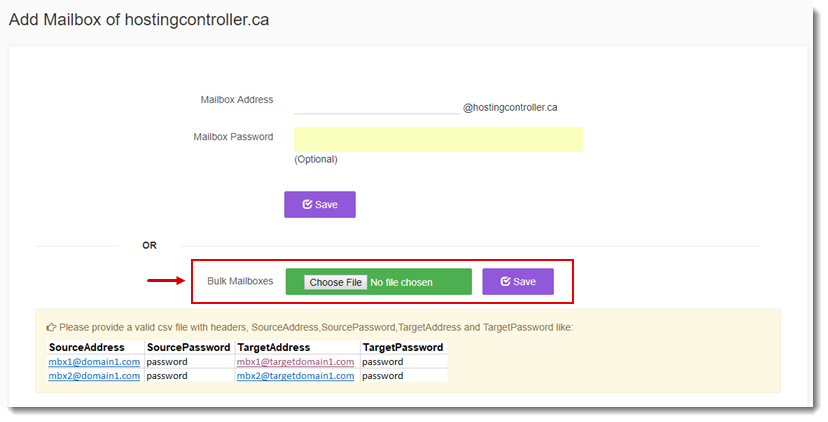
To add bulk mailboxes, click +Add from the top menu and then +Add Mailbox. Select the affiliated mail domain from the listed domains or search required domain from the Search area. For bulk mailboxes, click Choose File and type/select path of CSV file to proceed.
Use Case: Password not available
In some cases, passwords for source and target mailboxes may not be available for the CSV file. The normal format for the CSV file is:
SourceAddress,SourcePassword,TargetAddress,TargetPassword
However if passwords are not available the CSV file looks like:
SourceAddress,,TargetAddress,
If for some reason passwords are not available in the CSV file, Mail Data Migrator will send verification emails with verification links, to all the source mailboxes in the bulk CSV file. Clicking the link redirects to the Mail Data Migrator login screen. The user can then input the email address and a valid password at the login to pass on a valid password to Mail Data Migrator. The procedure works as follows:
- Verification email
- Login with credentials
- Verify mailbox for target server
- Mailbox credentials verified
For Exchange Mail Server
In case of migration to Exchange, Add Bulk Mailboxes screens are slightly different than its counterparts as: