| Product Documentation
Mail Data Migrator
Managing Users
The Mail Data Migrator users are administration users. They exist in its database. To manage users, click Users from the top menu.
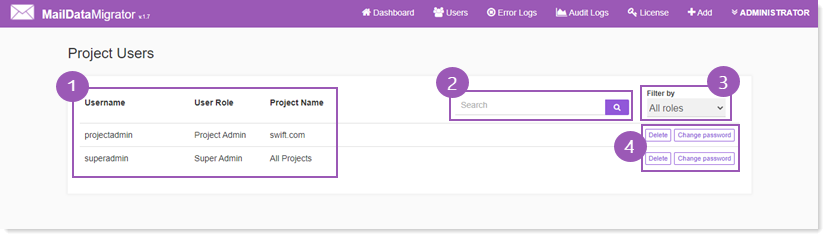
Information Area
This section shows existing users with some additional information as:
** User Role - shows assigned role of the user such as Super Admin/Project Admin.
** Project Name - shows name of the project.
Search Area
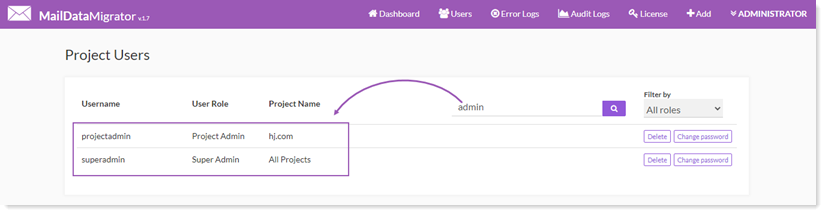
To search any user, type its name in the search area, select its role and click  or press Enter.
Role Selection List
This list shows all the available roles of a user as:
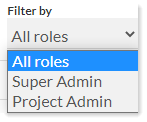
Super Admin: The Super Admin is a superior admin with more privileges. It can view all mail domains and perform a number of other tasks. There can be more than one Super Admins in the system and all of them possess the same level of privileges.
Project Admin: The Project Admin has less privileges than the Super Admin and can only view his own mail domain. Just like Super Admins, there can be multiple Project Admins in the system and all of them possess the same level of privileges.
| Super Admin Capabilities | Project Admin Capabilities |
|
Super Admins can perform following tasks: • View all mail domains and their current state |
Project Admins can perform following tasks: • View only his own mail domain and its current state • Upload mailboxes in bulk to his mail domain |
Actions
This section allow users to perform various actions as:
Delete
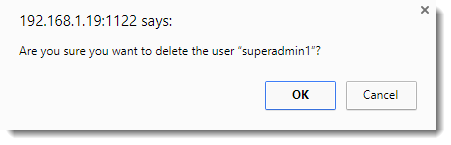
To remove any user from the list, click Delete.
Change Password
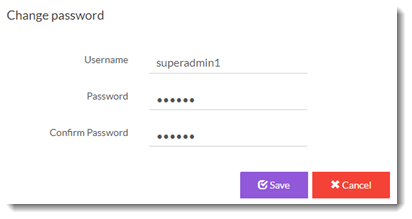
To modify password of any user, click Change Password.