
| Product Documentation
Mail Data Migrator
Viewing Error Logs
Error Logs capture and present all the exceptions generated during the various migration processes. They spawn when the Mail Data Migrator scheduler runs and are stored in the Mail Data Migrator database. Subsequently they are fetched from the database and displayed in the panel interface.
To view list of errors, click Error Logs from the top menu.
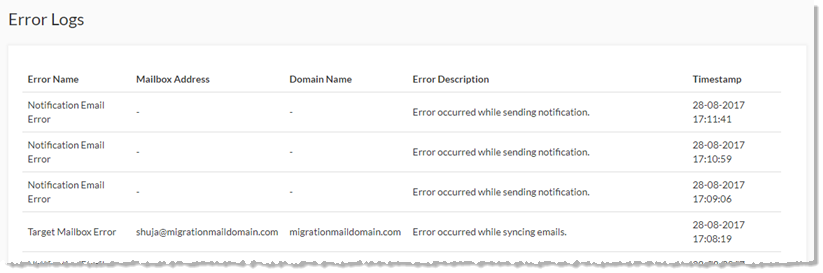
Error Logs page shows list of all the errors occurred with some additional information as:
** Error Name - shows name of the error.
** Mailbox Address - shows mailbox address.
** Domain Name - shows domain name.
** Error Description - shows brief description of the occurred error.
** Timestamp - shows time when the error occurred.