| Product Documentation
Efflux Migrator
Installation Guide
The section is intended for all those who are in anyway involved with the installation and configuration of Efflux.
For a quick and smooth installation, please follow all the steps as stated. Prior to installing Efflux, remember to view its pre-requisites.
Steps to Install
Download Efflux and follow the steps as stated:
- Run the installer, an installation wizard is shown.
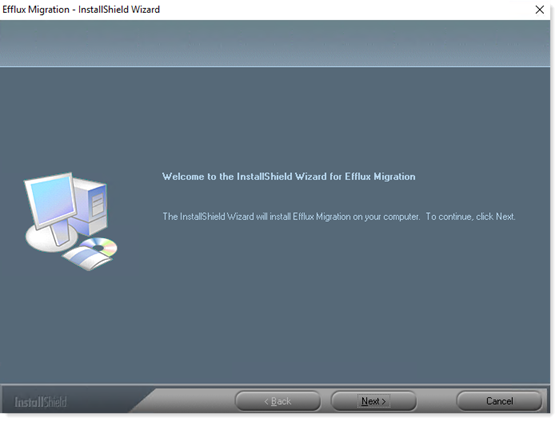
Click Next to proceed. - Accept the terms of license agreement.
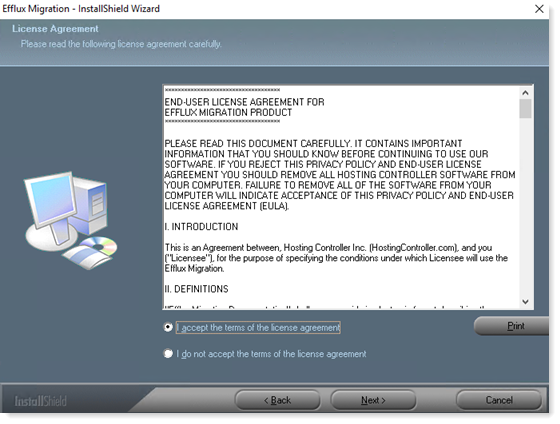
Click Next to proceed. - This shows the default folder where Efflux Migration is installed. To modify the path, click Change.
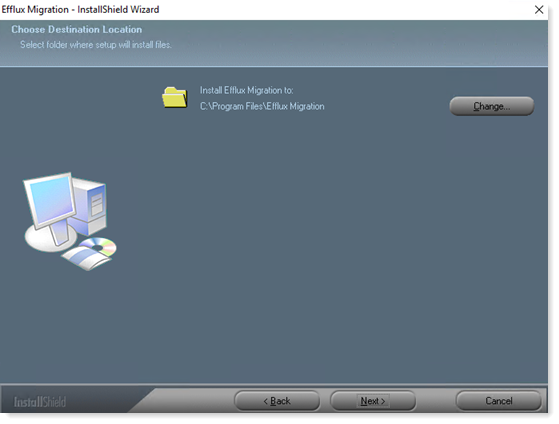
Click Next to proceed. - To change or review any of your installation settings, click Back or Cancel otherwise.
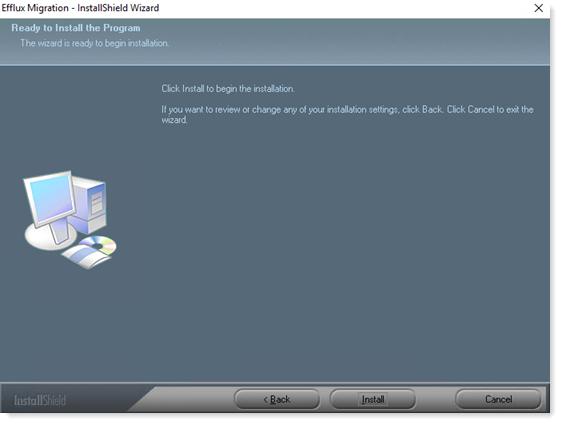
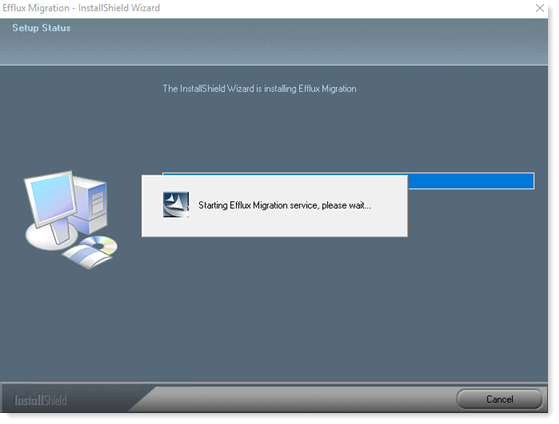
Click Install to proceed. - Please wait till installation process finishes.
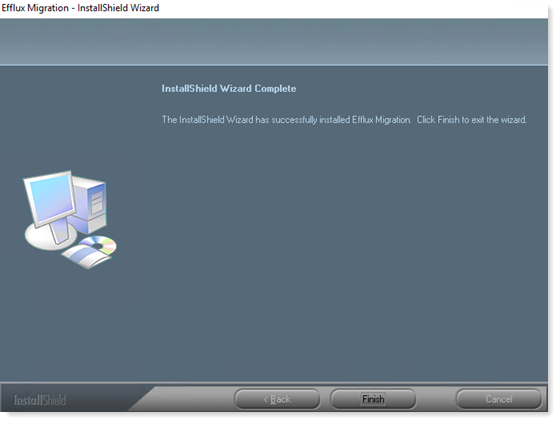
- Efflux Migration is installed successfully, click Finish to complete the installation process.