| Product Documentation
Efflux Migrator
Migration
Migration is the most vital section of the migrator. It enables the migration of mailboxes individually or in bulk. It permits selection of an accepted domain and the subsequent migration of its mailboxes.
Migration can be done in a few simple steps. Following is the Migration path:
- Click Migration tab
To run the migration Click the Migration tab.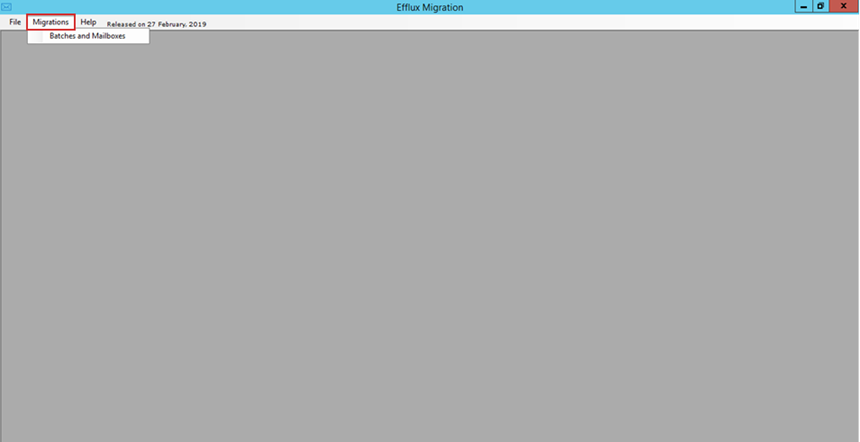
- Migration interface opens
It opens the Migration interface.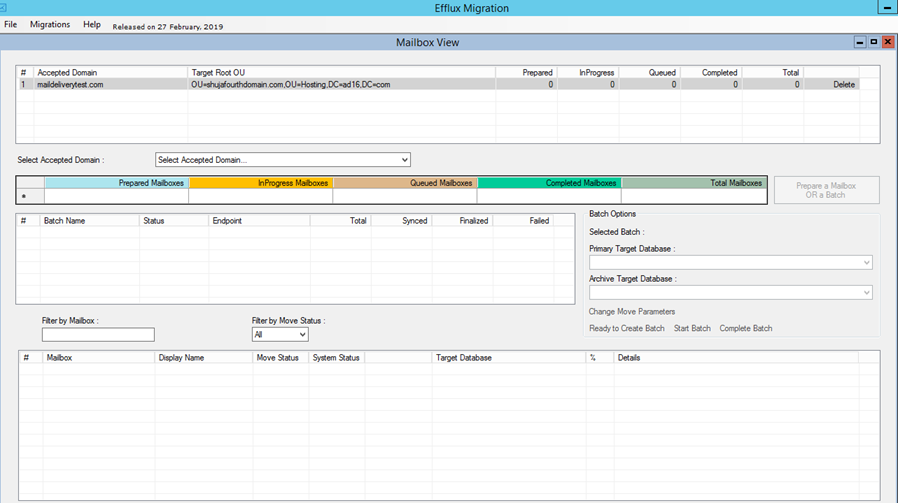
- Select Accepted Domain
To migrate mailboxes select an accepted domain.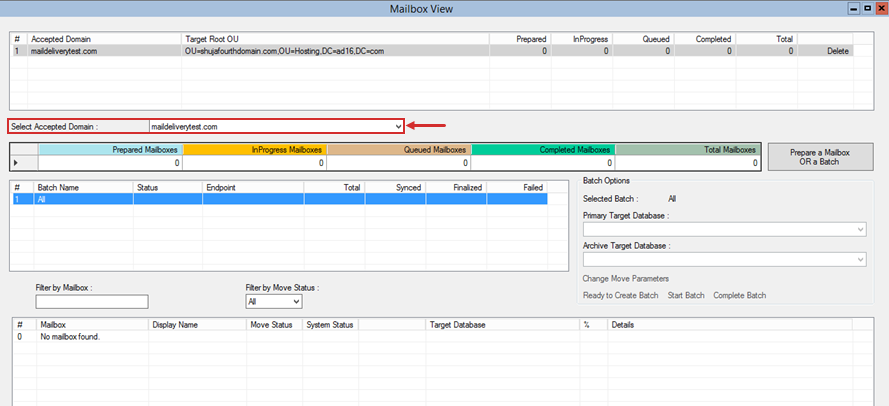
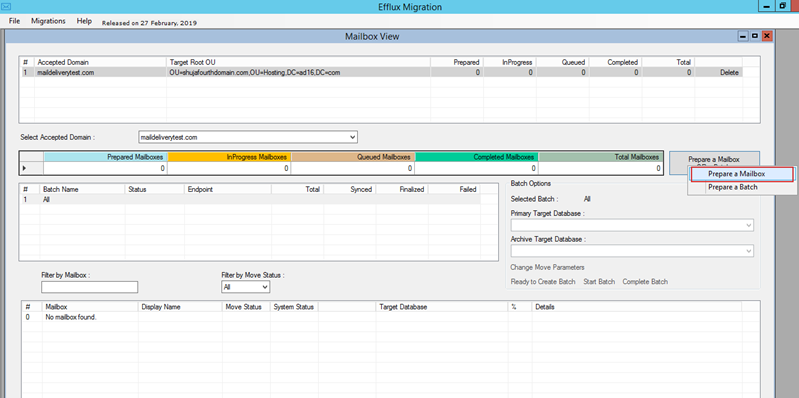
- Migrate mailboxes individually or in bulk
Now you can migrate mailboxes individually or in bulk.