
| Product Documentation
AD Self Service Portal
Login Screen
To log on to AD Self-Service Portal enter the admin site for the portal (e.g. https://yourdomain.com: 8778) in the browser and specify the following details:
- Email: Type in the User Principal Name (UPN) of your Active Directory user.
- Password: Type in the password.
Alternatively, you may also authenticate through Azure. To sign in with Azure credentials, the user must exist in Azure Active Directory.
Click Login to proceed.
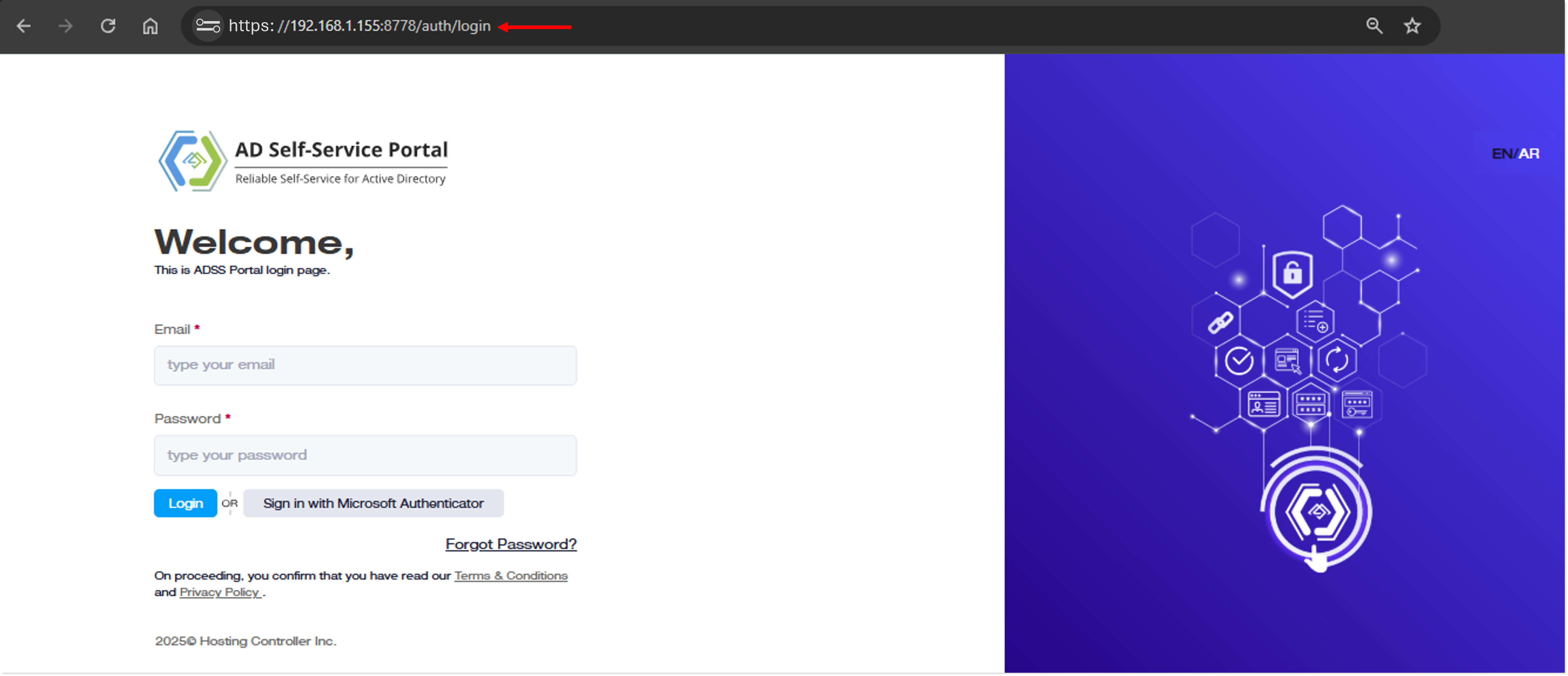
- EN/AR: This allows users to switch languages between English and Arabic.
Large numbers shown anywhere in the GUI will be separated with commas after every three digits (thousands) e.g. 1,000.