| Product Documentation
AD Self Service Portal
Enrollment Process
The enrollment process is the sequence through which AD users can register themselves for self-service.
Before enrolment, users must exist in the Active Directory. They can either be created manually or through the ADSSP.
An AD user can enroll itself into ADSS portal by following the below steps:
- Open the user URL for enrollment. The URL should look something like https://yourip:8778/client/login.
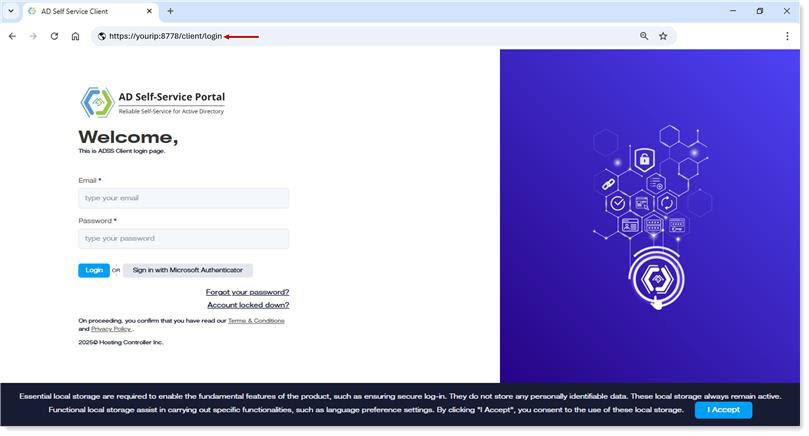
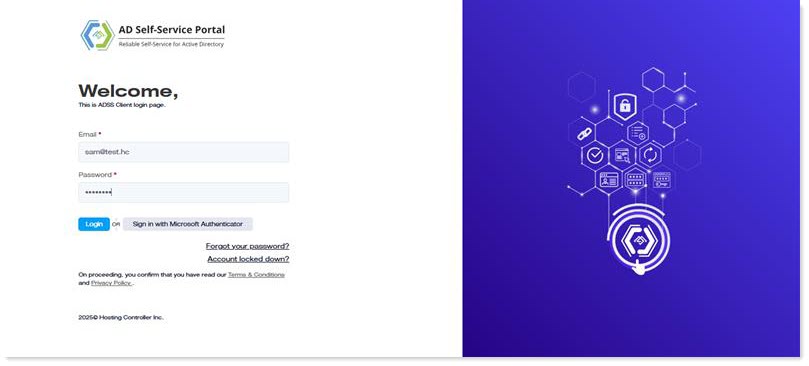
- Log in to the ADSS Client with your AD credentials. The credentials include your UPN and password. Alternatively, you may also authenticate through Azure. To sign in with Azure credentials, your user must exist in Azure Active Directory.
- If your administrator requires verification through all listed MFA methods, you must complete each available method before you can enrol for self-service.
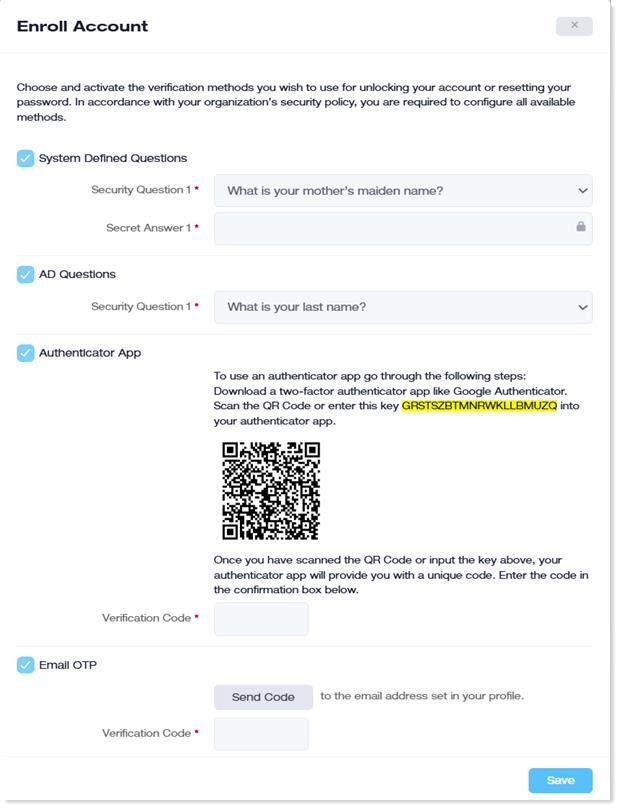
- if your administrator allows you to verify yourself with any of the listed MFA methods, you can choose any of the following methods to verify your identity.
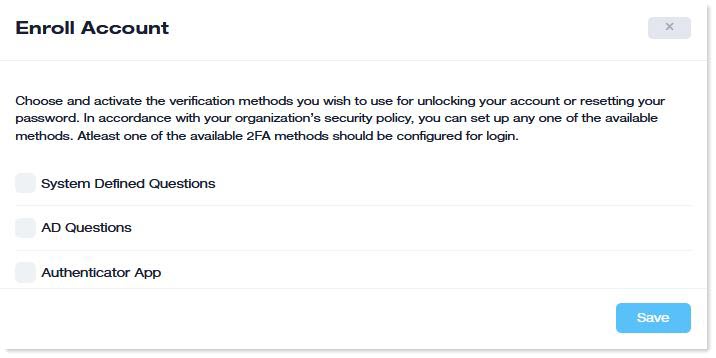
If the 2FA toggle is enabled for any of the listed methods, users must authenticate themselves with both the authentication factors (UPN/password and OTP) at client login. - After successful authentication, you will be enrolled, then re-login to the client interface.
- After that, you can change your password, update your user profile, and update your profile picture.
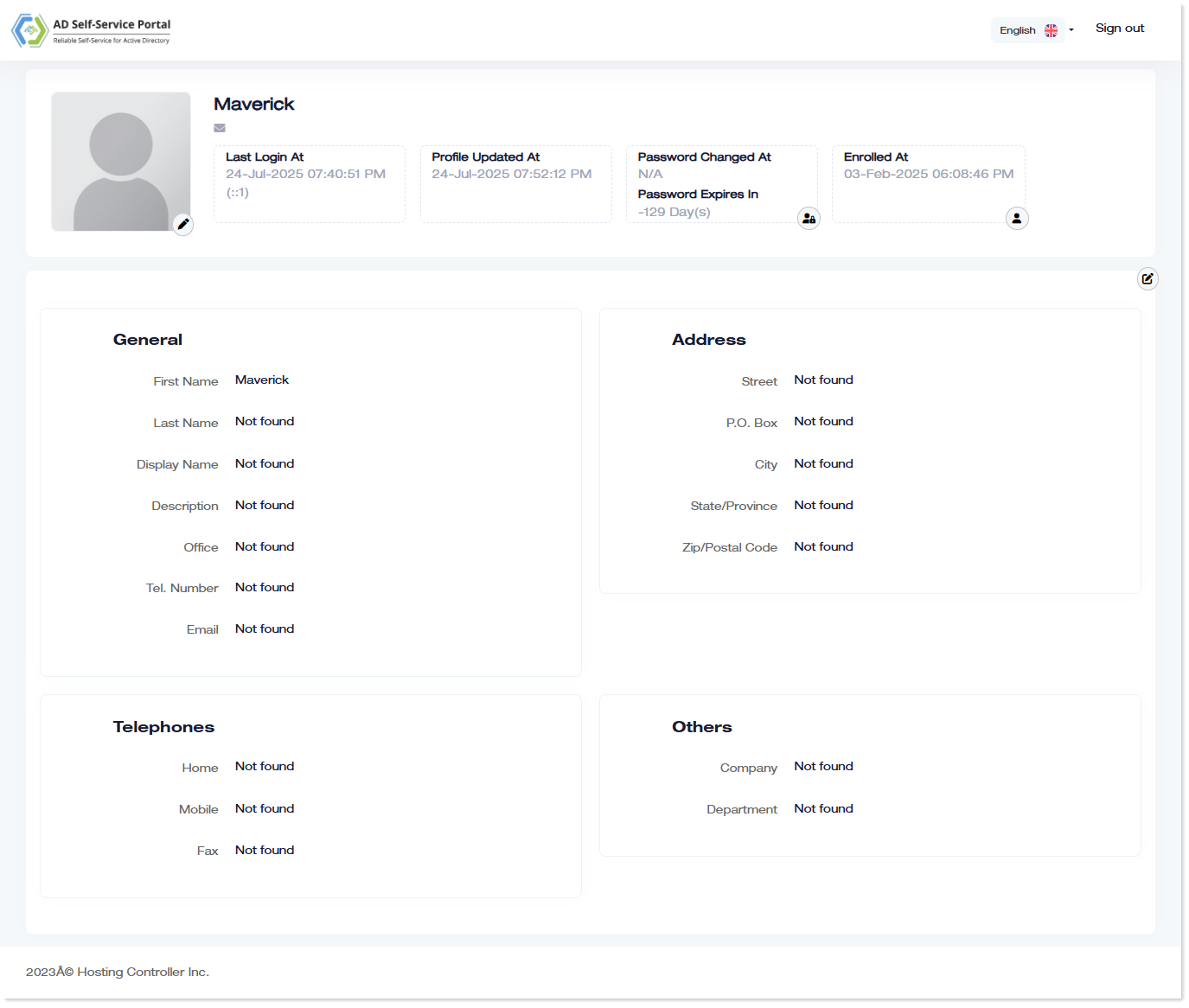
- You can also unlock your account if it is locked.