| Product Documentation
AD Self Service Portal
ADSS Portal Installation
The ADSS Portal can be installed on a standalone server or a domain-member machine. This machine will serve as the control server for the solution. The control server can either be a physical or a virtual machine.
Installation Process
To install the ADSS Portal, you must run the installation using system administrator privileges.
To install ADSS Portal download the installer and follow the steps as stated.
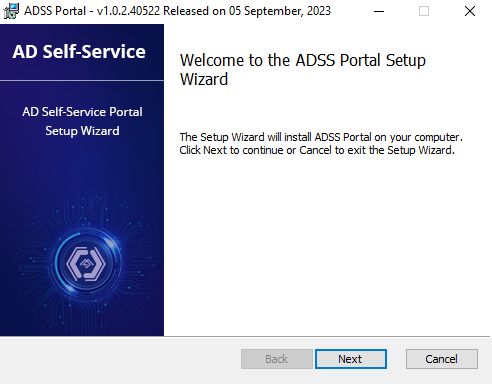
- Run the ADSS Portal installer, it opens an installation wizard, click Next on the welcome screen to proceed.
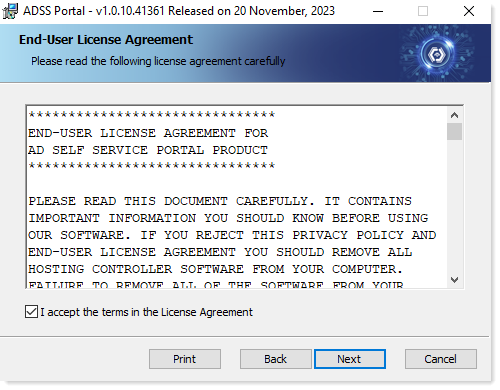
- Read the license agreement, click "I accept the terms in the license agreement" and click Next to proceed.
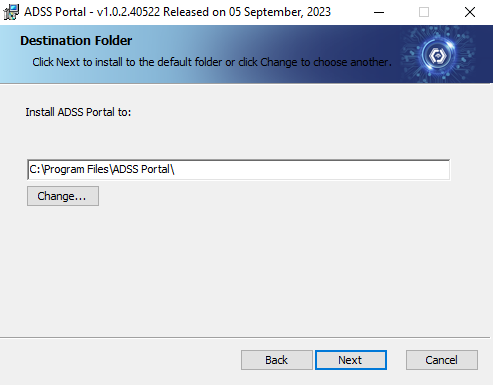
- Select the installation path and click Next to proceed.
- Select the required cluster type and click Next to proceed. Choose the option “Connect to an Existing Cluster” only if you are installing on a second Control Server machine for High Availability purposes.
All the Control Server machines should have the same ADSSP build.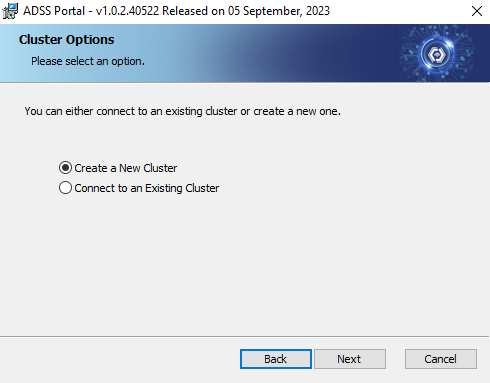
- Select the required database type and click Next to proceed. Select the option “Use a Blank Database” if you have manually added a database in SQL Server.
ADSS Portal hosts its database in Microsoft SQL Server.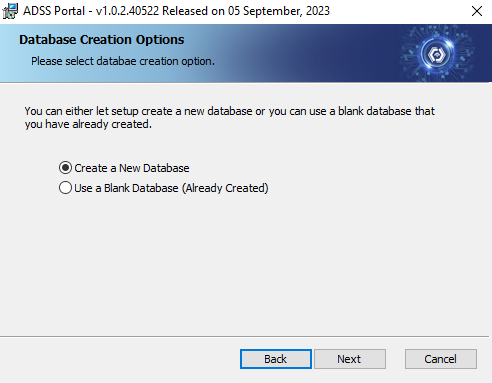
- Type database server connectivity information and click Next toproceed. Specify the “Database Server Name or IP”, “Database Name”, “Database Admin User” (username), and “Password".
Database credentials are not required if you are connecting to an existing cluster.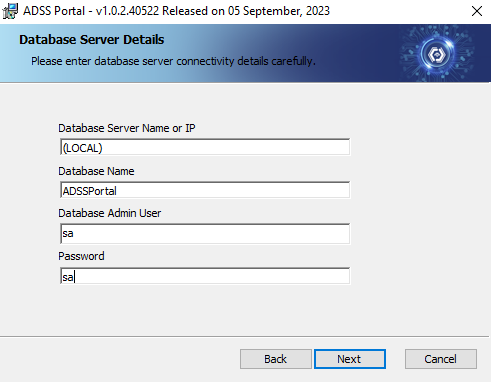
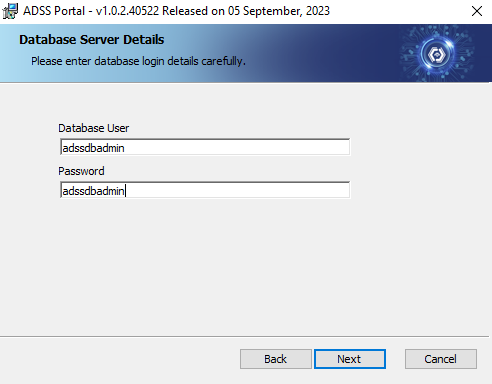
- Type database login details like username and password. Click Next to proceed.
- Type domain controller connectivity details. Click Next to proceed
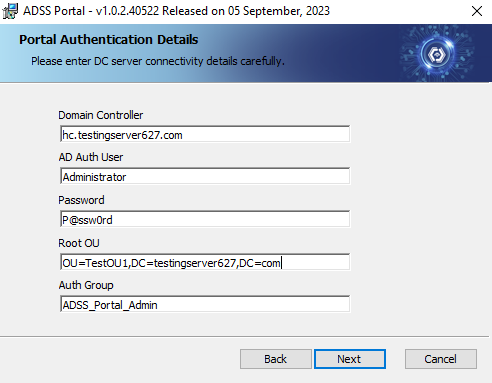
- Domain Controller: Type either an IP address or FQDN of the DC.
- AD Auth User: Type Domain Admin account credentials.
- Root OU: Specify the location where Portal Admin & Entity Admin Auth Groups (Security Groups) will be created by ADSS Portal.
- Auth Group: Give the security group for the Portal Admin.
- Click
 to genrate the security key and save it for the future use. Check the checkbox to ensure that the security key is copied and secured. Click Next to proceed.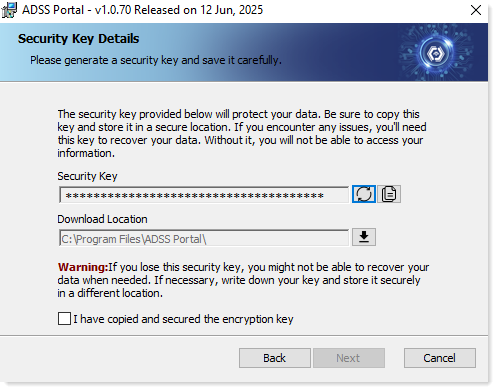
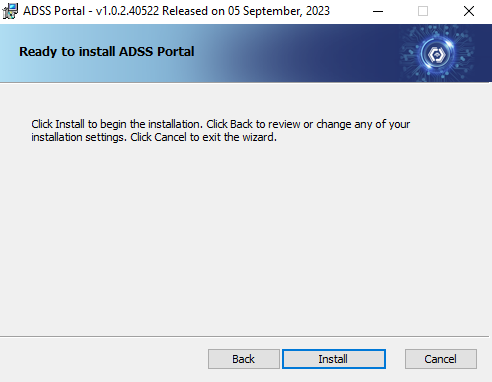
- Click Install to start the installation process. It may take a few minute.
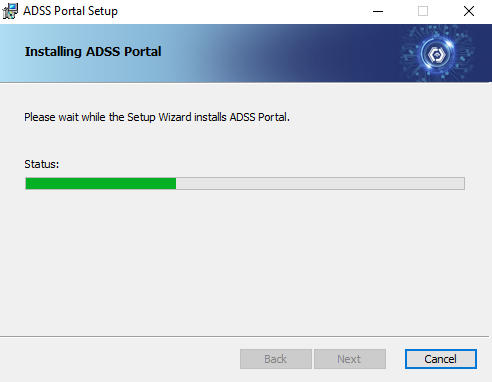
- Click Finish to complete the installation of ADSS Portal.