| Product Documentation
AD Self Service Portal
Unlock Account
As a security measure, ADSSP blocks enrolled users after a specified number of failed login attempts. Users are blocked in both the ADSSP interface and Active Directory at the back end. If an AD user is locked out, they can regain access by using the ADSSP account unlock option.
There are two primary lockout scenarios:
- Active Directory (AD) Lockout: Users may be locked out after multiple failed login attempts made directly through Active Directory at the back end.
- ADSSP Client Lockout: Users may be locked out after multiple failed login attempts made through the ADSSP client interface.
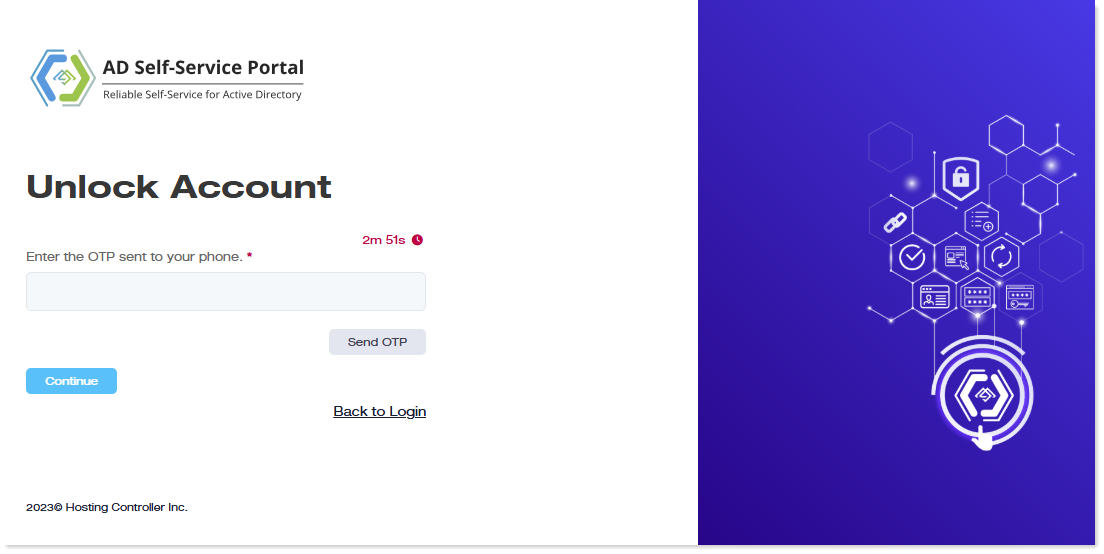
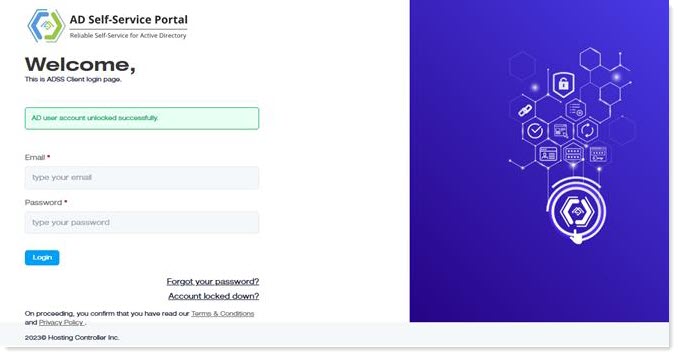
In the first case, they can regain access directly by using the ADSSP account unlock option. Depending on the MFA method specified by the ADSSP admin, they can verify their identity and unlock their account.
However, in the second scenario (where the account is also locked within ADSSP), the ADSSP administrator must first manually unlock the account through the admin interface. After this, the user can verify their identity using the configured multi-factor authentication (MFA) method and complete the account unlock process from the client interface. Alternatively, the account will remain locked for the duration specified in the lockout policy and will be automatically unlocked once the defined time period has elapsed.
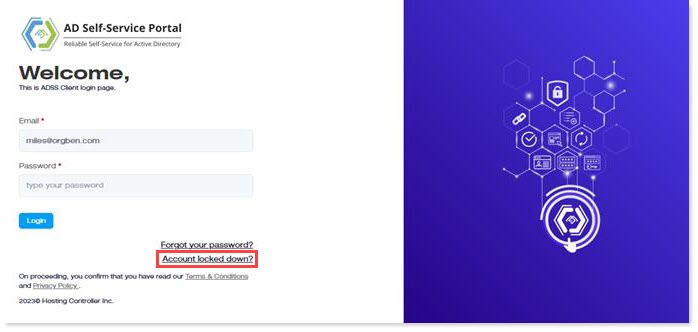
To unlock an account, click the ‘Account locked down?’ link on the client login screen.
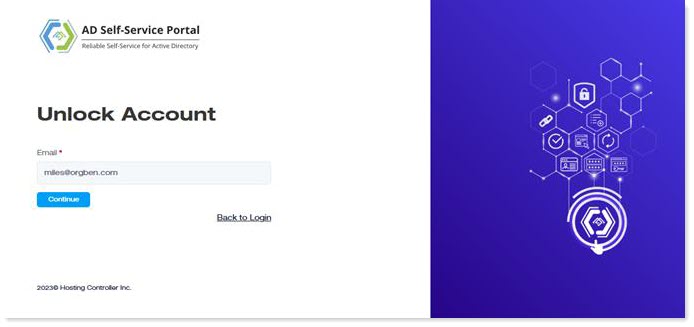
On the next screen, enter the email again and click the Continue button.
Then, depending on the MFA method specified by the admin, verify your identity to unlock your account.