| Product Documentation
AD Self Service Portal
Manage Password
With ADSSP, Active Directory users can manage their own passwords without needing to contact the IT department. The platform offers self-service capabilities that enable users to securely update their passwords as needed. Users can either reset their passwords through the ADSSP client interface or change them at the login screen if they have completely forgotten their passwords.
Reset Password
If a user is already enrolled in ADSSP, they can log in to the client interface to reset their password.
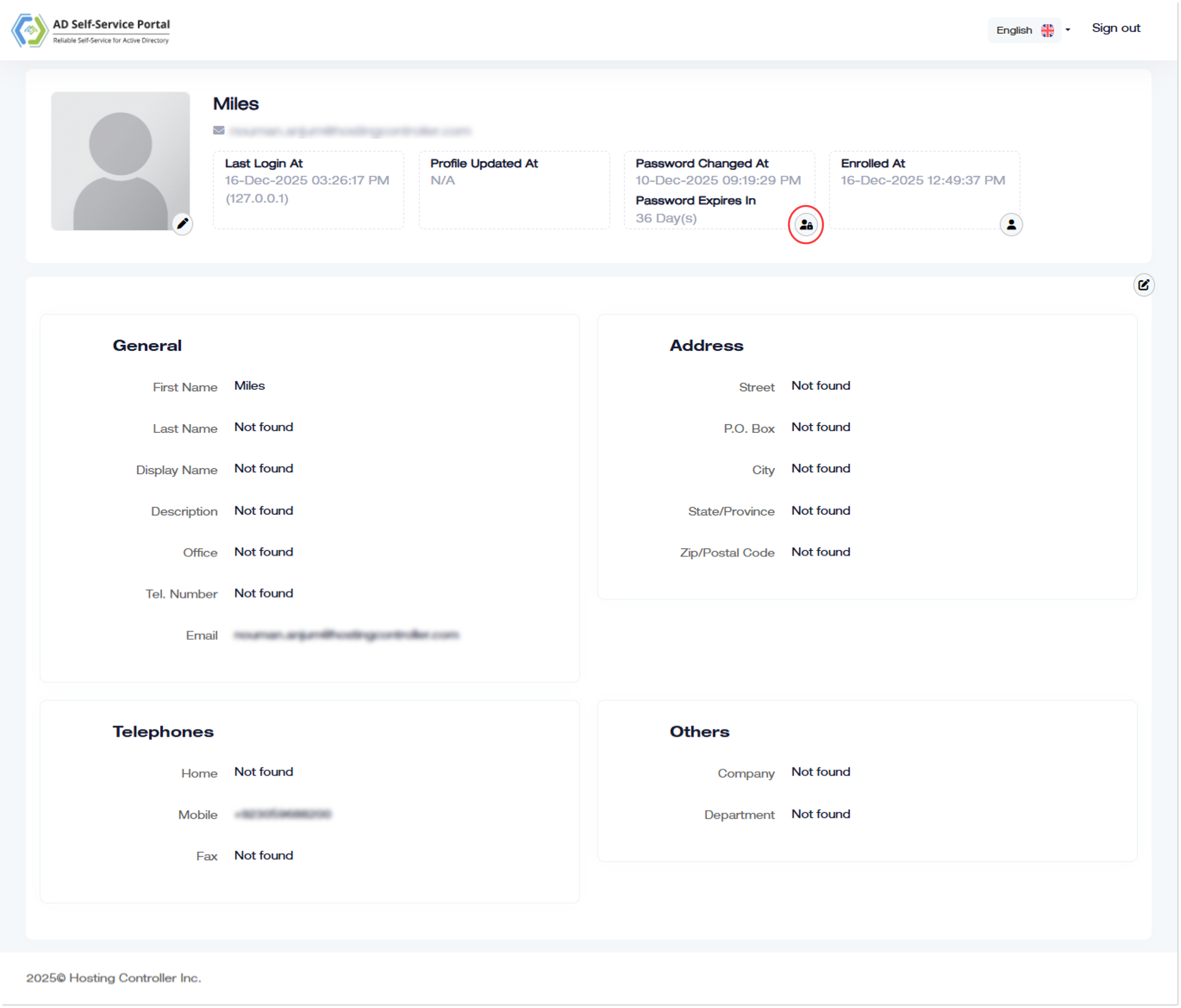
To reset the password, log in to the client interface and click  .
.
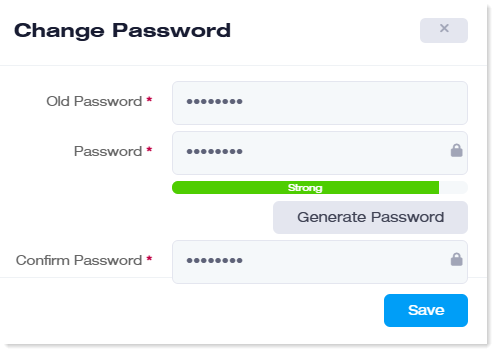
- Old Password: Type previous password.
- Password: Type new password.
- Generate Password: To generate auto password, click Generate Password.
- Confirm Password: Re-type new password for confirmation.
Forgot Password
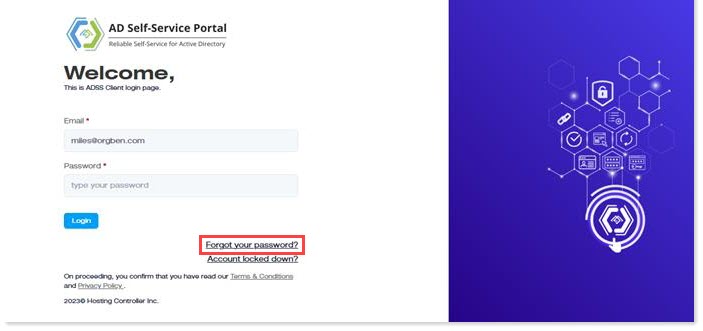
If the user has forgotten their password, they can change it at the login screen by clicking the "Forgot Password" button.
To change the password, click the ‘Forgot your password?’ link.
On the next screen, enter the email again and click the Continue button.
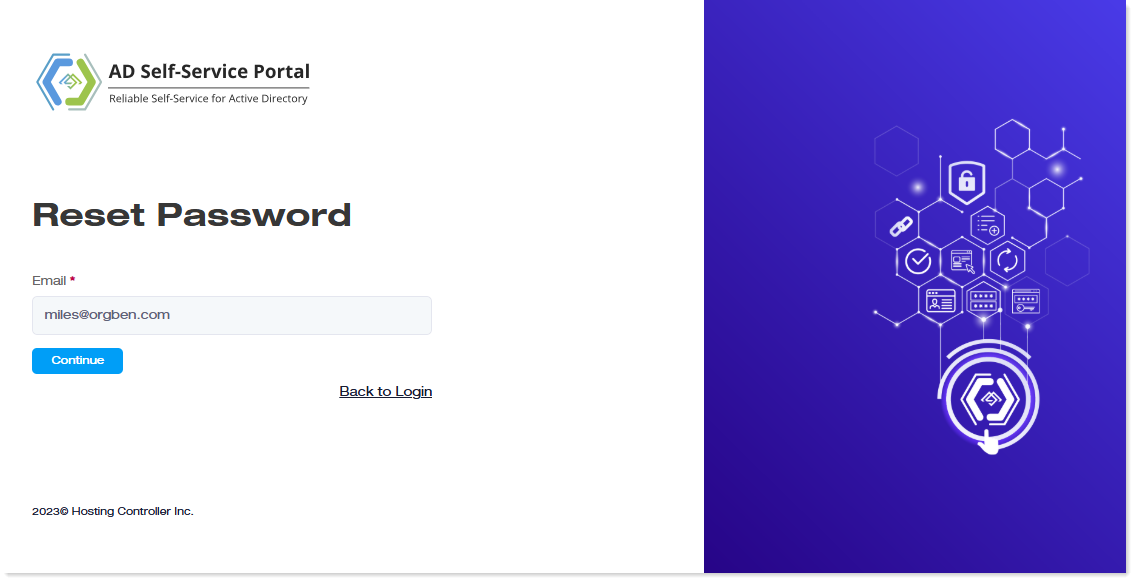
Then, depending on the MFA method specified by the admin, verify your identity to reset your password.