| Product Documentation
AD Self Service Portal
Enrolling by Answering System Security Questions
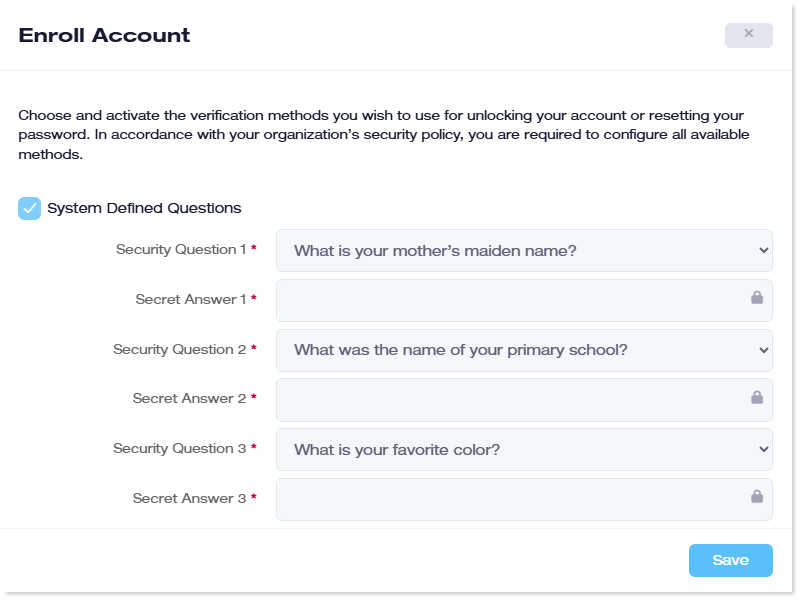
Active Directory users can enroll themselves for self-service by answering system-defined security questions. System-defined questions are ADSSP-defined questions (like what is your favorite color?). The questions and their answers must be defined before users can enroll.
The following are the steps the AD user should follow when enrolling by answering system-defined security questions:
- Open the client interface.
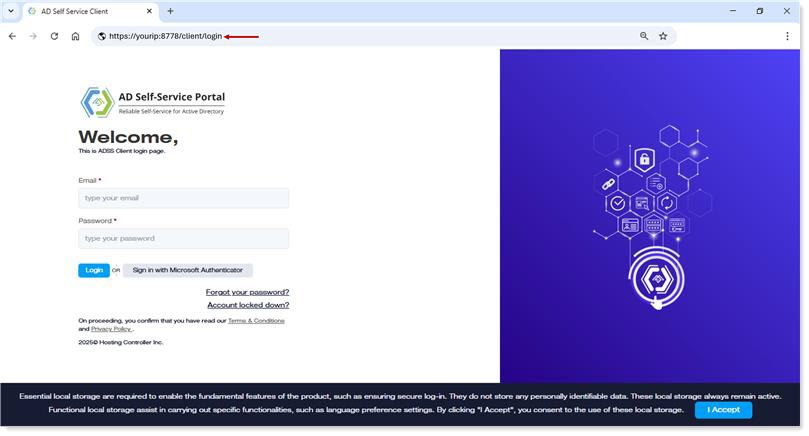
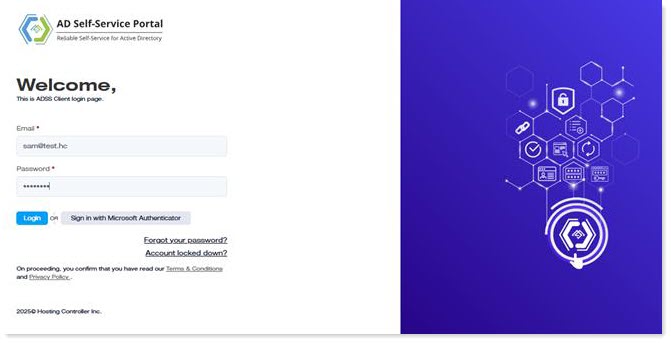
- Log in to the ADSS Client with your AD credentials. The credentials include your UPN and password. Alternatively, you may also authenticate through Azure. To sign in with Azure credentials, your user must exist in Azure Active Directory.
- On the next screen, choose the system-defined security questions and their answers. Remember the answers to the questions, as correct answers will be required in the future to reset your user password or unlock your account.
- Your user will be enrolled for self-service.
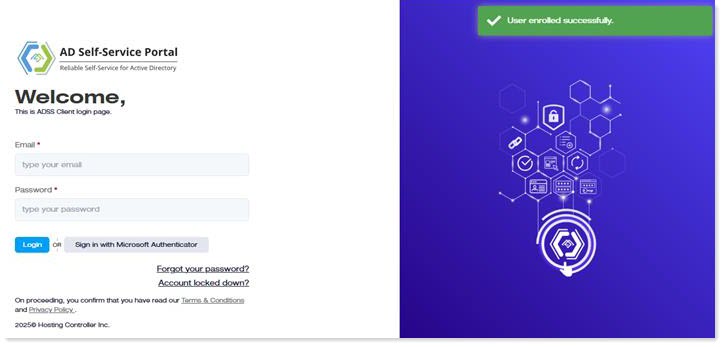
- Re-login to the account.
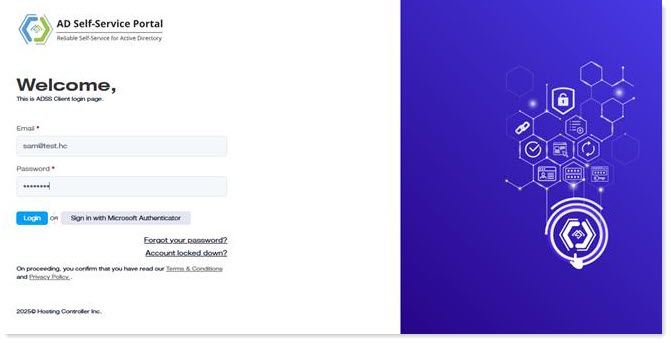
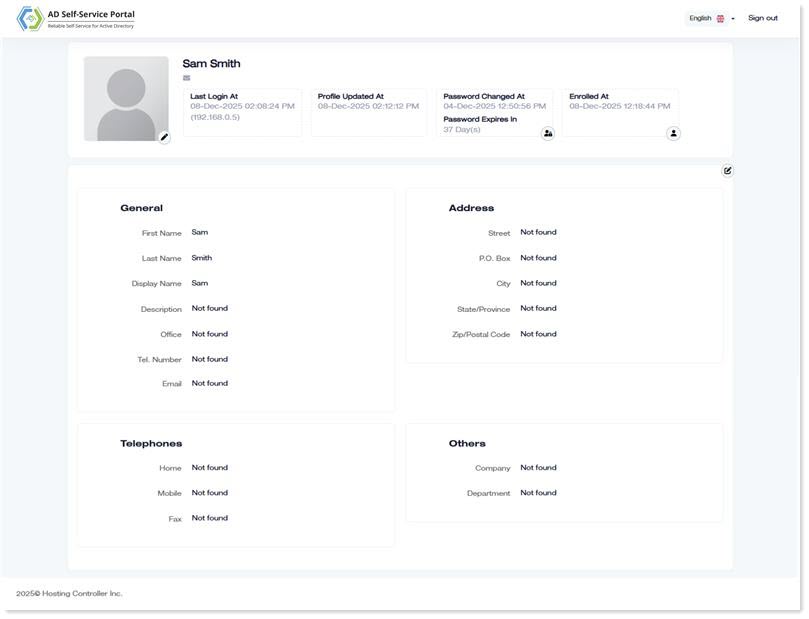
- Now you can update your user profile, change your password, or update your profile picture.