| Product Documentation
AD Self Service Portal
Lockout Users
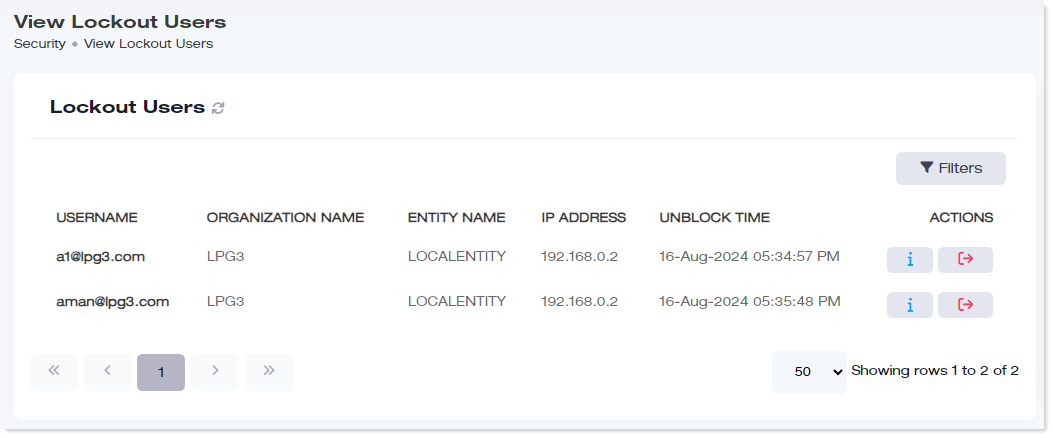
Users locked out due to the Lockout Policy are routed to this section. These enrolled users have been locked out due to unsuccessful login attempts. They remain in this section till a certain time or until unlocked by an admin.
To manage lockout users, navigate to the left menu, under the Main section, and click Lockout Users
|
View Lockout Users page shows following information:
|
Search a Lockout User
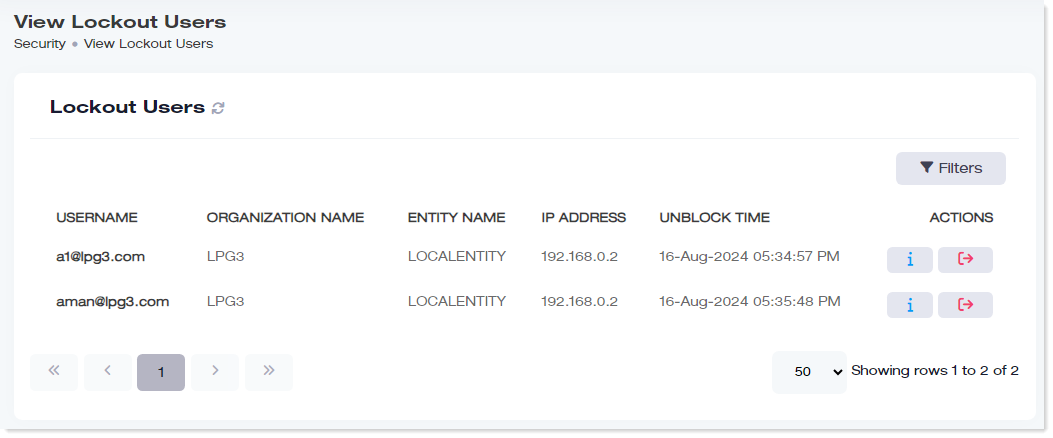
To search any lockout user, click Filters. Specify name to search the required enrolled user.
View Details
To view details, click  under Actions column.
Delete Lockout Users
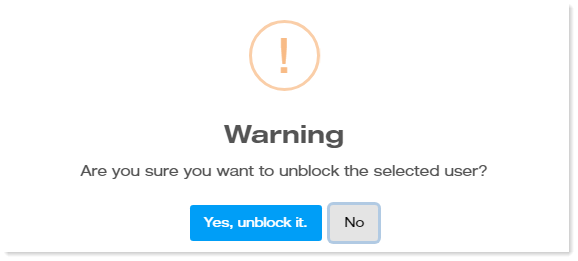
To remove lockout users, click  under Actions column.