| Product Documentation
Hybrid Control Panel (v10)
Managing user's Skype server pools
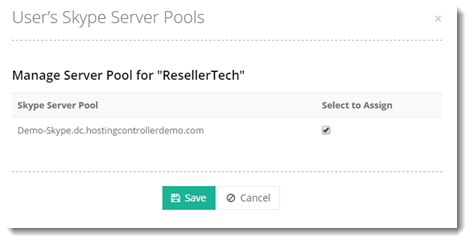
When a Skype for Business user is enabled for Skype for Business Server 2015, it must be homed on a Registrar pool. This pool is responsible for authenticating the user and for keeping track of its current status and location. Certain customers can be assigned selected Registrar pools through HC. These Customers would then only have the assigned Registrar pools at their disposal.
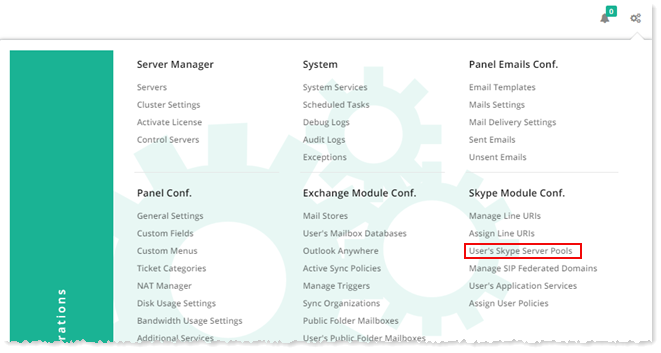
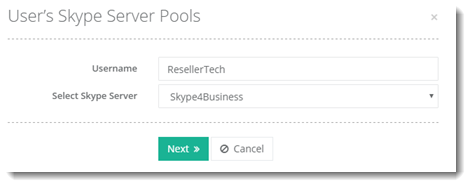
To manage user's Skype Server Pools, from top right corner of your screen, click  and then go to Skype Module Configuration >> User's Skype Server Pools.