| Product Documentation
Hybrid Control Panel (v10)
Installing click and install apps
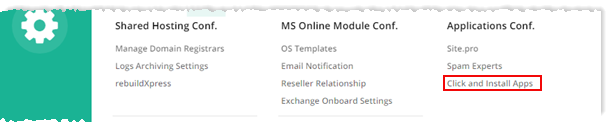
To install click and install apps, from top right corner of your screen, click  and then go to Application Configuration >> Click and Install Apps.
Fields marked in red are required fields and cannot be left empty.
With New Setup
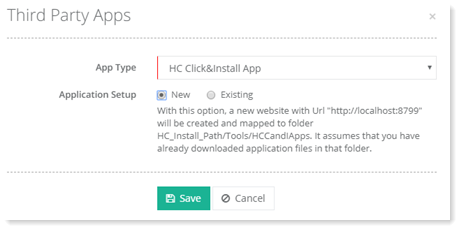
To install third party applications with new setup, select type of application from drop-down list box and then New to proceed.
With Existing Setup
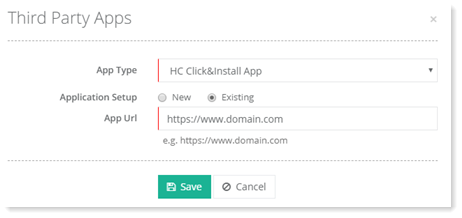
To install third party applications with existing setup, select type of application from drop-down list box and then Existing to proceed.