
| Product Documentation
Hybrid Control Panel (v10)
Viewing VM Resource Usage Report
This report provides comprehensive visibility into virtual machine performance across the Hyper-V cluster. This report captures resource consumption over the past 24 hours, including CPU utilization, memory (RAM) allocation, storage usage, and associated IP information for each VM.
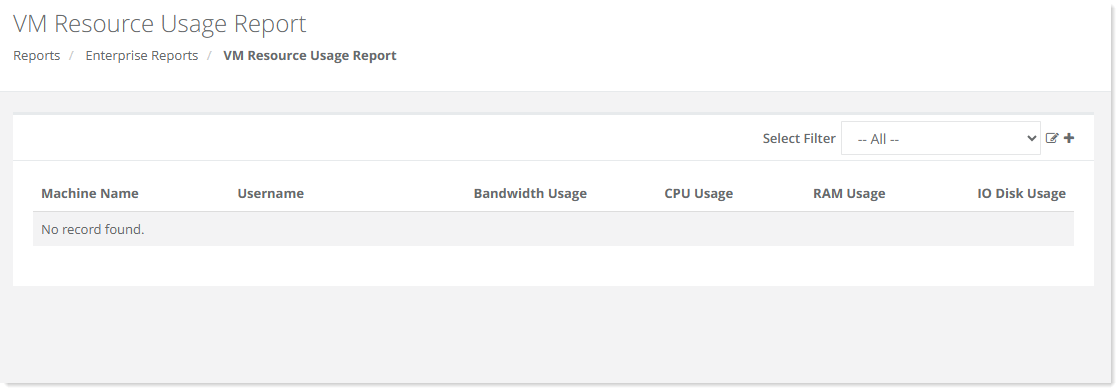
To view VM Reource Usage Report, go to Reports >> VM Reource Usage Report and click View under VM Resource Usage Report section to proceed.
|
VM Resource Usage Report page shows additional information as:
|