| Product Documentation
Hybrid Control Panel (v10)
Viewing Exceptions
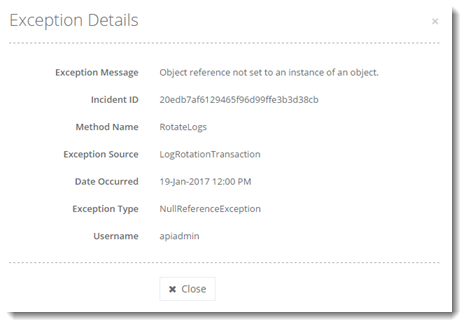
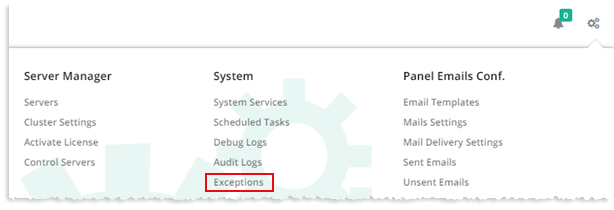
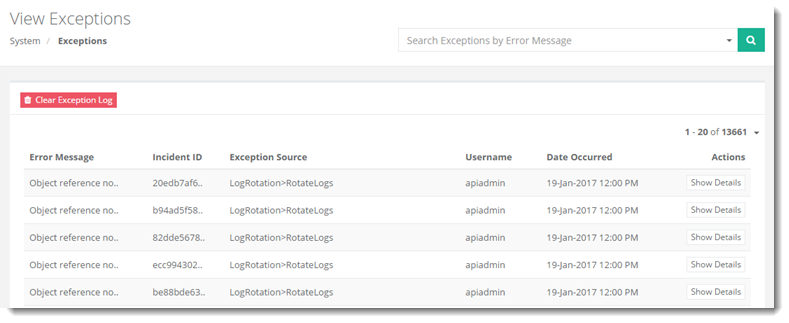
To view exceptions, from top right corner of your screen, click  and then go to System >> Exceptions. Logs can be removed from the panel. To delete all the logs, click Clear Exception Log. Admins can also view detailed information related to each log. To view details of each log, click Show Details.
|
View Exceptions page shows all the existing exceptions with additional information as:
|