
| Product Documentation
Hybrid Control Panel (v10)
Viewing VM Bandwidth Report
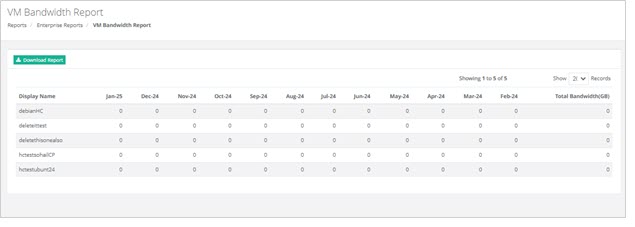
This report provides analysis of the network bandwidth usage by virtual machines (VMs) within a system or environment and tracks the amount of data transmitted and received by each VM over a specific period of time.
To view VM Bandwidth Report, go to Reports >> VM Bandwidth Report and click View under VM Bandwidth Report section to proceed.
|
VM Bandwidth Report page shows additional information as:
|