
| Product Documentation
Hybrid Control Panel (v10)
Organization Distribution Group Report
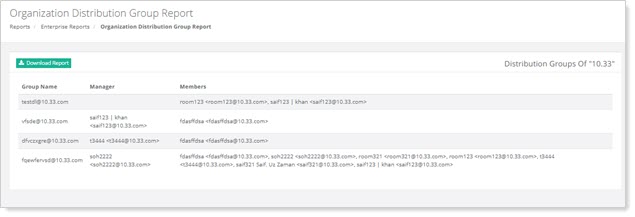
These reports allow tenant administrators to view (both user mail accounts and contact addresses) within distribution groups, helping administrators track group memberships or ensuring proper access.
To view Organization Distribution Group Report, go to Reports >> Organization Distribution Group Report and click View under Organization Distribution Group Report section to proceed.
|
Organization Distribution Group Report page shows additional information as:
|