| Product Documentation
Hybrid Control Panel (v10)
Moving or Disabling or Deleting an AD user
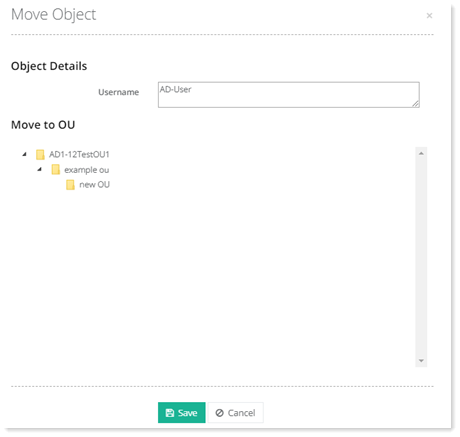
To move an AD user from one OU to another OU, click Actions and then Move. Select destination and click Save to proceed. 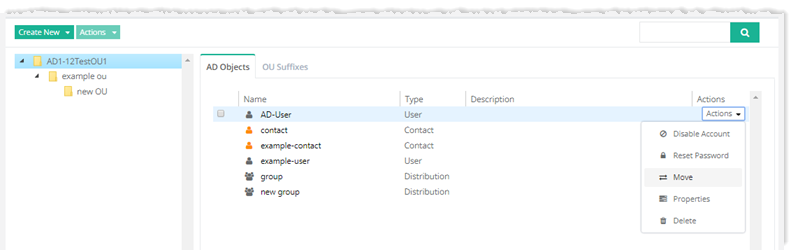
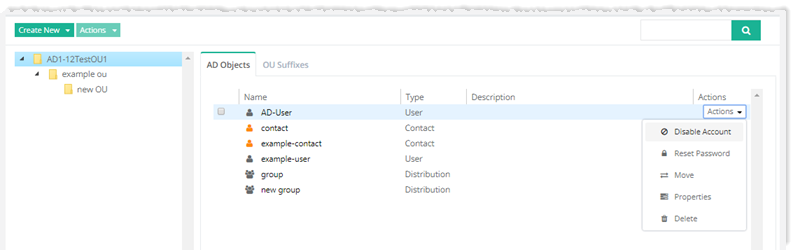
If you disable an AD user account, it can no longer log on to the network but all of the SIDs are still attached to the account and you can re-enable it whenever needed. To disable an AD user, click Disable under Actions column.

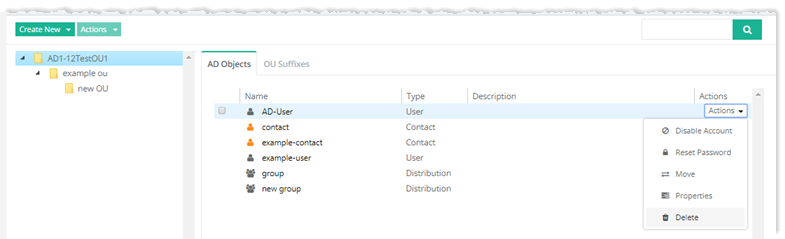
If you delete an AD user account, the AD object is removed altogether from the AD along with its data and properties. To delete an AD user, click Delete under Actions column.