
| Product Documentation
Hybrid Control Panel (v10)
Viewing dashboard of a customer
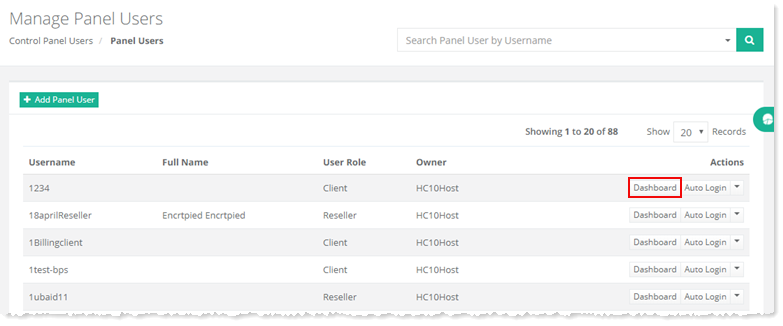
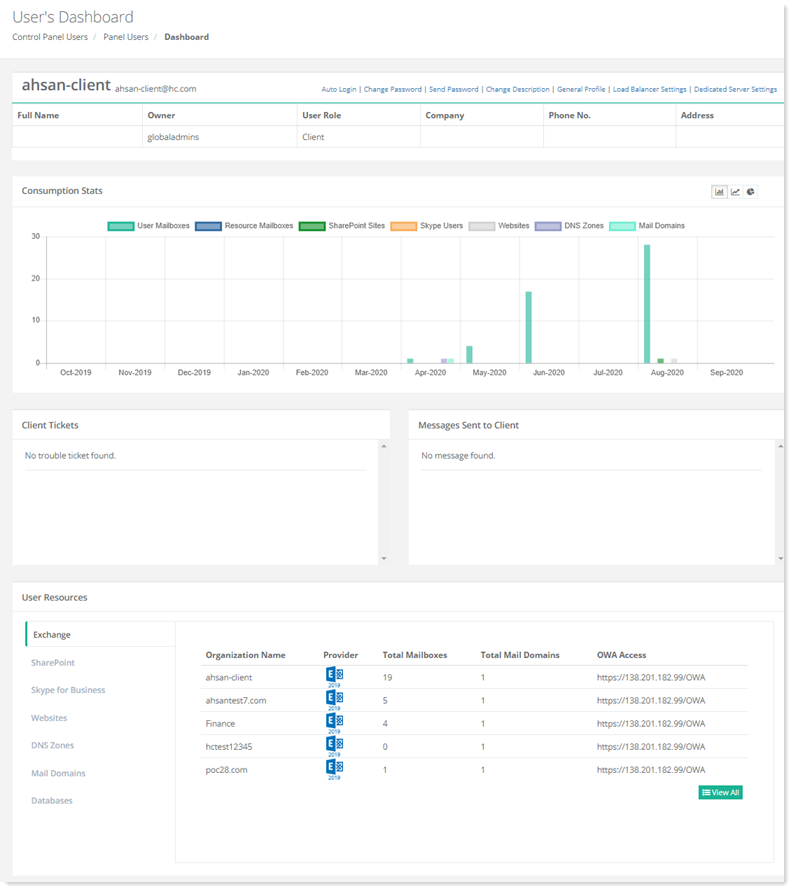
To view dashboard of a customer, go to Panel Users >> Customers and click Dashboard under Actions column.
Change Password
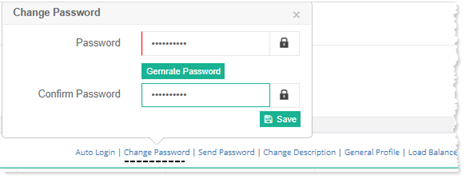
To modify password of the selected customer, click Change Password from top right of the screen.
Send Password
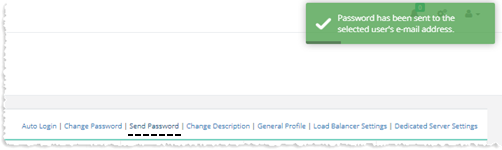
To send password to customer, click Send Password from top right of the screen.
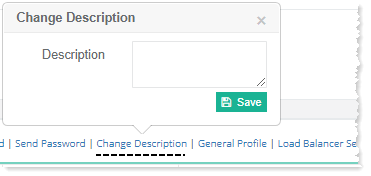
Change Description
To change description of a customer, click Change Description from top right of the screen.
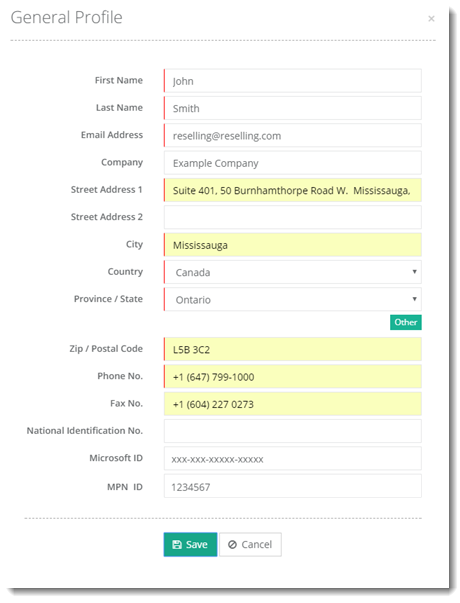
General Profile
To view/modify customer related details, click General Properties from top right of the screen.
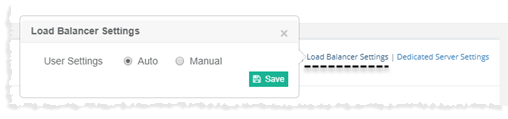
Load Balancer Settings
To view/modify load balancer related settings, click Load Balancer Settings from top right of the screen.
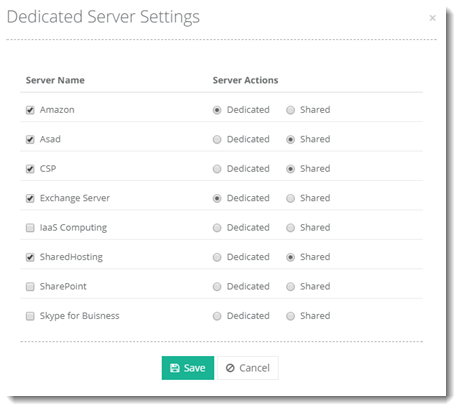
Dedicated Server Settings
With HC10 each customer can have an entirely separate box to itself. This means dedicating a server and its facilities to a customer while still being able to manage it in a cluster. Similarly more than one servers can also be dedicated to customers. For a shared webhosting customer this means that confined within the limits of the server, the customer gets to create and manage his websites, with the added convenience of being able to access remote machines for his Mail/DNS/Database needs.
To view/modify dedicated server related settings, click Dedicated Server Settings from top right of the screen.
Exchange
To view Exchange organizations, click Exchange.
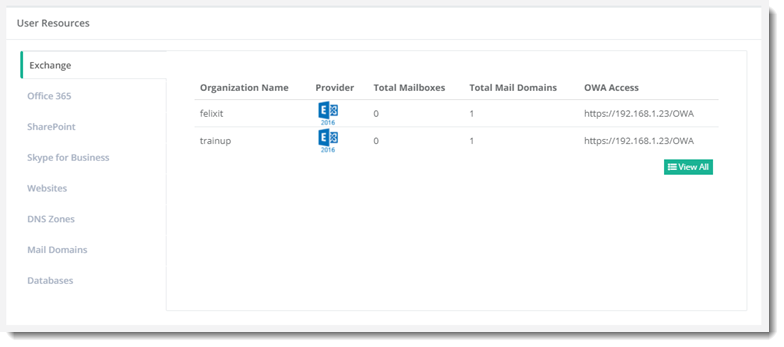
To view all the resources, click View All.
Office 365
To view Office 365 companies, click Office 365.
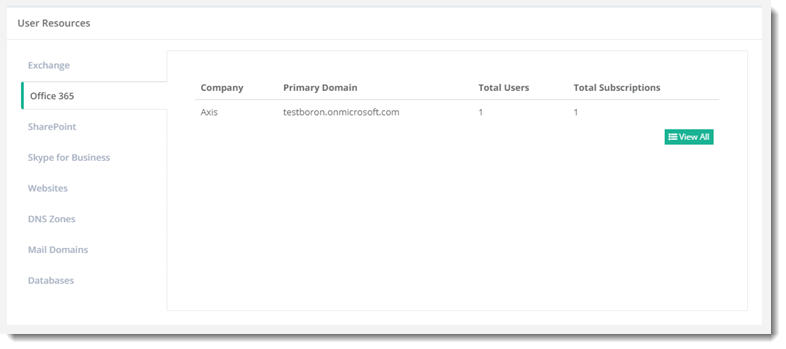
To view all the resources, click View All.
SharePoint
To view SharePoint organizations, click SharePoint.
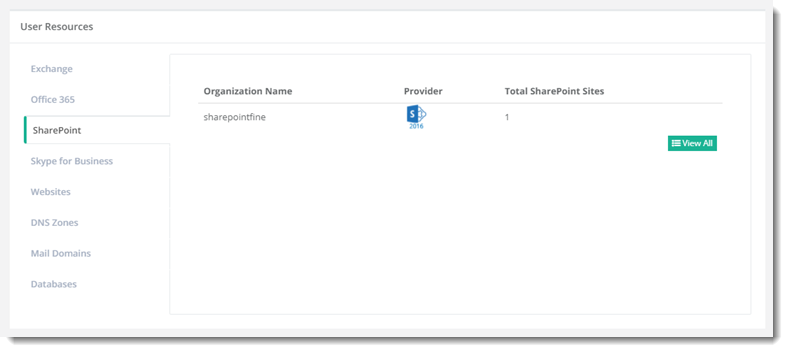
To view all the resources, click View All.
Skype for Business
To view Skype for Business organizations, click Skype for Business.
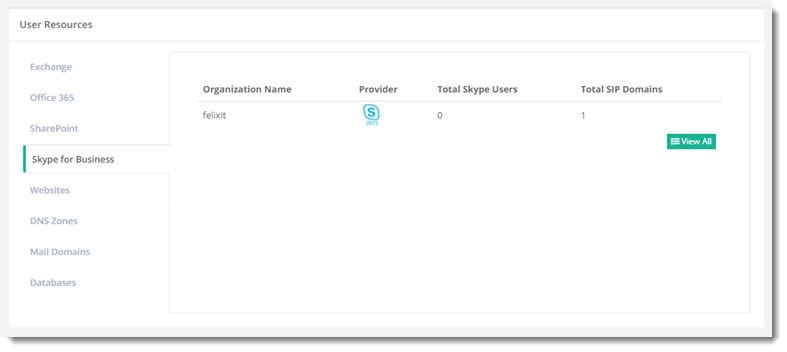
To view all the resources, click View All.
Websites
To view websites, click Websites.
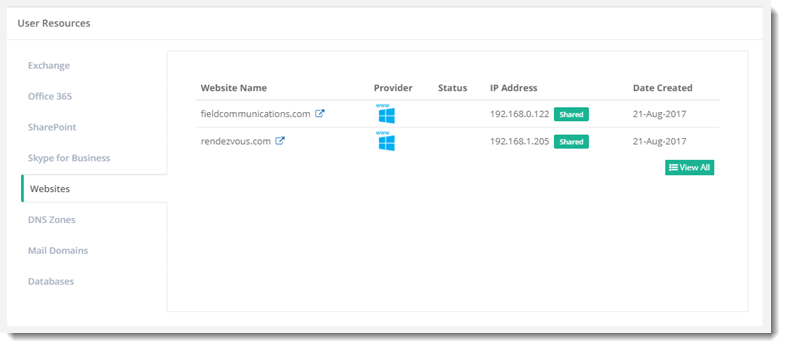
To view all the resources, click View All.
DNS Zones
To view DNS zones, click DNS Zones.
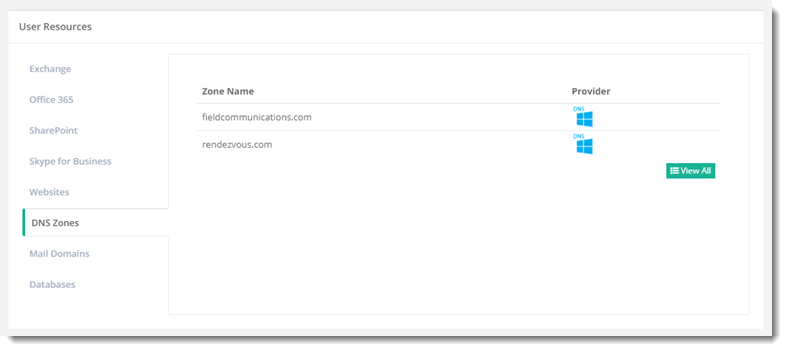
To view all the resources, click View All.
Mail Domains
To view mail domains, click Mail Domains.
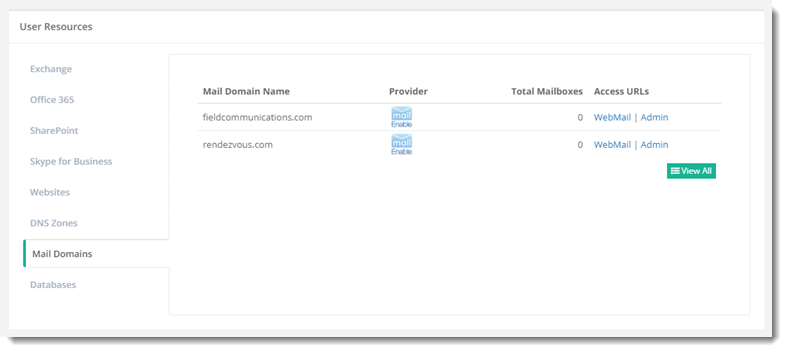
To view all the resources, click View All.
Databases
To view databases, click Databases.
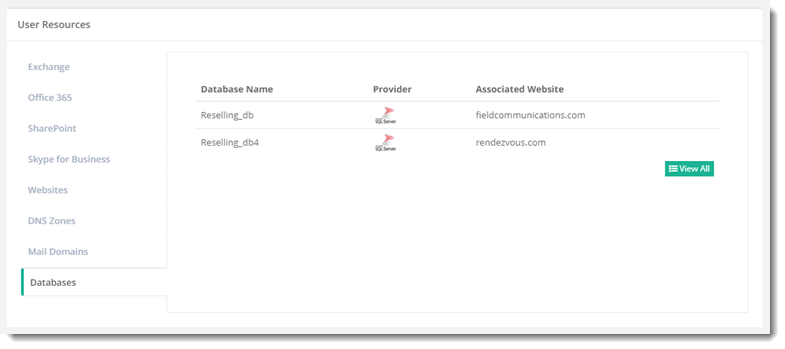
To view all the resources, click View All.