| Product Documentation
AD Connect Sync Plus
ADCS Plus Agent Installation
This is the installation guide for the ADCS Plus Agent. ADCS Plus Agent will be installed on the Mediation Agent server (standalone machine). The Mediation Agent server will be the part of the same network as the DC that will be availing the services of the ADCS Plus solution.
Installation Process
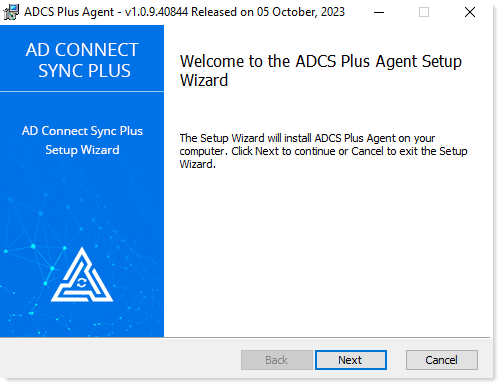
- Select and run . Click on the Next button of the Welcome screen to proceed.
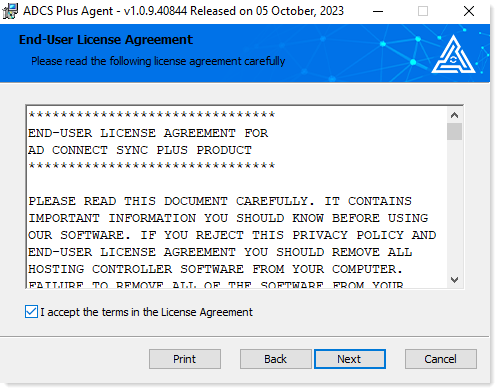
- Read the license agreement carefully before proceeding. After reading the license agreement, check the I accept the License Agreement checkbox and click Next to proceed.
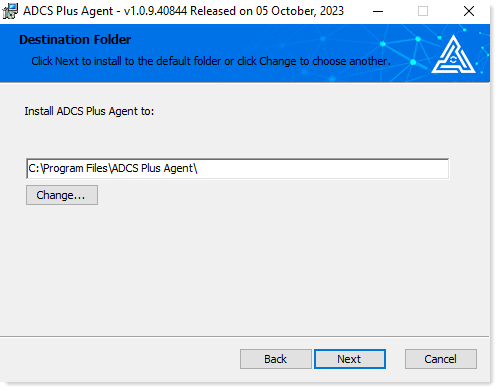
- Select the installation path and click Next to proceed.
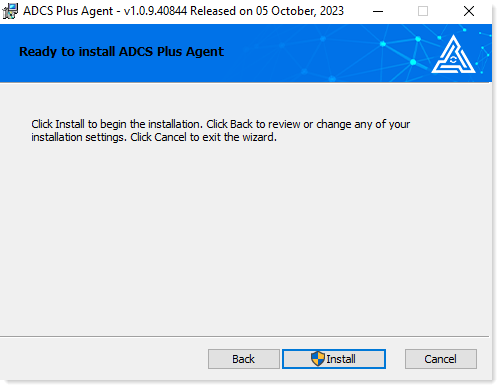
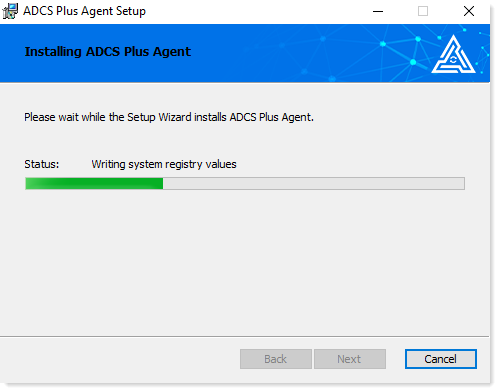
- Click Install to start the installation of the ADCS Plus Agent. It may take a few minutes.
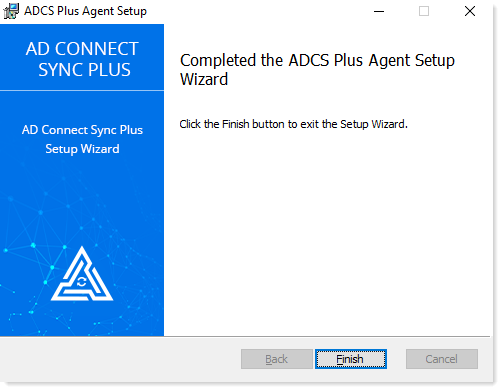
- Click Finish to complete the installation of the ADCS Plus Agent.