| Product Documentation
AD Connect Sync Plus
Login Screen
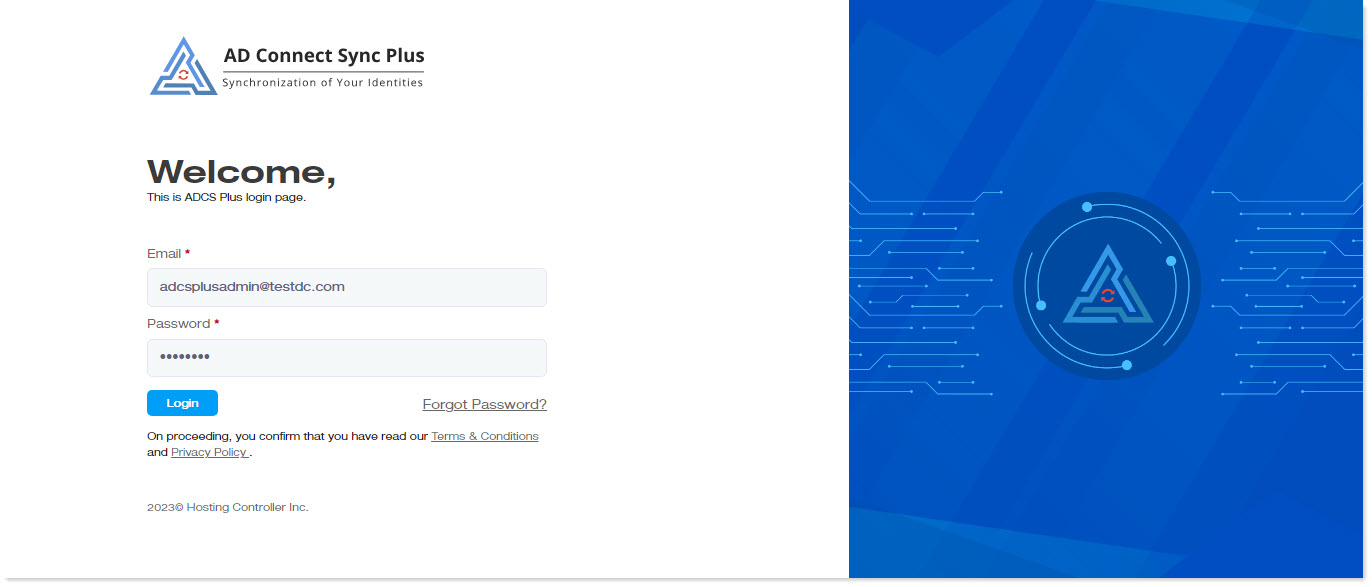
To log on to AD Connect Sync Plus, enter the admin site for the portal (e.g. https://yourdomain.com:8778) in the browser and specify the following details:
- Email: Type in the User Principal Name (UPN) of your Active Directory user.
- Password: Type in the password.
Click Login to proceed.