| Product Documentation
HC Marketplace
Buying Process
The customer can select its desired products and buy online through the Marketplace. The ordering process for the customer involves the following steps:
- Select Products
The customer can select the required products.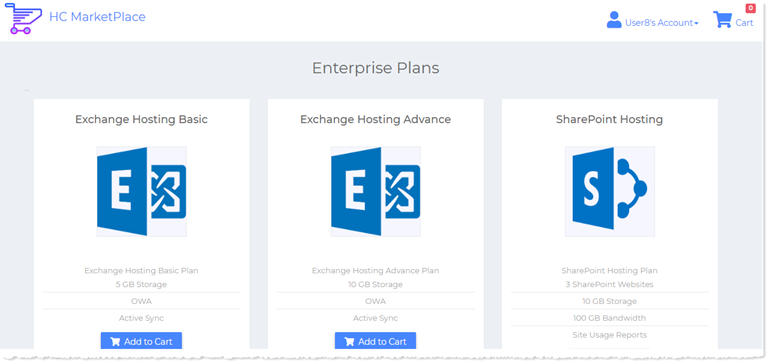
- Add Products to Cart
The desired products should be added to the shopping cart.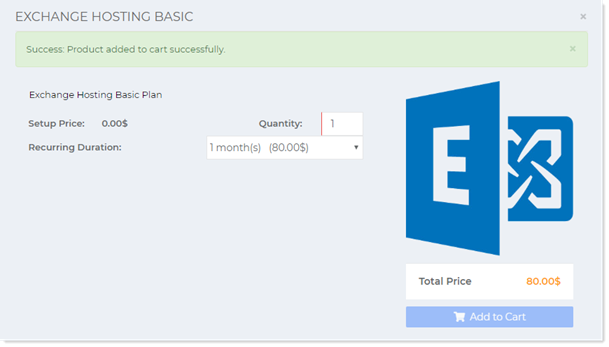
- Verify Order
The details of the order can be viewed and the total verified. Customer may remove any unwanted products or alter their quantities at this stage.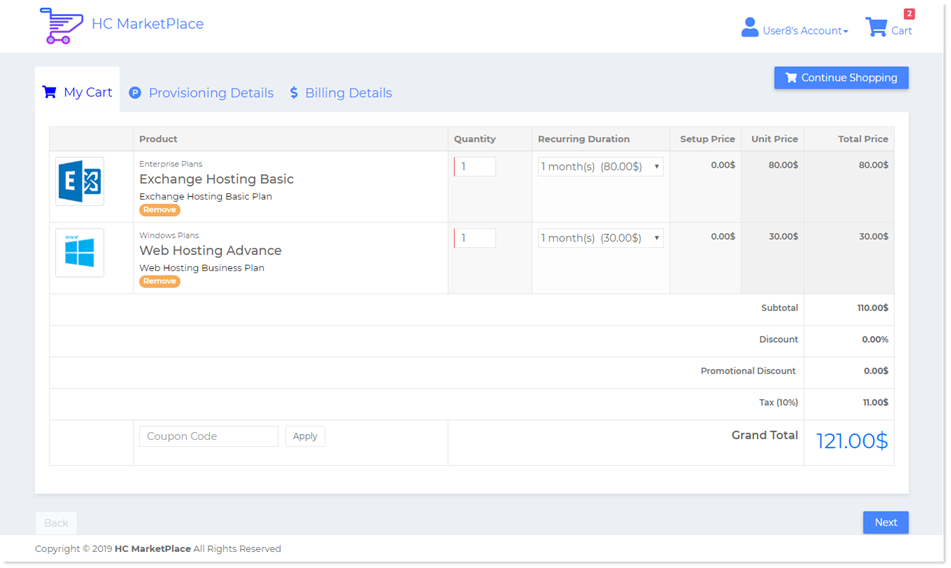
- Specify Provisioning Details
The resources that need provisioned in Hosting Controller should be inputted. For instance the customer can specify a website to be provisioned in Hosting Controller.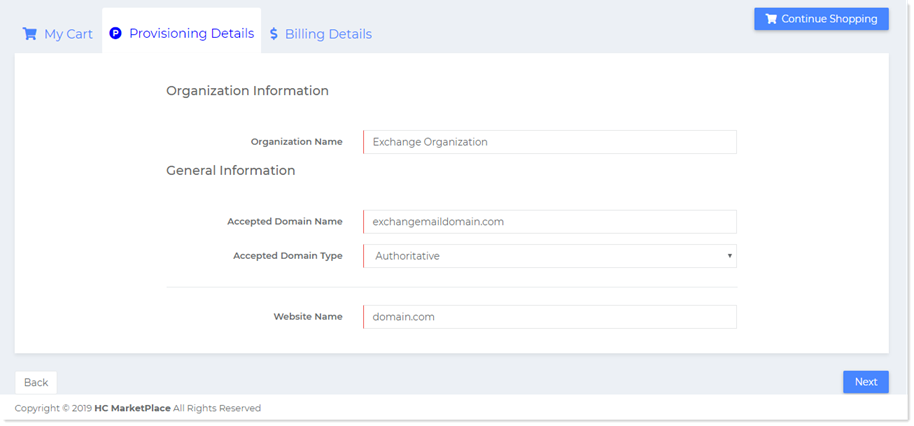
- Select Billing Profile
A valid billing profile should be selected. The customer needs to Insert a valid CVV2 code to complete the transaction.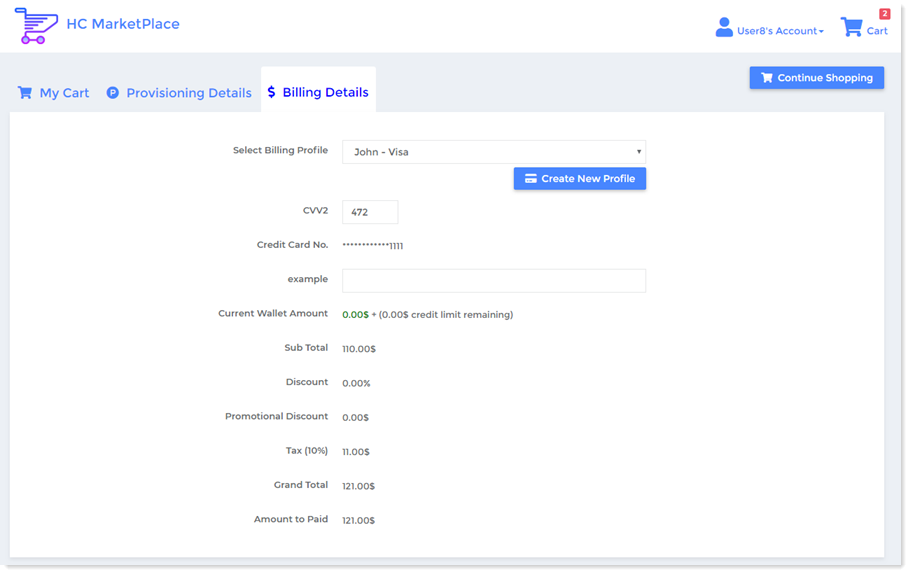
- Agree to Terms
The customer needs to agree to terms of service by selecting the TOS check box at the bottom.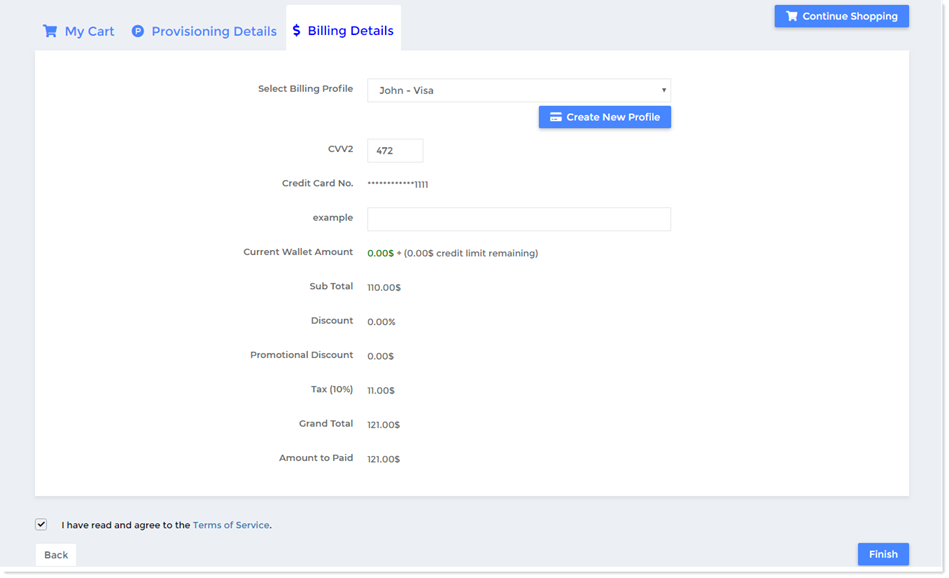
- Checkout
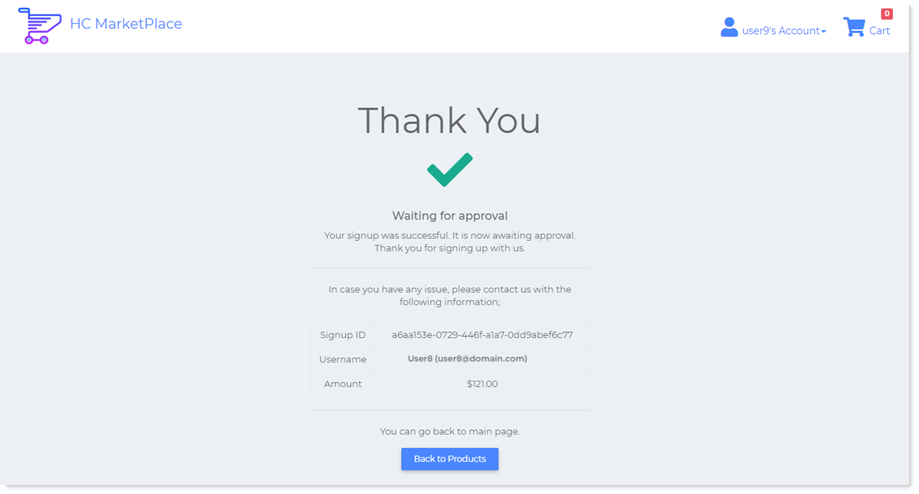
The last step is checkout. Customer can checkout by hitting the Finish button. The next step displays an order summary. Customer can view the summary of its order or go back to the products page to continue shopping.