| Product Documentation
HC Marketplace
Post Installation
Admin Login
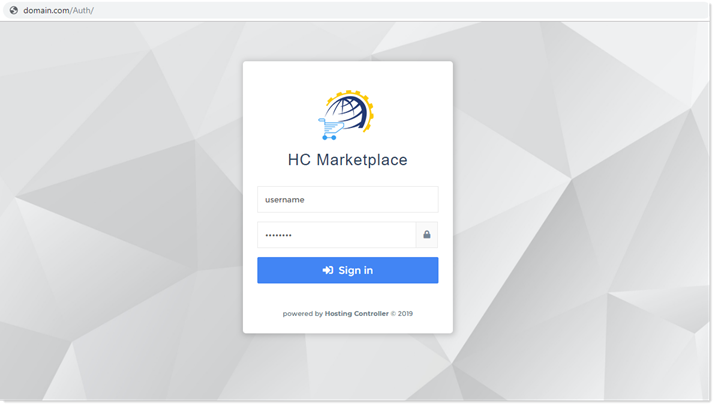
Before launching Marketplace (online store) it’s important that you add products to it and configure various other settings such as coupons, terms of services (TOS), categories, customization details etc. This can be achieved by logging in as the administrator. The admin credentials are the same as provided during installation.
Admin Interface
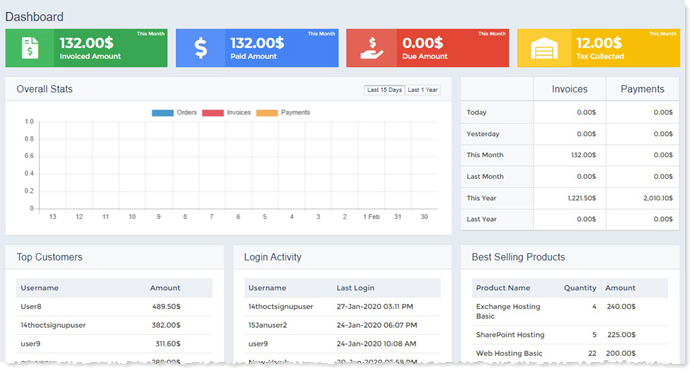
Successful login displays a dashboard. This is where you can tweak various settings for the Marketplace. The admin interface includes settings for the online store as well as the billing.
Launch Marketplace
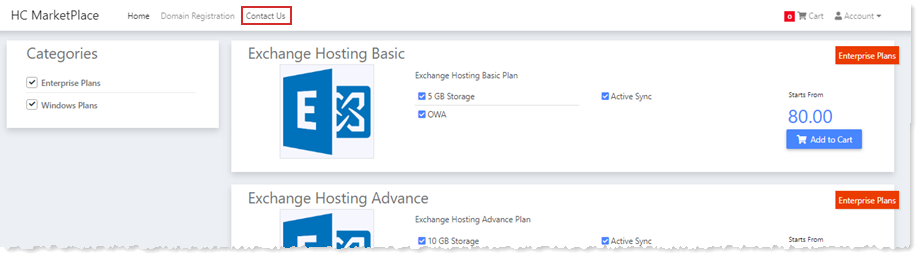
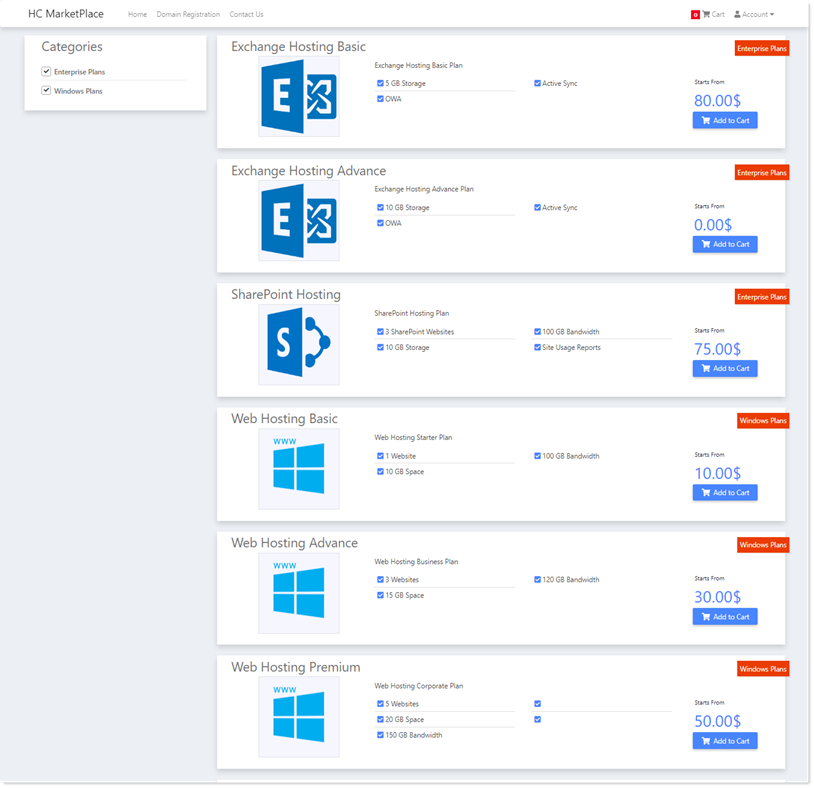
Marketplace (online store) can be accessed at a URL like https://website.com.
Contact Us
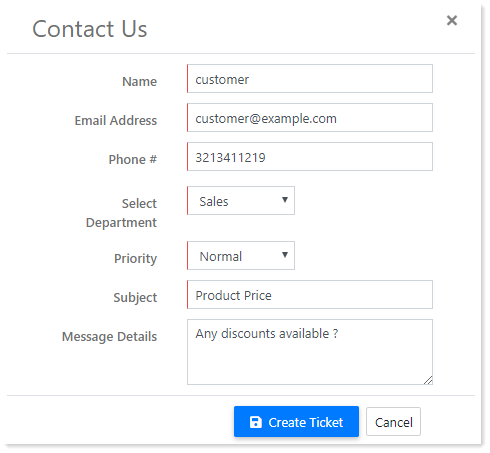
If a customer arrives at the online store for the first time or is just browsing as an anonymous user, it can directly contact you, through a “contact us” form. The customer does not need to create or login to its account to ask questions. It can directly approach you (host) and place any questions or queries it might have, through a convenient contact form.