
| Product Documentation
ExSign
Test Rules in Microsoft 365
The test rules section lets users test rules before sending actual emails. This allows them to see which signatures or disclaimers will be added and preview them before they are actually dispatched in emails.
To test rules, navigate to the left menu and click Test Rules under the Main section.
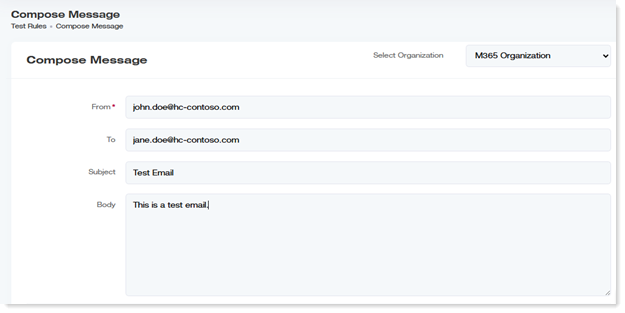
- Select Organization: Select the Microsoft 365 organization from the drop-down list box.
- From: Type sender's address.
- To: Type the receiver's address.
- Subject: Type the subject of the test email.
- Body: Type the body text for the test email.