| Product Documentation
ExSign
Installing the Microsoft 365 Agent
The Microsoft 365 Agent can run on a standalone Windows machine on your premises or in a VM in any cloud service (AWS, Azure, etc.). See System Requirements & Prerequisites (M365).
The Microsoft 365 Agent cannot be installed on an on-premises Exchange Mailbox Server that already has the ExSign Transport Agent on it. If you're running ExSign for Exchange and ExSign for Microsoft 365 side by side, this Agent needs its own separate machine.
Installation Process
To install the ExSign Microsoft 365 Agent, download ExSign and follow the steps as stated
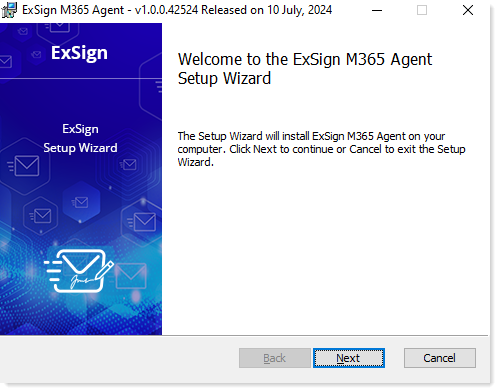
- Execute the installer and click Next on the welcome screen.
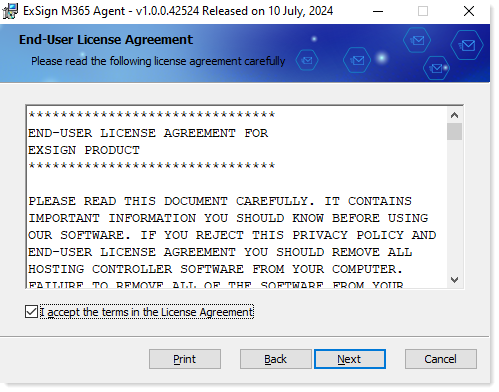
- Read and accept the license agreement to proceed.
- Select the destination folder to install ExSign Microsoft 365 Agent. By default, the path is:
C:\Program Files\ExSign Microsoft 365 Agent; however, this can always be changed if required.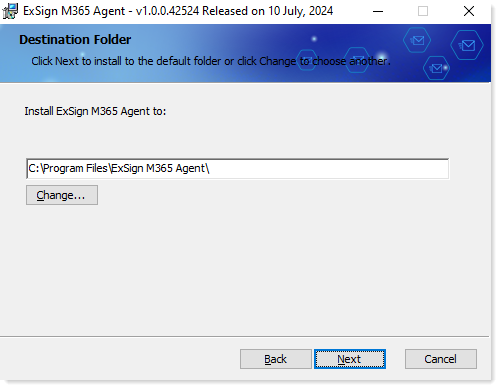
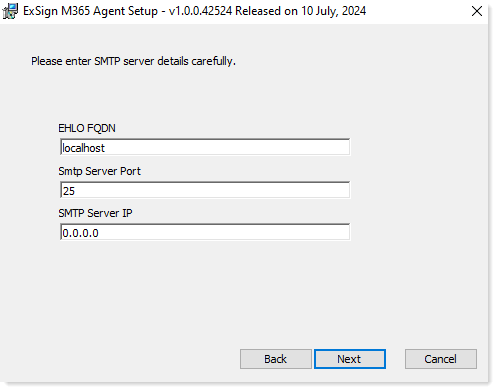
- Enter server details.
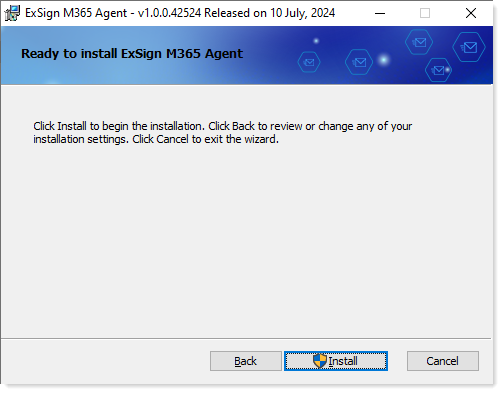
- Click Install to start the installation of ExSign Microsoft 365 Agent.