| Product Documentation
ExSign
Logging In for the First Time
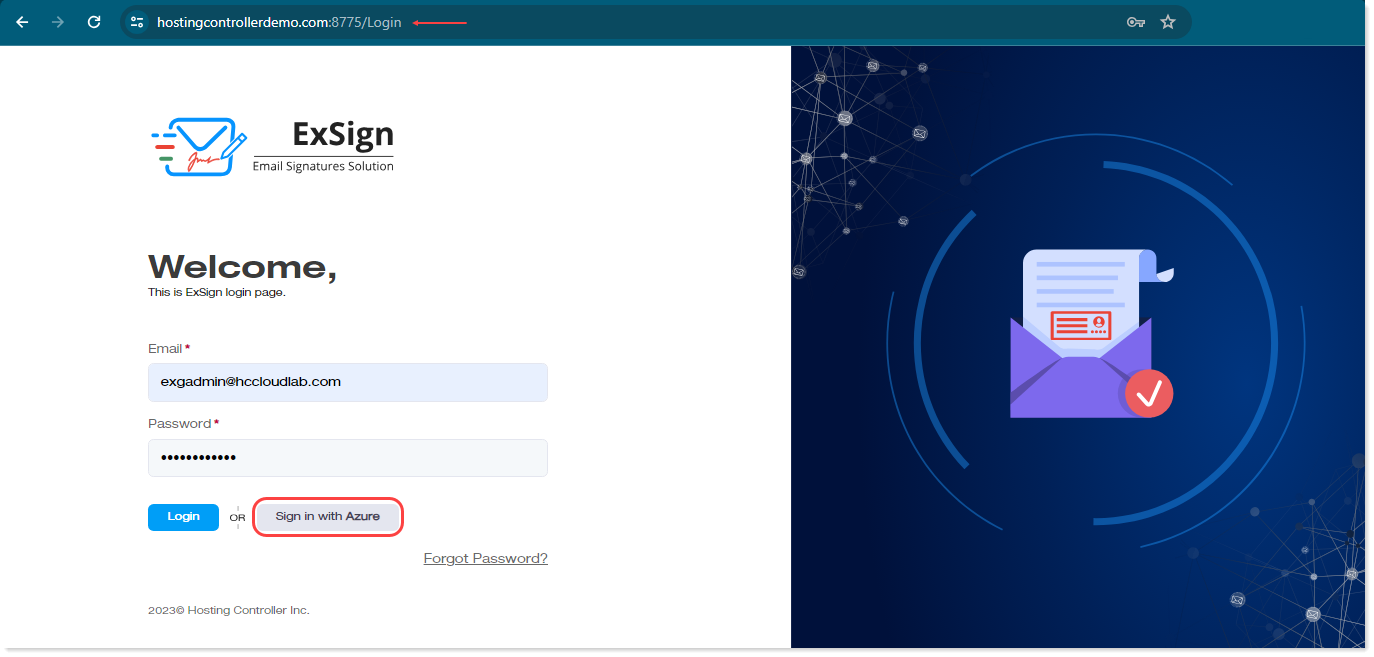
With the Portal, Microsoft 365 Agent, and (optionally) M365 Sent Items Update Agent installed and connected, you're ready to log in and start configuring ExSign for Microsoft 365. The login process is identical to ExSign for Exchange's login process; see First Login.
Azure Authentication
M365-only environments usually do not have local Active Directory to authenticate against. In such cases, ExSign Admins authenticate through Azure instead. If your Portal was set up to authenticate through Azure, your admins will log in with their Azure Active Directory credentials.
To sign in with Azure credentials, the user must exist in Azure Active Directory.