
| Product Documentation
ExSign
How to Buy Cloud Signature
Buy an ExSign Cloud Signatures subscription in the Billing Portal. Licenses are sold per mailbox and can cover onboarded Microsoft 365 and Google Workspace organizations.
Before You Buy
- You need a Billing Portal account. If you do not have one yet, see Sign Up and Start Your Trial
- Review mailbox quantity and billing cycle options in Licensing
- Online purchase limits:
- Minimum: 10 mailboxes
- Maximum online: 500 mailboxes
- Above 500: request a custom price quote
Access the Billing Portal
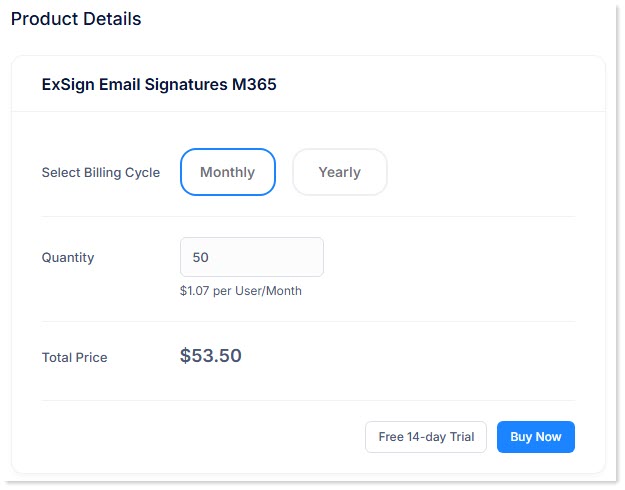
- Access the Billing Portal.
- Click Buy Now.
- Select a billing cycle:
- Monthly - higher per-month rate, shorter commitment
- Yearly - pay for the full year upfront at a lower effective monthly rate
- Enter the number of mailboxes to subscribe.
- Click Buy Now again to add the subscription to your cart.
Add the Subscription to Your Cart
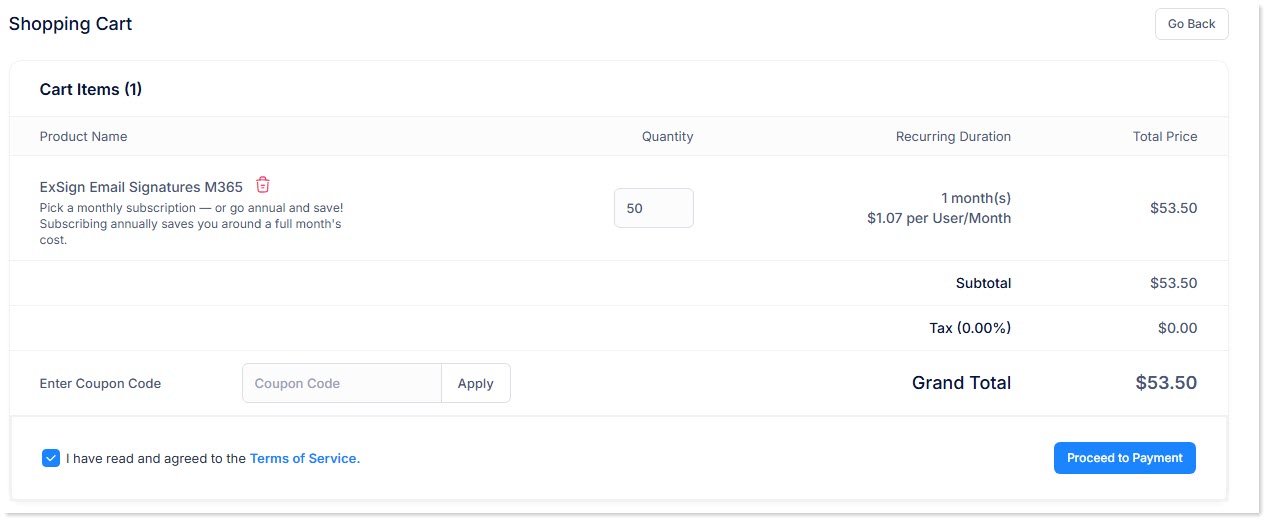
- Review the subscription line item in the shopping cart.
- Confirm any tax added to the order.
- Apply a coupon code if you have one.
- Agree to the Terms of Service (TOS).
- Change the quantity if needed, or remove the item from the cart before checkout.
Specify Billing Details
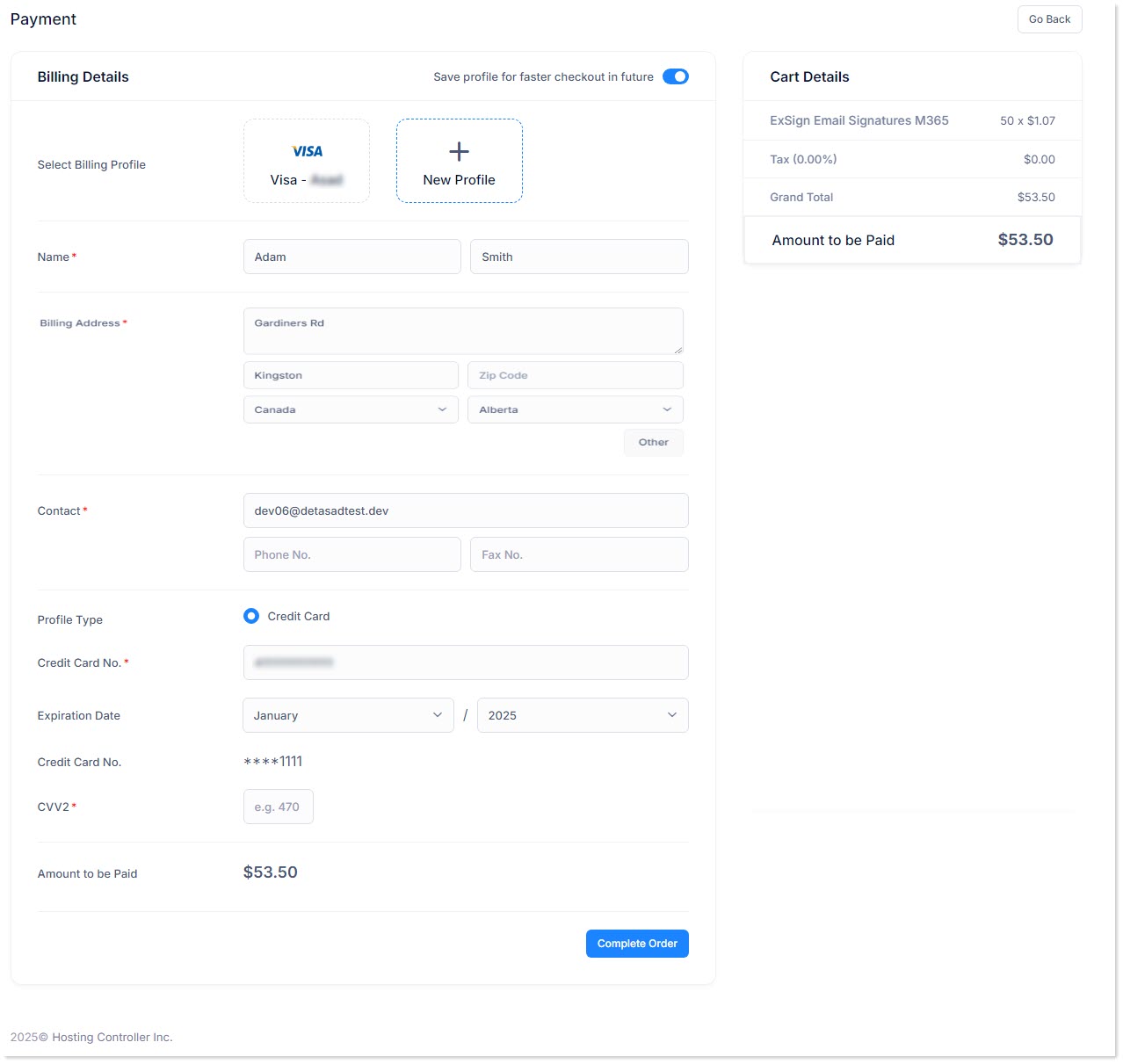
- Select an existing billing profile, or enter new billing details.
- Enter a valid credit or debit card number and CVV2 code.
- Complete any required billing address or contact fields.
You can keep more than one billing profile and update payment methods later under billing profile management.
Checkout
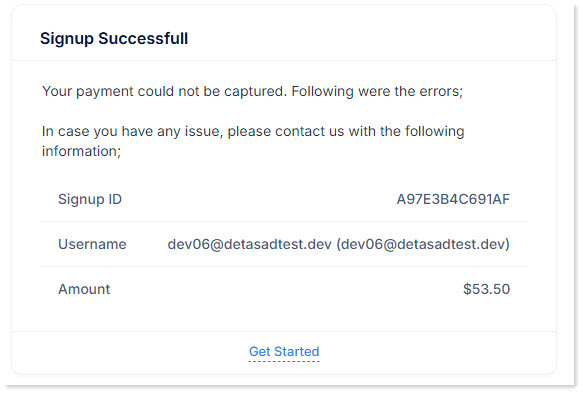
- Click Complete Order.
- When payment succeeds, your account is activated for ExSign Cloud Signatures.
- Assign or confirm the subscription on your ExSign tenant/organization so signatures continue under the purchased mailbox limit.
If you are converting from a trial, your existing organization setup, rules, and configuration are kept. You do not need to onboard again.