
| Product Documentation
ExSign
Testing Rules Before They Go Live
Use Test Rules to simulate a message and preview which signature or disclaimer ExSign would stamp, without sending a real email.
Open Test Rules
- Sign in to the ExSign Portal.
- In the left menu, under Main, click Test Rules.
Run a Test
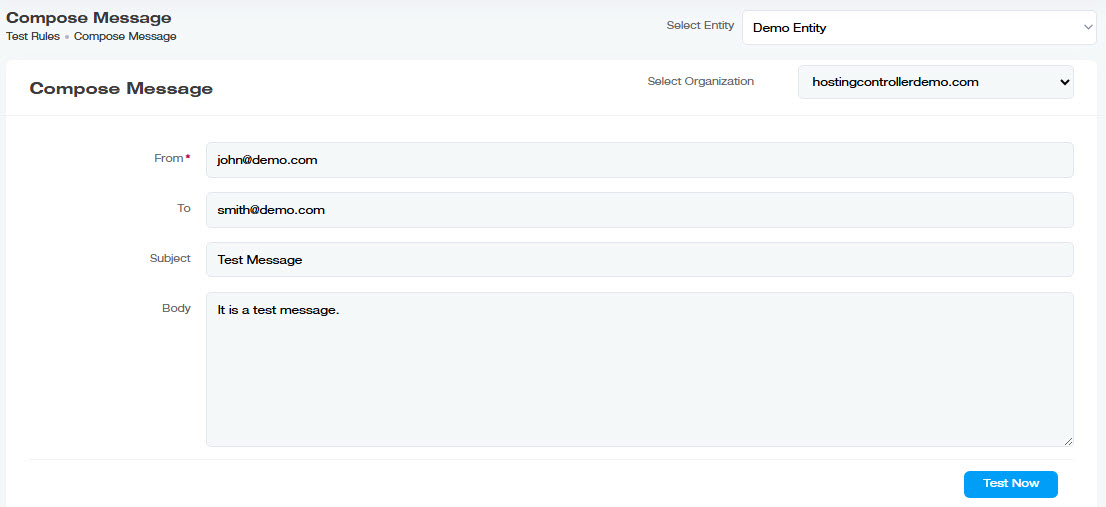
- Select Organization - choose the Microsoft 365 or Google Workspace organization.
- Enter From (sender address).
- Enter To (recipient address).
- Enter Subject.
- Enter Body text.
- Run the test and review which rule matches and how the signature/disclaimer looks.