
| Product Documentation
ExSign
Viewing Audit Logs for Cloud Signatures
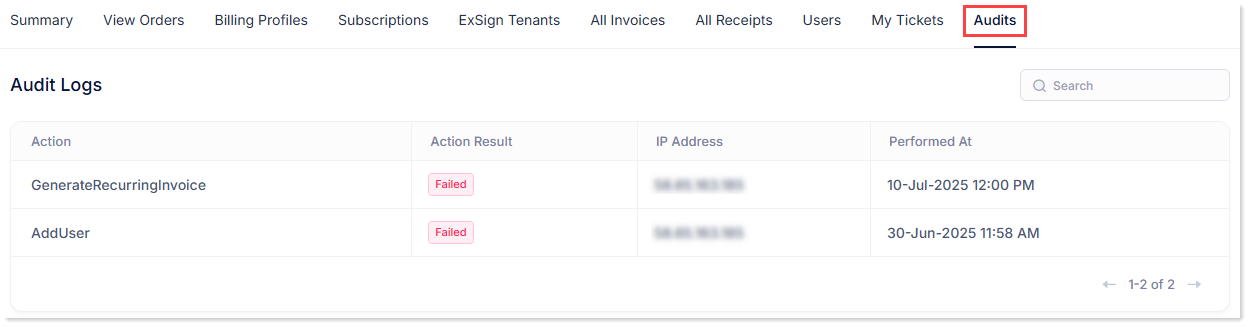
Use Audits to review actions performed in the Billing Portal, including whether each action succeeded and when it happened.
Open Audit Logs
- Sign in to the Billing Portal
- Click Audits.
What the Audit Logs List Shows
| Field | Meaning |
| Action | Type of action performed |
| Action Result | Success or Fail |
| IP Address | IP address associated with the action |
| Performed At | Date and time of the action |