| Product Documentation
ExSign
Managing Tickets for Cloud Signatures
Use support tickets when you need help with the Billing Portal (subscriptions and billing) or the ExSign Portal (signature management).
Open Tickets
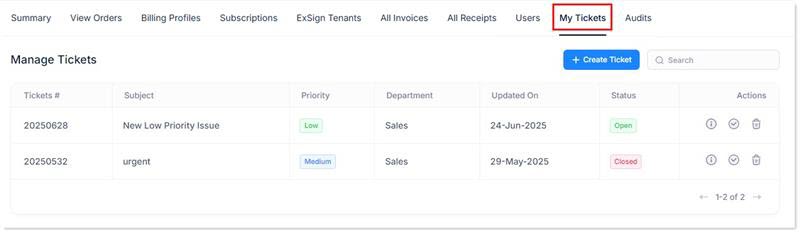
- Sign in to the Billing Portal
- Click My Tickets.
What the Ticket List Shows
| Field | Meaning |
| Ticket # | Unique ticket number |
| Subject | Ticket subject |
| Priority | High, Medium/Normal, or Low |
| Department | Destination department, such as ExSign Sales or Support |
| Updated on | Date associated with the ticket update/creation |
| Status |
Open until resolved; Closed when complete |
| Actions |
View details, close or reopen, and delete when needed |
Create a Ticket
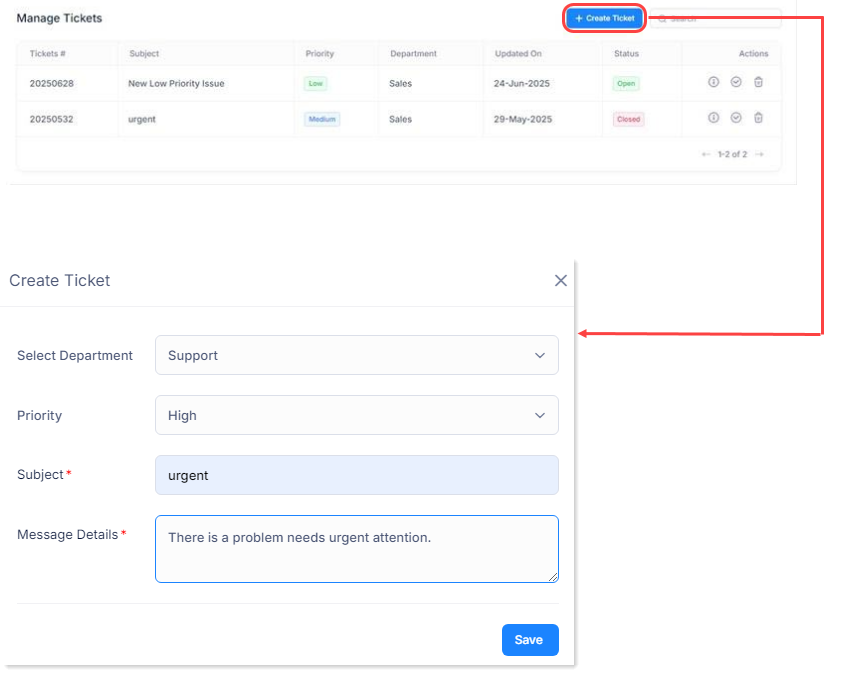
- Click + Create Ticket.
- Enter:
Field Meaning Select Department Sales or Support Priority High, normal/medium, or low Subject Short summary of the issue Message Details Full description of the problem - Submit the ticket.
View, Close, or Delete a ticket
- View details: open the ticket details action.
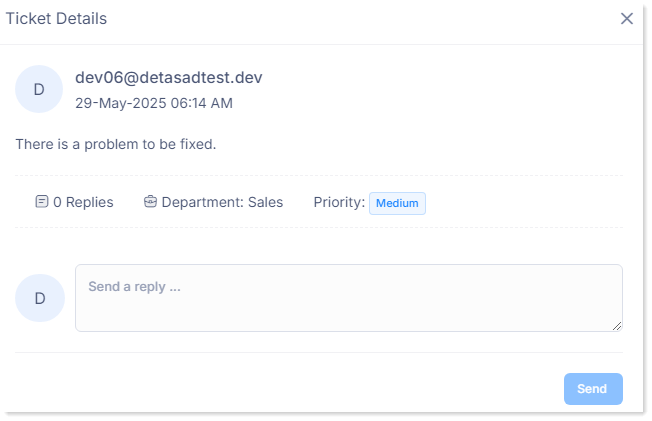
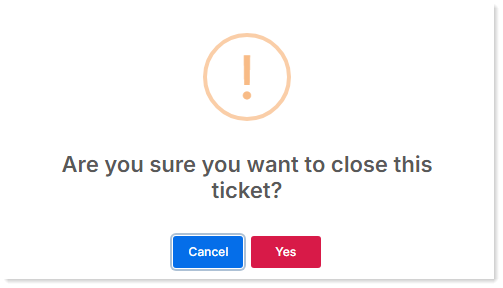
- Close a ticket: use the close action and confirm.
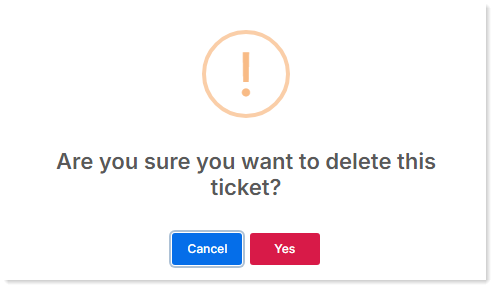
- Delete a ticket: use the delete action and confirm.