
| Product Documentation
ExSign
Viewing Reports for Cloud Signatures
ExSign reports give visibility into signature and disclaimer stamping across your organization. Use them to understand volume and confirm that rules are applying as expected for Microsoft 365 and Google Workspace.
Open Reports
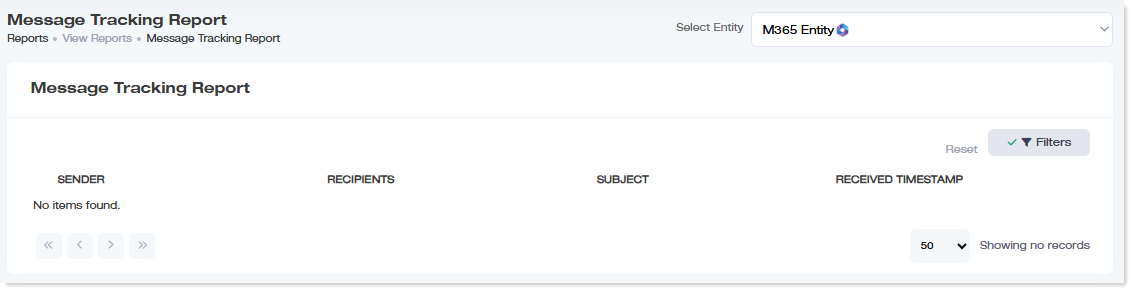
- Sign in to the ExSign Portal.
- In the left menu, under Main, click Reports.
What to Look For
- How many signatures and disclaimers were stamped
- Activity across organizations
- Trends that help you validate rule coverage after publishing changes
Detailed per-user reporting is available for Microsoft 365 server-side (and hybrid server-side) traffic. Client-side Outlook add-in mode does not provide the same detailed reporting. See Choosing a Signature Mode.