| Product Documentation
Hybrid Control Panel (v10)
Enabling Click and Install Apps
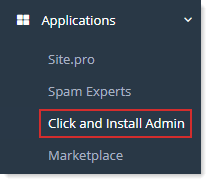
- To enable Click and Install Apps, from the left menu click Applications >> Click and Install Admin.
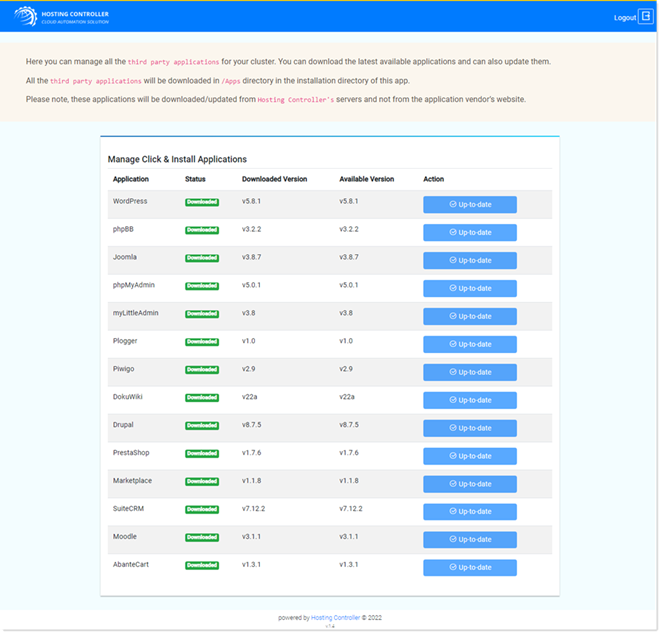
- Administration URL for Click and Install Apps displays. This allows the download of individual apps from HC's servers.
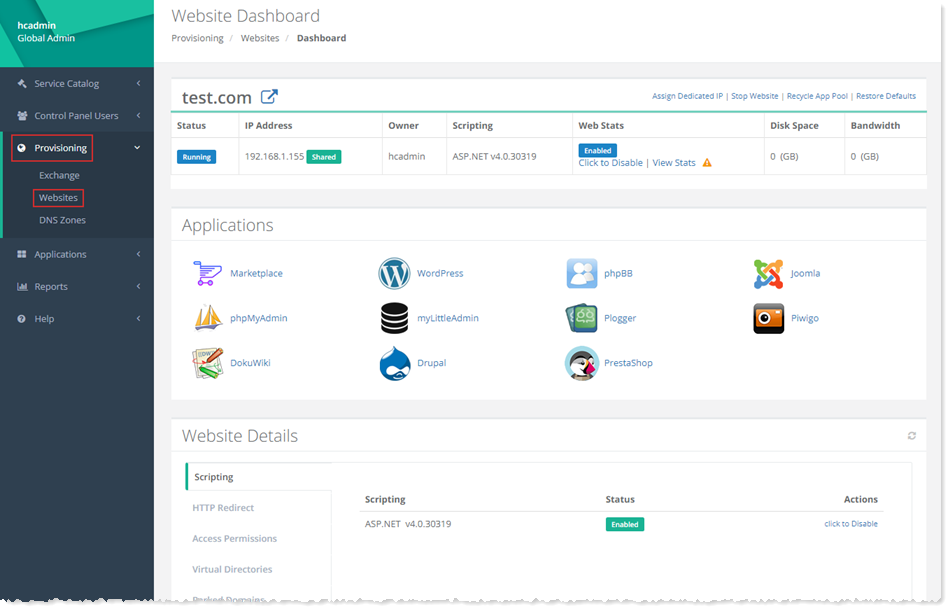
- To enable an application for an individual website, go to the left menu and click Provisioning >> Website >> Dashboard.