| Product Documentation
Hybrid Control Panel (v10)
Managing Active Directory Trusts
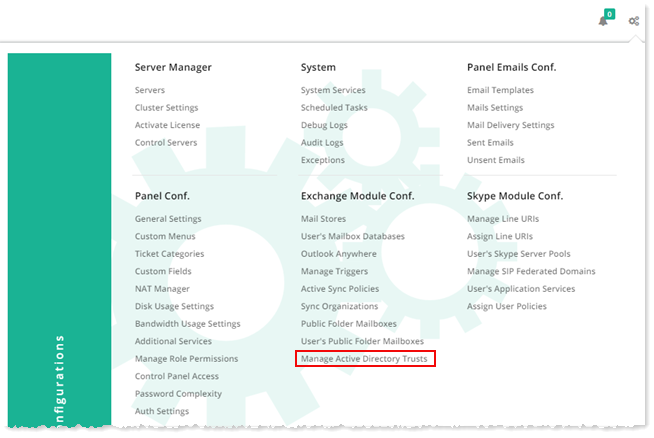
To manage active directory trusts, from top right corner of your screen, click  and then go to Exchange Module Configuration >> Manage Active Directory Trusts.
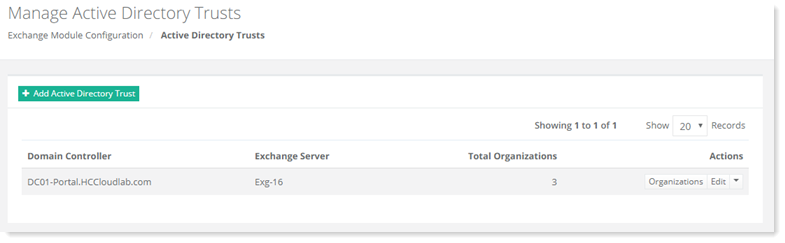
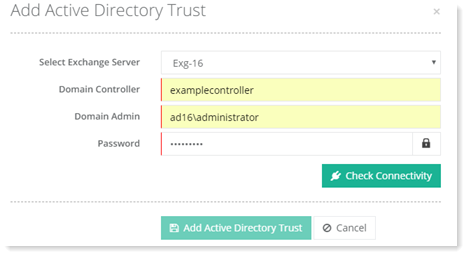
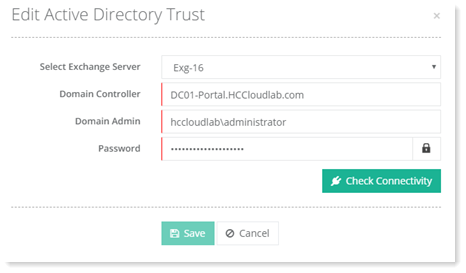
Fields marked in red are required fields and cannot be left empty.
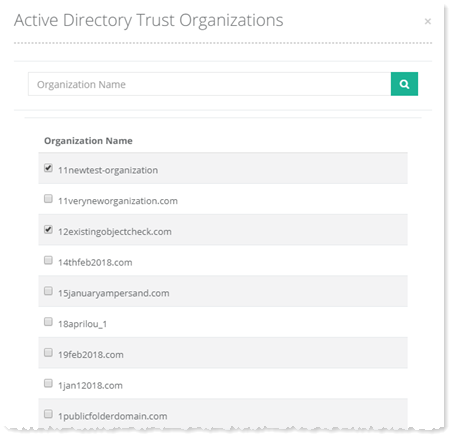
Viewing Organizations
To view organizations, click Organizations under Actions column.
Adding an Organization
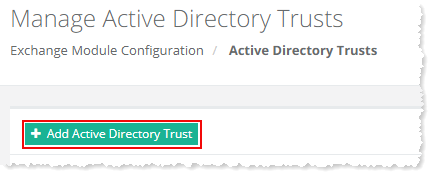
To add an organization, click + Add Active Directory Trust and specify required information. Click Check Connectivity to proceed. Once connection is successful, only then you can add an Active Directory Trust.
Editing an Active Directory Trust
To modify Active Directory Trust details, click Edit under Actions column.
Deleting an Active Directory Trust
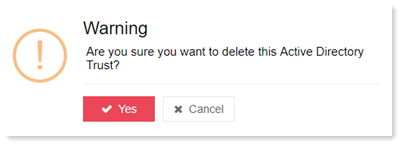
To remove the Active Directory Trust, click Delete under Actions column.