
| Product Documentation
Hybrid Control Panel (v10)
Post Installation Steps for Websites
Once HC10 is successfully installed on your systems, there are certain configurations needed in the panel. The post installation steps for creating websites are as follows:
Login
Step 1 is login. Specify user credentials (username and password) to login.
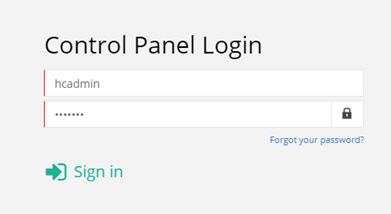
For details, see Login Screen.
Cluster Settings
Step 2 is configuring the cluster. Cluster Settings provide an easy way to enable/disable services globally. Under Server Manager, click Cluster Settings to configure the cluster.
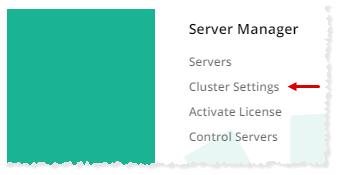
To learn how to enable Web in cluster settings, see Managing Cluster Settings.
Adding a Web Server
Step 3 is adding a Web server. Under Server Manager, click Servers to proceed.
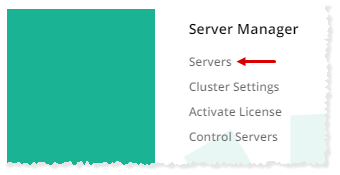
To learn how to add a Web Server, see Adding a Web server.
License Activation
Step 4 is activating license. Under Server Manager, click Activate License to activate your panel.
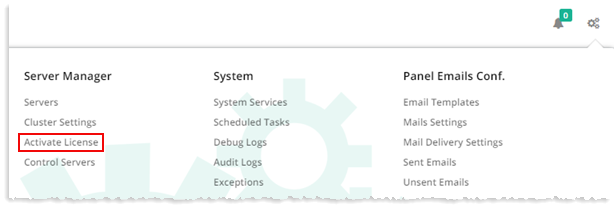
To learn how to activate license, see Activating License.
Creating a Website
Step 5 and the final step is creating a website. Navigate to Provisioning >> Websites.
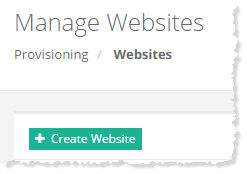
To learn how to create a website, see Creating a Website.