| Product Documentation
Hybrid Control Panel (v10)
Viewing Exchange organization report
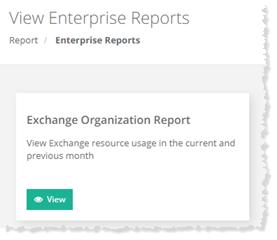
To view Exchange organization report, go to Reports >> Enterprise Reports and click View under Exchange Organization Report section to proceed.
|
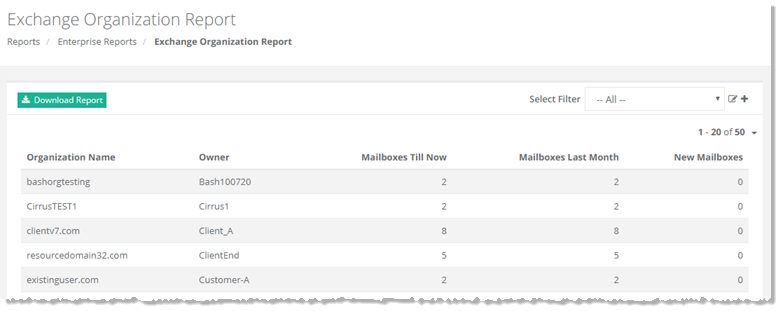
Exchange Organization Report page shows SPLA reports of existing organizations with additional information as:
|
To view detailed report click Download Report.
Adding a Search Filter
To add a search filter, click  at top right to proceed.
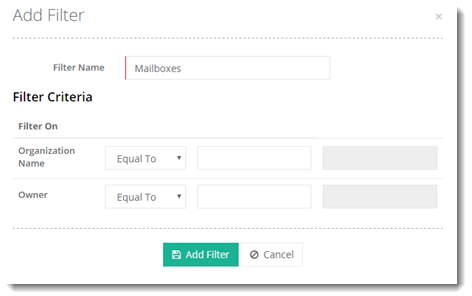
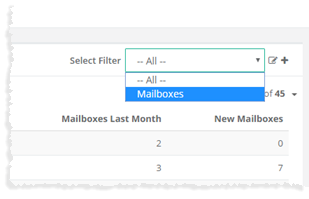
Added filter can be seen on Exchange Organization Report page in the Select Filter list as: