
| Product Documentation
Hybrid Control Panel (v10)
Viewing Exchange message trace report
Message trace is a feature of Exchange admin center (EAC). It tells what happened to an email message. Running a message trace displays the results in a list, from which the details of a specific message can be viewed. The message trace report available in HC makes use of the Exchange message trace feature to track email messages.
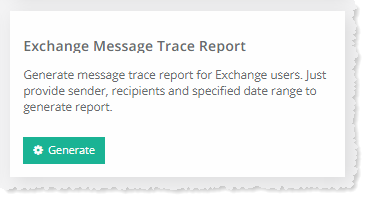
To view Exchange message trace report, go to Reports >> Enterprise Reports and click View under Exchange Message Trace Report section to proceed.
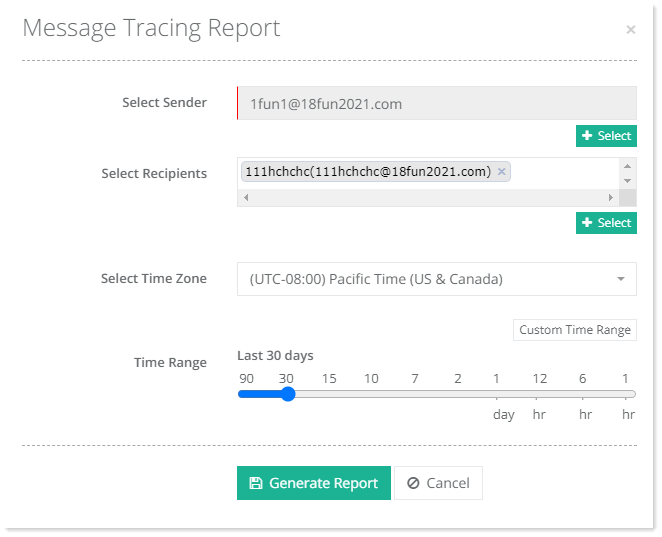
- Select Sender: Select sender from the list.
- Select Recipients: Select recipient from the list.
- Select Time Zone: Select required time zone from the list.
- Time Range: Specify time range as required.
Click Generete Report to proceed.
|
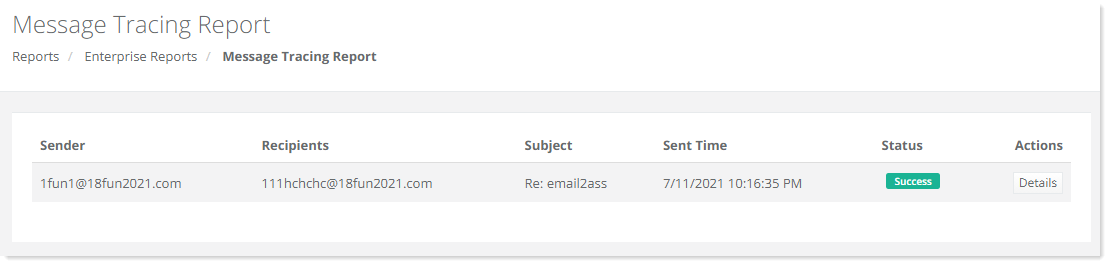
Exchange Message Trace Report page shows senders with additional information as:
|