| Product Documentation
Hybrid Control Panel (v10)
Managing AWS bucket
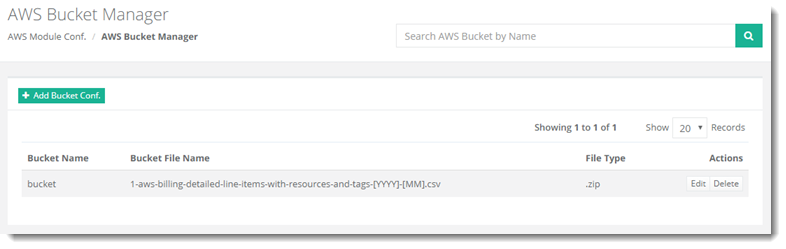
To manage AWS bucket, from top right corner of your screen, click  and then go to AWS Module Configuration >> AWS Bucket Manager.
|
AWS Bucket Manager page shows list of existing mail store pools with additional information as:
|
Fields marked in red are required fields and cannot be left empty.
The AWS Bucket Manager section allow admins to perform various tasks. For further details, refer to the following sections:
Adding AWS Bucket Configuration
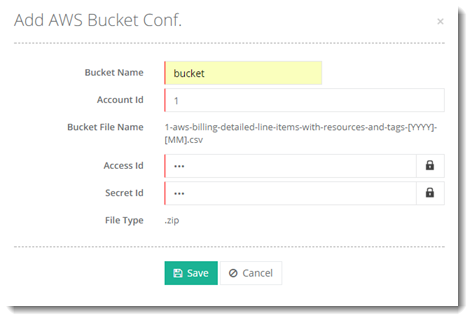
To add an AWS Bucket configuration, click + Add Bucket Configuration and specify required information to proceed.
Editing AWS Bucket Configuration
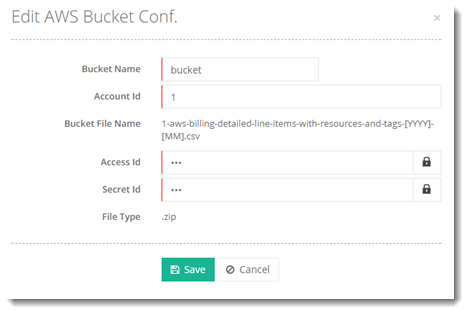
To edit AWS Bucket configuration, click Edit under Actions column. Modify information as required to proceed.
Deleting AWS Bucket Configuration
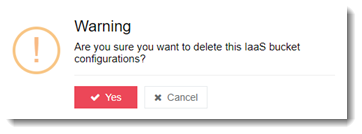
To delete AWS Bucket configuration, click Delete under Actions column.