| Product Documentation
Hybrid Control Panel (v10)
Deleting a user
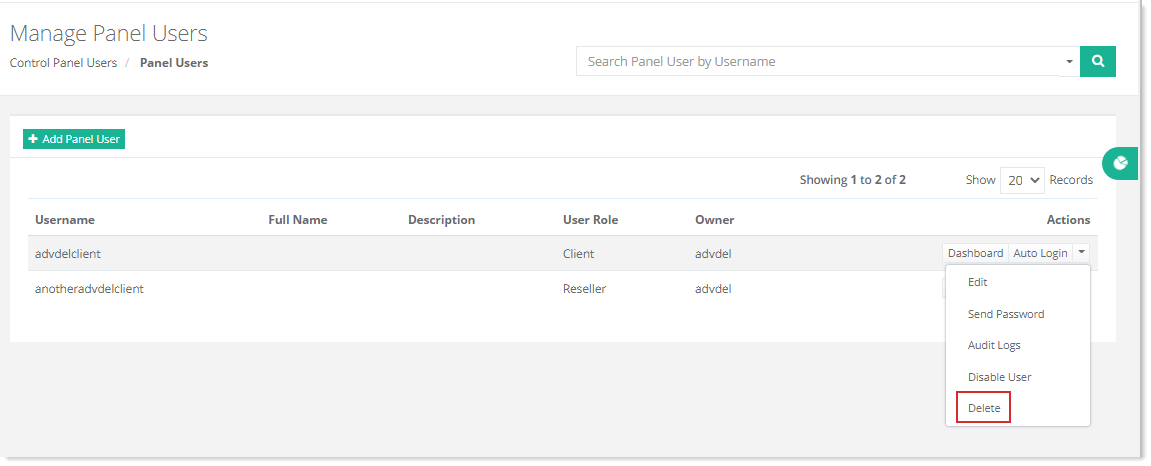
To delete a user, go to Control Panel Users >> Panel Users and click Delete under Actions column.
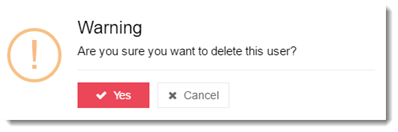
Advanced Delete
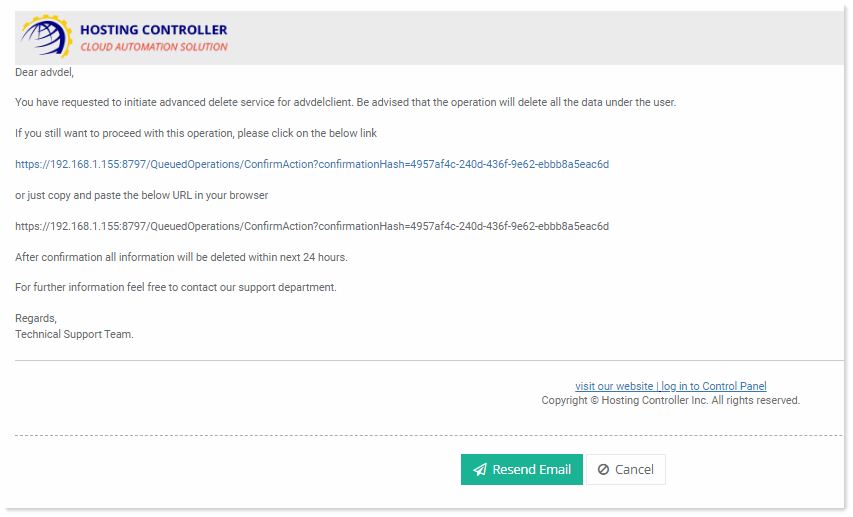
You will not be able to delete the user directly if there are consumed resources under it. Hosting Controller offers the feature of Advanced Delete for all such users who have consumed resources under them. This feature schedules an advanced delete operation for the user and all of its associated resources. Once the admin triggers an advanced delete operation, a mail is sent to the admin with a confirmation link. After the necessary confirmation, Hosting Controller submits the user and all its allied resources to a task scheduler which completes the deletion of the user and its resources within 24 hours.
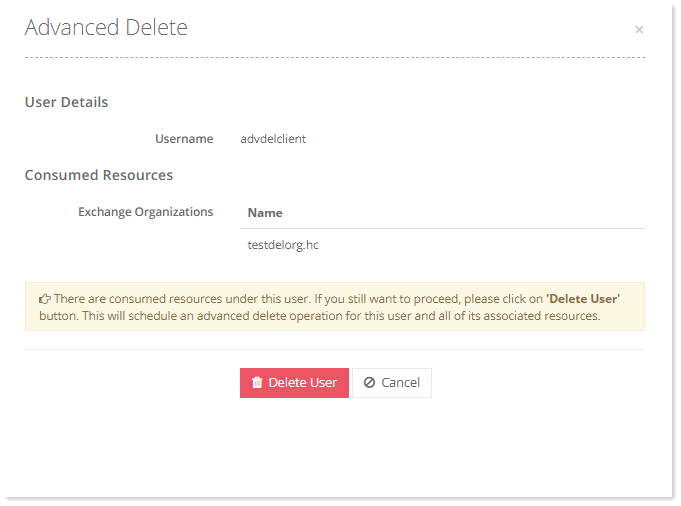
On pressing the Delete User button the following queued operation message will be displayed and a confirmation mail will be sent to the admin.
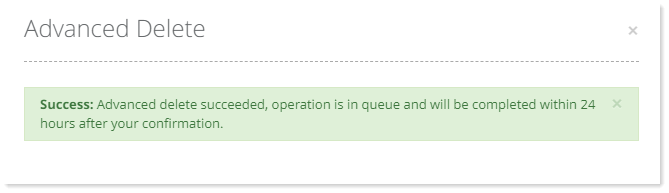
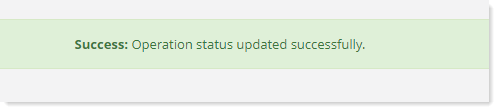
On providing confirmation through the confirmation link, the following success message will be displayed and the user with all its associated resources will be queued for deletion.