| Product Documentation
Hybrid Control Panel (v10)
Viewing Linux website dashboard
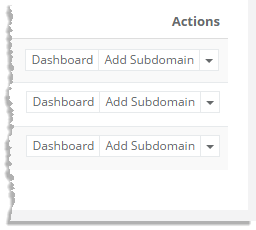
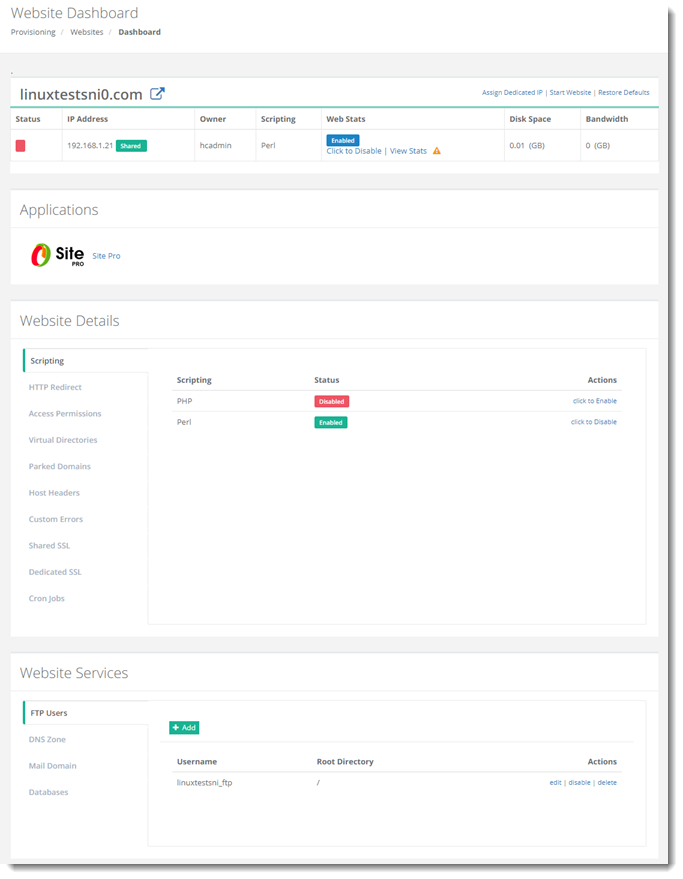
To view a Linux website dashboard, click Dashboard under Actions column.
Scripting
Hosting Controller Linux allows you to o?er and use two of the most powerful scripting languages available on the Internet. The available languages are:
- PHP
- Perl
To view/modify scripting related details, click Scripting.
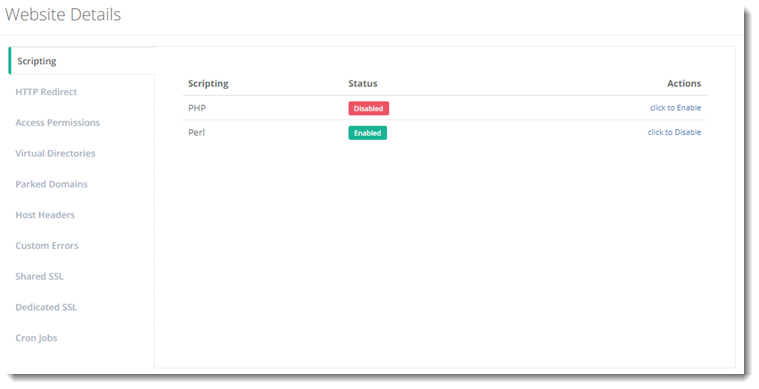
PHP: A widely-used general-purpose scripting language that is especially suited for Web development and can be embedded into HTML. PHP is a recursive acronym for PHP Hypertext Preprocessor.
Perl: Perl is a high-level programming language with an eclectic heritage originally written by Larry Wall. It’s process, ?le, and text manipulation facilities make it particularly well-suited for tasks involving quick prototyping, system utilities, software tools, system management tasks, database access, graphical programming, networking, and world wide web programming. Perl may stand for PERL or Practical Extraction and Report Language.
Status: You can enable or disable scripting for each Website that you have. This gives you maximum control over what each client can or cannot do, and you can change these settings quickly and easily.
HTTP Redirect
HTTP redirect allows clients requests to be redirected to new URL. To view/modify HTTP redirection details, click HTTP Redirect.
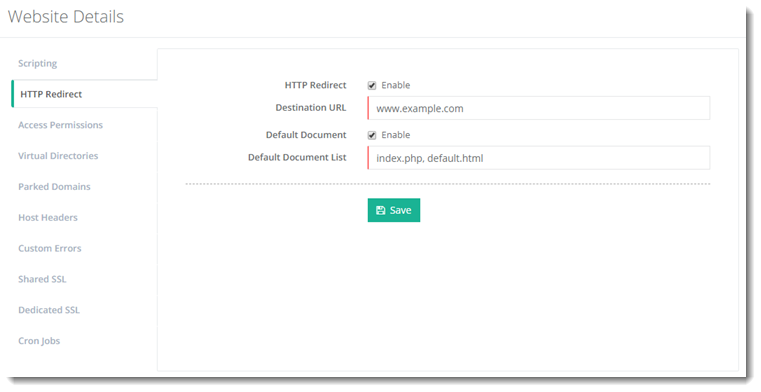
Destination URL: It is the new URL client requests will be redirected to.
Default Document: It tells the web server how to behave when it receives a request for site that does not mention a specific page. For example, when a web server receives a request for http://mycompany.com, its display can be automatically set to a document titled as default.htm, followed in order by default.asp, default.html etc., or any other name or type of file as required.
Access Permissions
To view/modify access details, click Access Permissions.
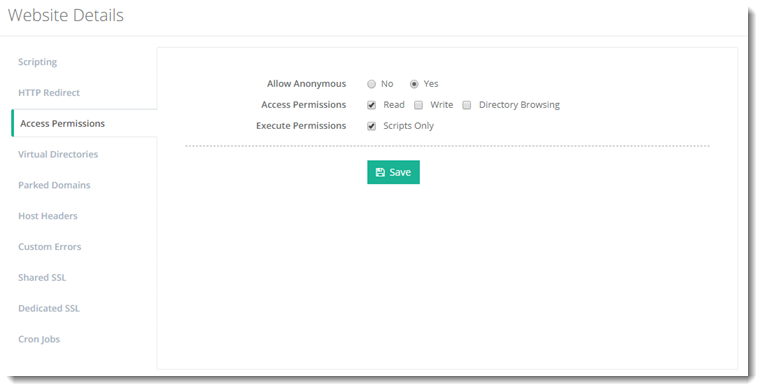
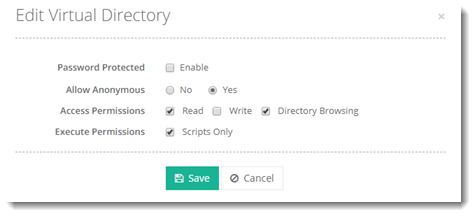
Allow Anonymous: It allows every one (without any prompt for a user name or password) to access the website.
Access Permissions: Directory Browsing allows browsers to view the directory structure of a website.
Execute Permissions:
Virtual Directories
Virtual Directories are friendly names that point to physical directories. Virtual Directories can be created in Apache webserver to point to paths outside of the normal path/root directory (/var/www). To view/modify virtual directories information, click Virtual Directories.
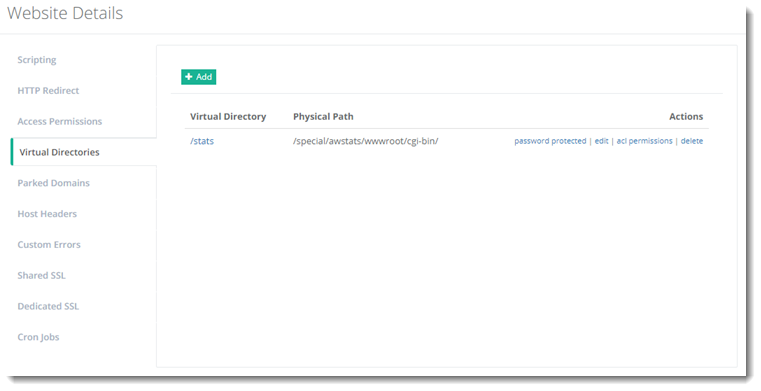
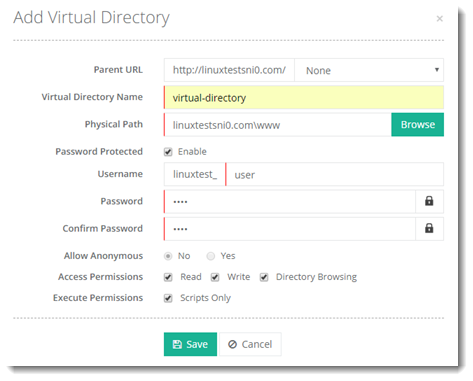
- To add a virtual directory, click +Add and specify required information as:
- To modify virtual directories information, click edit under Actions column.
- To view/change users' permissions on a selected virtual directory, click acl permissions under Actions column.
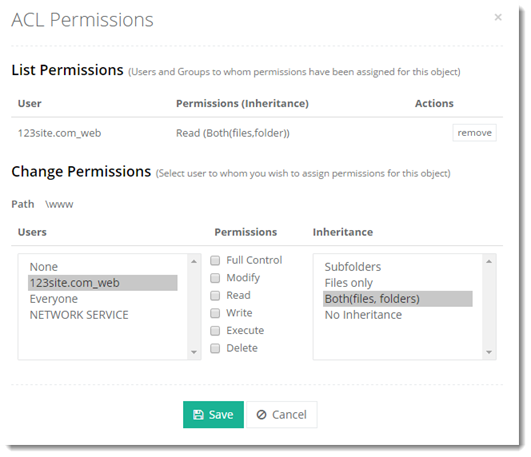
ACL Permissions: An access control list (ACL) tells a computer operating system which access rights each user has to a particular system object, such as a file directory or individual file. This can range from allowing anyone change or delete a folder, right through to only allowing one user view a specific file.
Parked Domains
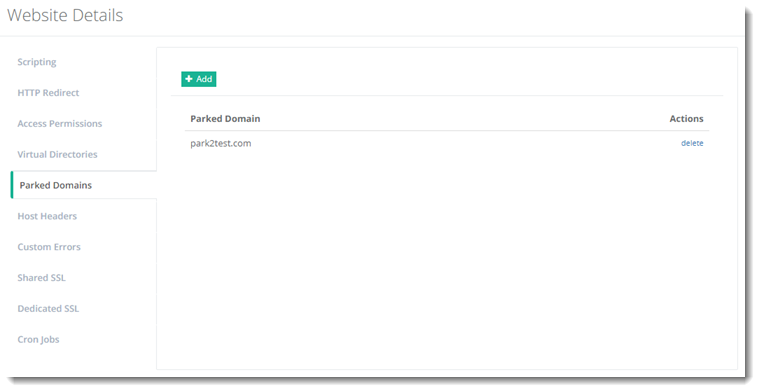
Parked domains refer to other domain names pointing to your main domain. All these other domain names serve the same content i.e. the web content of your primary domain. For example if you have a primary domain mycompany.com and you want to access the same domain with abc.com and xyz.com then both these additional domains are parked domains and both of them serve the webpages of your primary website. HC creates independent DNS zones for each of the parked domains. To view/modify parked domains related details, click Parked Domains.
Host Headers
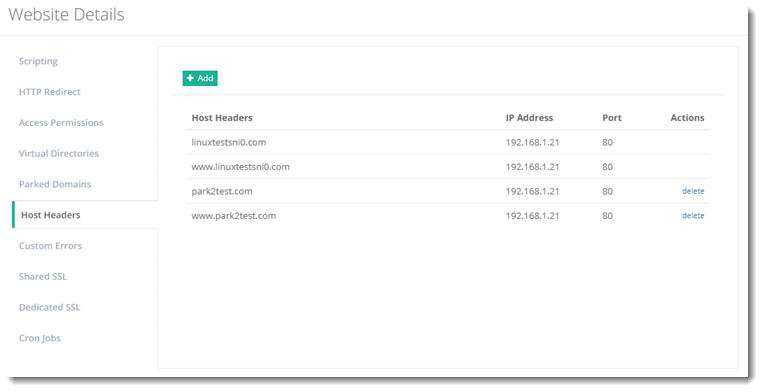
Adding Host Headers allow you to map multiple websites with the same port number to a single IP address. To view/modify host headers related details, click Host Headers.
Custom Errors
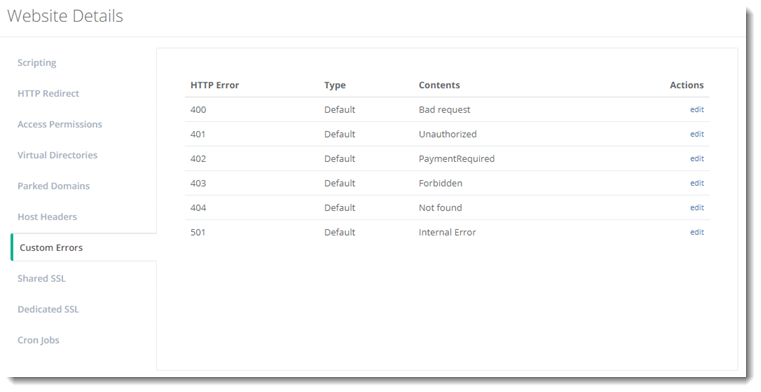
These are the standard error codes given to an HTTP error, for example 400, 401. To view/modify custom errors related details, click Custom Errors.
Shared SSL
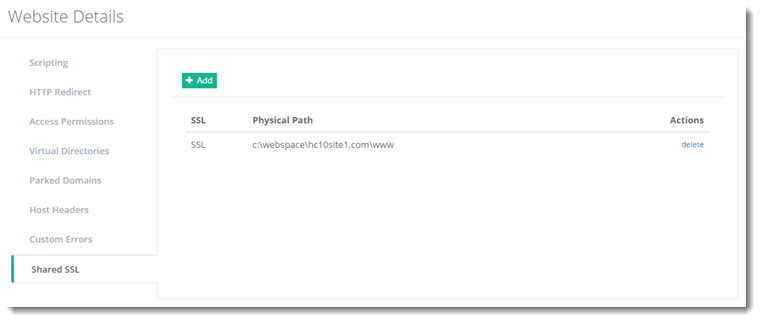
A shared SSL certificate enables Internet Service Providers (ISPs) to provide SSL encryption and business authentication to Web business customers, but without the need to issue unique digital certificates to each hosted customer. The service offers ISPs the convenience and streamlined management of a single specially licensed SSL digital certificate to share among multiple hosted websites. To view/modify shared SSL related details, click Shared SSL.
Dedicated SSL
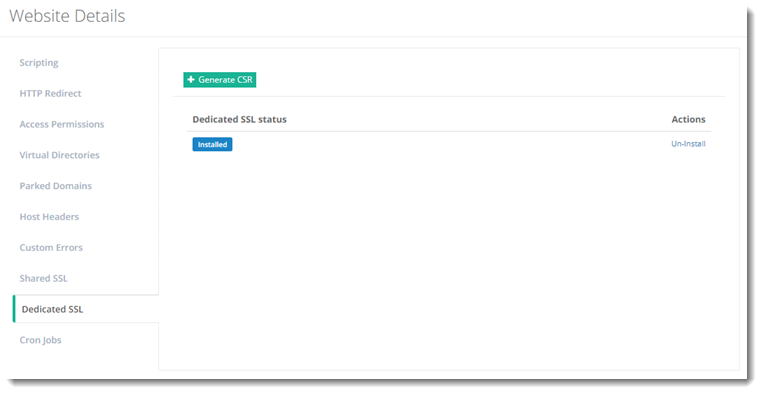
To view/modify dedicated SSL settings, click Dedicated SSL.
Cron Jobs
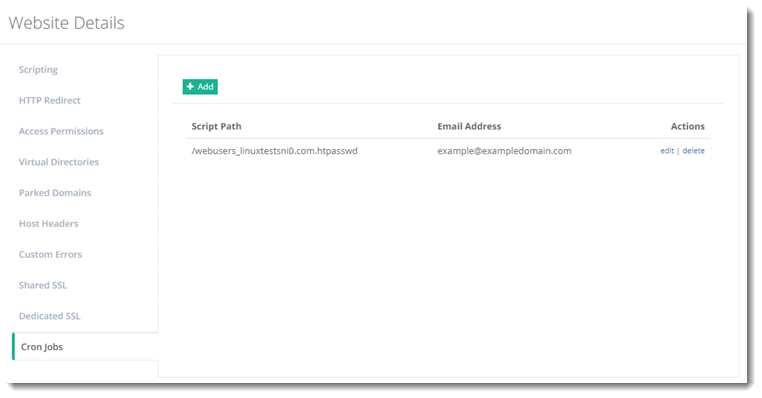
Linux Cron utility is an effective way to schedule a routine background job at a specific time and/or day on an on-going basis. Most commonly these are administrative or system maintenance jobs but generally can be anything. HC Linux provides a user friendly interface to manage scheduled jobs from within the panel. To view/modify cron jobs, click Cron Jobs.
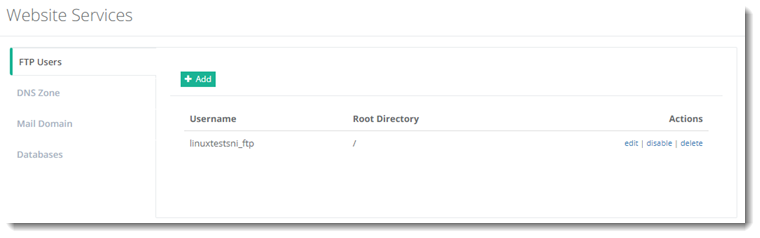
FTP Users
To manage FTP users, click FTP Users.
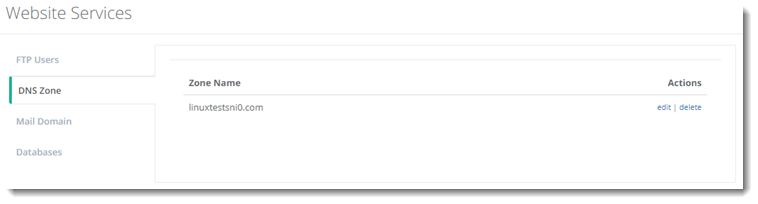
DNS Zone
To manage DNS zones, click DNS Zones.
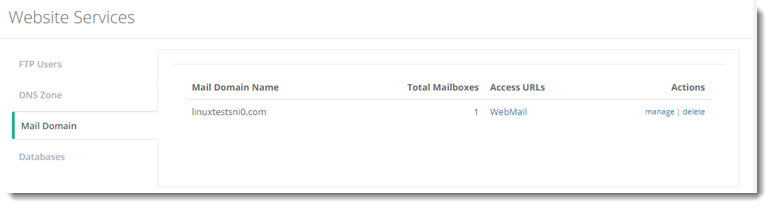
Mail Domain
To manage mail domains, click Mail Domain.
Databases
To manage databases, click Databases.
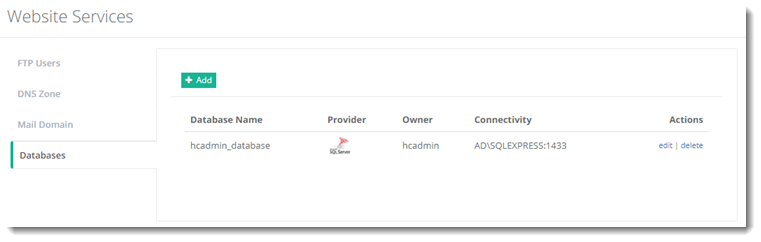
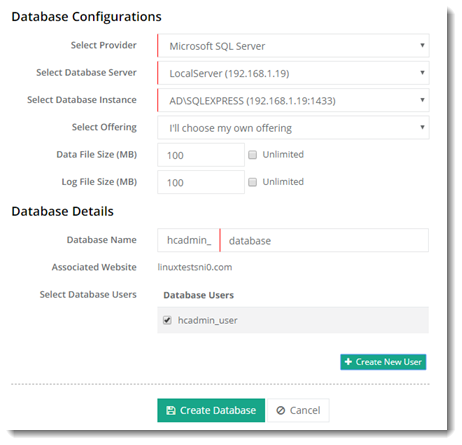
To add a database, click + Add, specify required details and click Create Database.