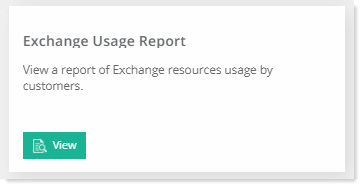
To view Exchange usage report, go to Reports >> Enterprise Reports and click View under Exchange Usage Report section to proceed.
|
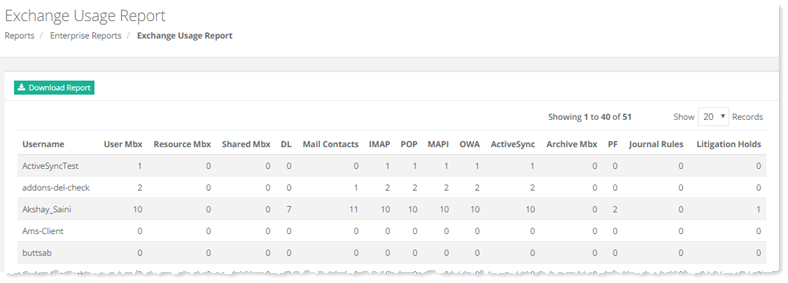
Exchange Usage Report page show following details:
- User Name- shows name of the user.
- User Mbx - shows number of user mailbox.
- Resource Mbx - shows number of resource mailboxes of this user.
- Shared Mbx - shows number of shared mailboxes of this user.
- DL - shows DL information.
- Mail Contacts - shows number of mail contacts.
- IMAP - shows IMAP details.
- POP - shows POP details.
- MAPI- shows MAPI details.
- OWA - shows OWA details.
- ActiveSync - shows ActiveSync details.
- PF - shows PF details.
- Journal Rules - shows number of journal rules created.
- Litigation Holds - shows number of litigation holds.
|
To view detailed report click Download Report.
