
| Product Documentation
Hybrid Control Panel (v10)
Deleting a service plan
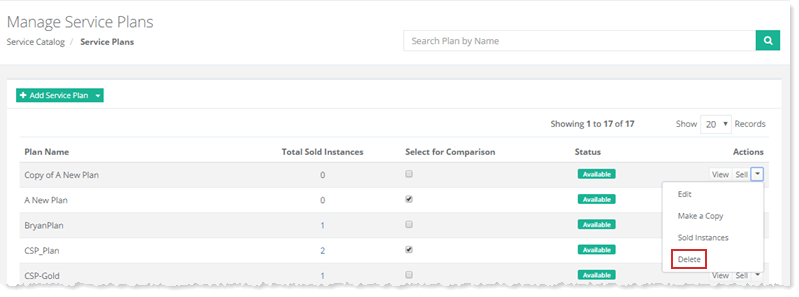
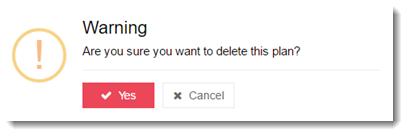
To delete a service plan, go to Service Catalog >> Service Plans and click Delete under Actions column.
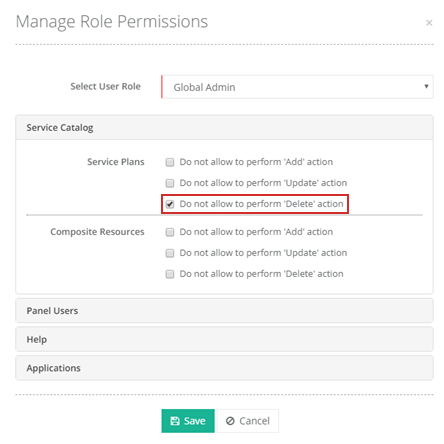
If you have enabled the option “Do not allow to perform 'Delete' action” in Manage Role Permissions, for yourself or for your customers, you or your customers will not be able to delete a Service Plan. For more information, see Managing Role Permissions.
Following exception will be thrown if this restriction is enabled:
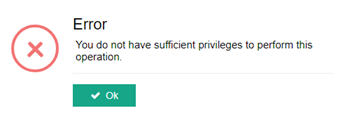
Following exception will be thrown if this restriction is enabled: