
| Product Documentation
Hybrid Control Panel (v10)
Adding a panel user
A panel user maybe a Reseller or a Client. Resellers resell services of the service provider whereas Clients are the end customers that manage websites, mailboxes, databases, DNS zones, SIP users etc.
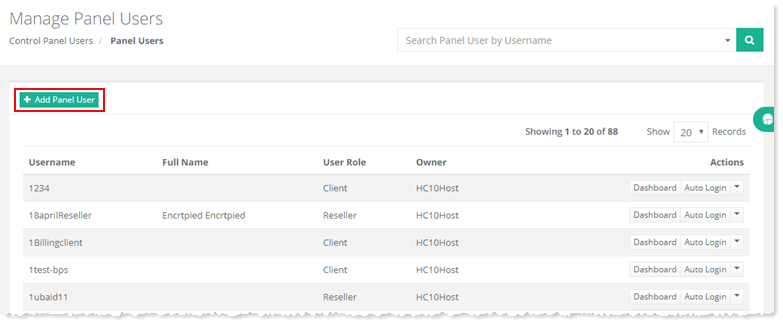
To add a panel user, go to Control Panel Users >> Panel Users >> + Add Panel User and specify required information to proceed.
|
Manage Panel Users page shows list of existing users with additional information as:
|
Fields marked in red are required fields and cannot be left empty.
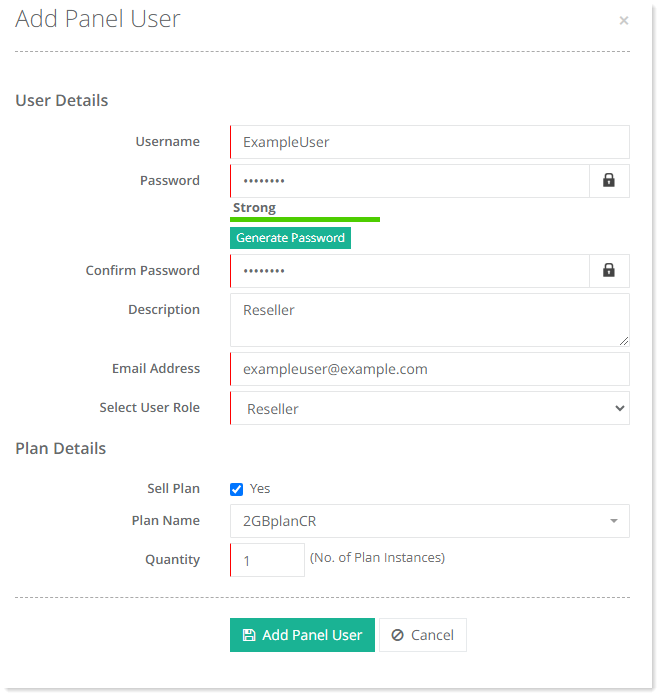
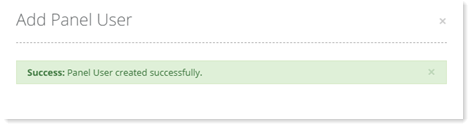
- Select User Role: A user can either be Reseller or a Client.
- Sell Plan: A plan can be sold to a customer at the time of its creation but this capability is optional. Provide plan details in case you decide to choose this option.
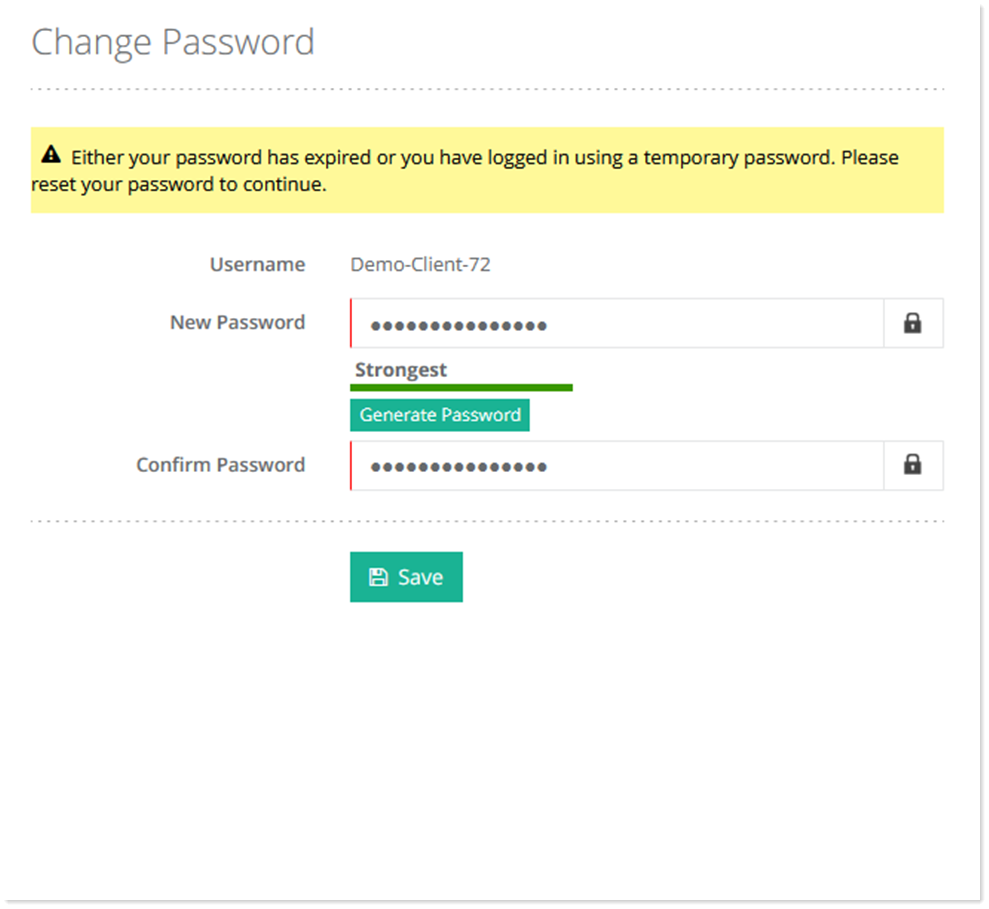
Password Reset
Whenever a new panel user is created, or when the password for an existing user is changed by the admin, the control panel forces the users to reset their passwords on their first login or their next login.
See how to add a panel user.