| Product Documentation
Hybrid Control Panel (v10)
Creating RDS Organization
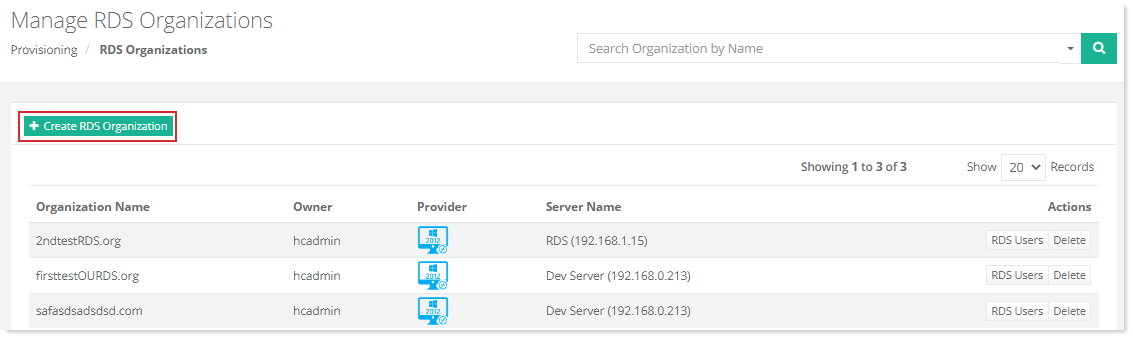
To create RDS organization , click + Create RDS Organization at top left. Specify required information to proceed.
You can either create RDS organization for yourself or for a specified user.
Myself
To create RDS organization for myself, select the checkbox Owner (Create RDS Organization for myself) and specify required information as:
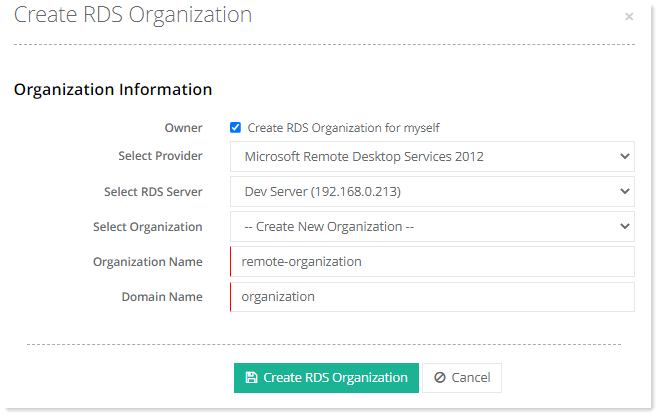
- Select Provider: Select provider from the list.
- Select RDS Server: Select RDS server from the list. This is the server where RDS services are installed.
- Select Organization: Select organization from the list. You can either create a new organization or select an existing organization.
- Organization Name: In case of new organization, specify name for the organization.
- Domain Name: Specify domain name. Domain is required for RDS user creation. The users of this organization should be under a specific domain.
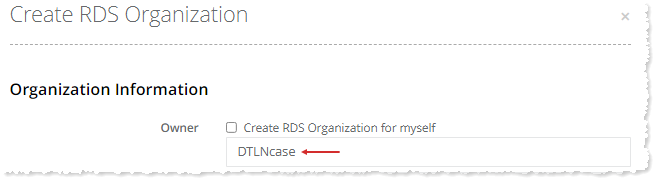
Specified User
To create RDS organization for selected user, specify name of the required user as: