| Product Documentation
Hybrid Control Panel (v10)
Create a resource mailbox
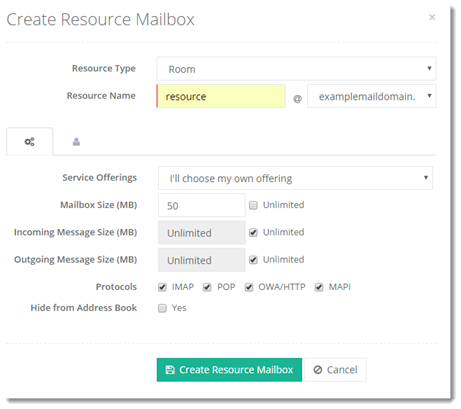
A resource mailbox is a special mailbox used for scheduling and tracking events such as reserving a timeslot in a conference room or assigning company equipment, such as a car, to personnel. There are two types of resource mailboxes; room and equipment. Room mailboxes are assigned to location specific resources such as a conference room, auditorium, or training room and are used for managing the schedule of these resources. Equipment mailboxes are allocated to resources that are not location specific, such as company whiteboards, portable projectors or cars. HC allows the creation of both types of resource mailboxes through its interface.
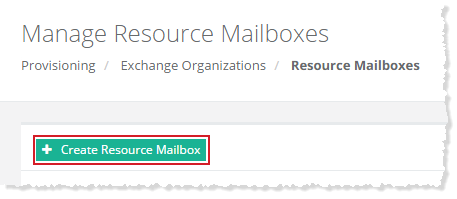
To create a resource mailbox, click + Create Resource Mailbox and specify required information to proceed.
Advanced Properties
Click  to specify some advanced level configurations as:
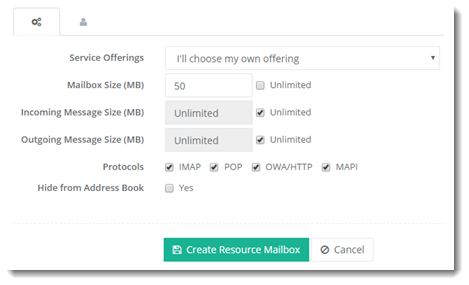
- Hide from Address Book: The tenant admin can hide a resource mailbox from all the address lists. If a resource mailbox is hidden from the address lists, its mailbox will not be visible in all address lists and GALs. It will still be able to receive email messages, but other users will not be able to find the particular mailbox in address lists.
User Properties
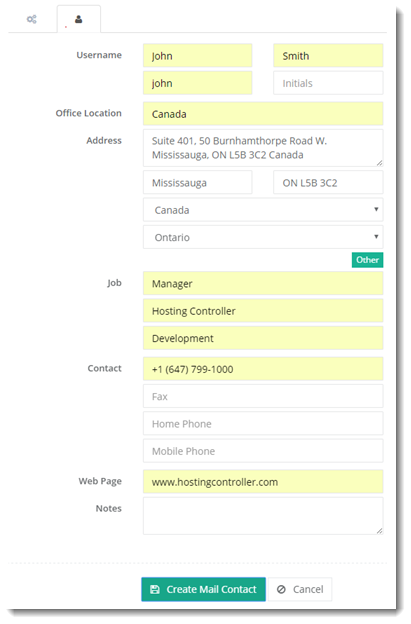
Click  to specify user information as: